
Software
Struggling to balance group projects, deadlines, and virtual study sessions? Microsoft Teams transforms how students collaborate—without the complexity of other tools. These 10 benefits show how this free app can simplify your academic life, improve teamwork, and even reduce stress.
Seamless Group Project Collaboration
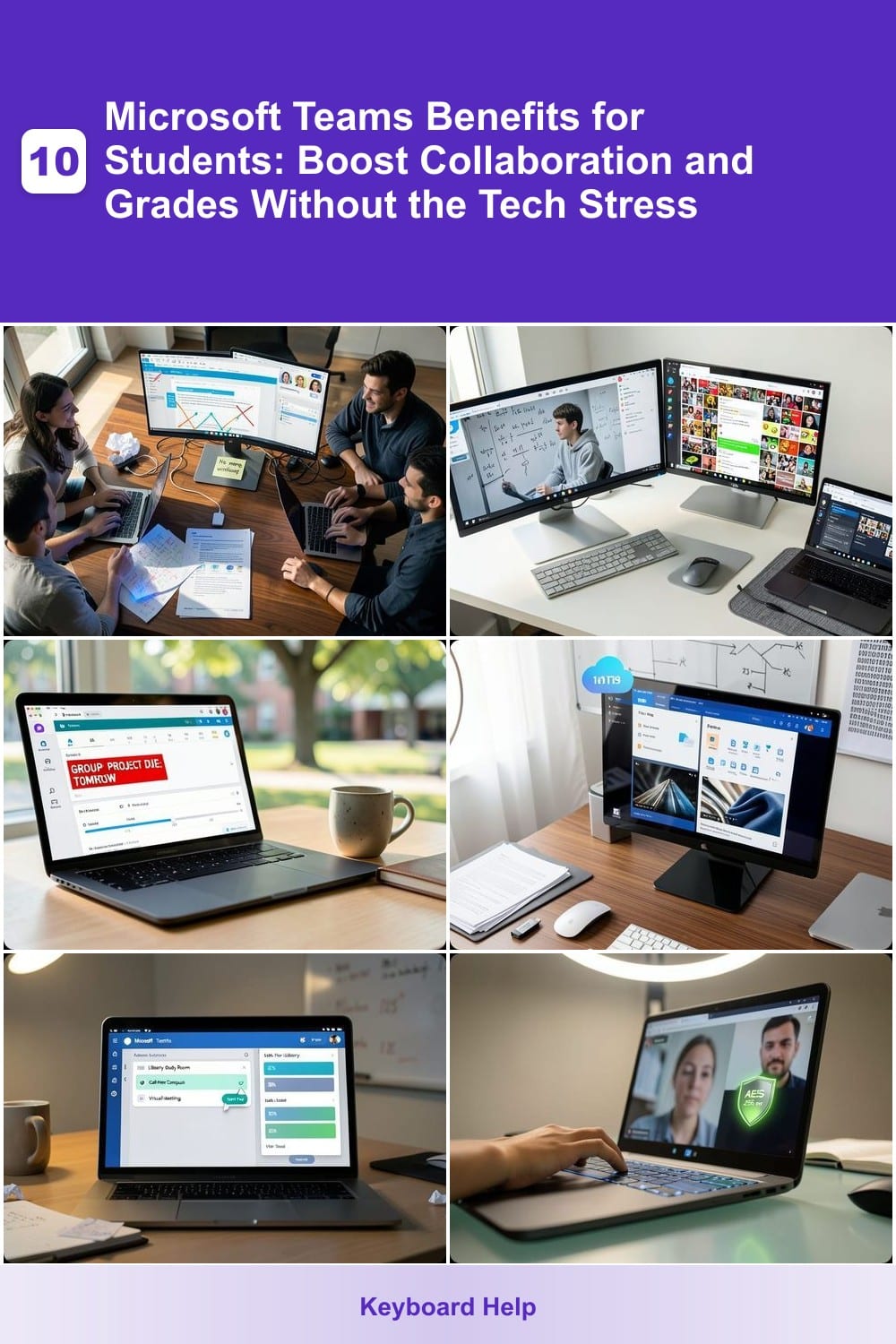
Ever spent hours merging Word documents or chasing down the "latest version" of a group project? Microsoft Teams’ real-time co-editing in Word, Excel, and PowerPoint lets you and your team work on the same file simultaneously—no more "finalfinalv3.docx" chaos.
With live cursors showing who’s editing what and comment threads integrated directly into files, you’ll never lose track of changes. Need to brainstorm? The shared whiteboard tool lets your group sketch ideas together, even if you’re scattered across campus—or the world. Plus, version history keeps every edit safe, so you can always roll back if something goes wrong. ⚡
Virtual Study Hall Organization
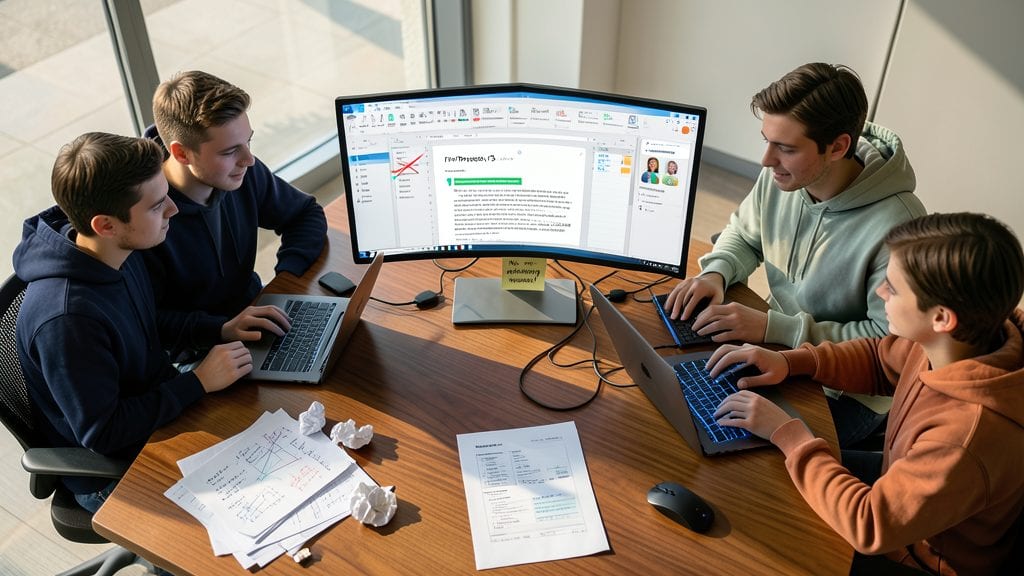
Drowning in group chats where study sessions get derailed by memes or off-topic debates? Microsoft Teams turns the chaos into a structured virtual study hall with built-in tools designed for focus. Schedule recurring sessions, share your screen to walk through problems, or use the whiteboard feature to sketch diagrams—all while keeping everyone on task.
The screen sharing lets you present notes or slides in real time, while the whiteboard acts like a digital chalkboard for brainstorming equations or flowcharts. You can even record sessions to replay key concepts later. No more hunting through DMs for lost files or dealing with fragmented discussions—everything stays organized in one place.
This is your secret weapon for exam prep groups or international collaborations where time zones make in-person meetings impossible. Perfect for students juggling multiple campuses or remote learning. ✨
Automatic Assignment Tracking
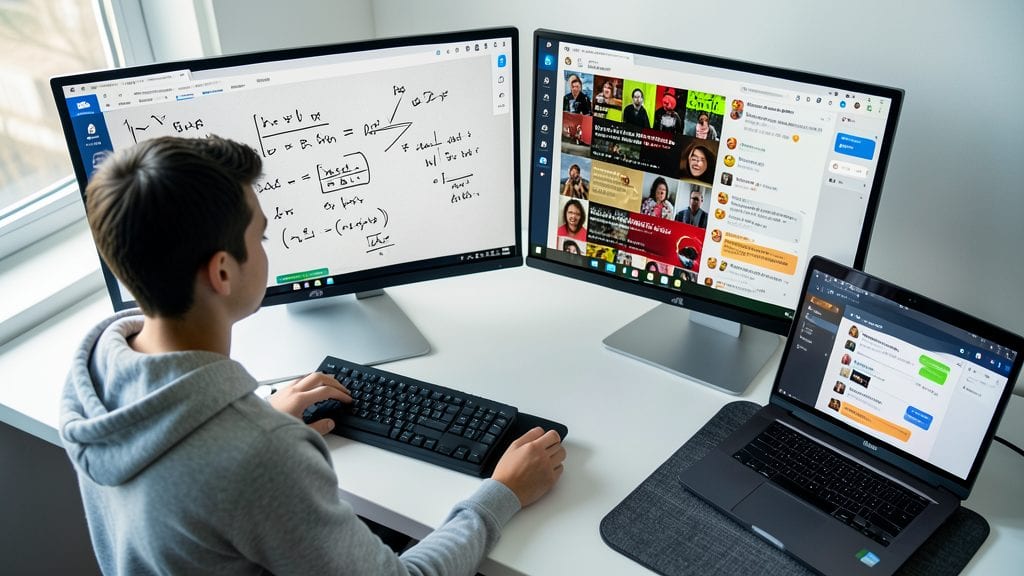
Forget scribbling deadlines on sticky notes—Microsoft Teams automatically syncs with your school calendar and Outlook, so every assignment, quiz, and project pops up as a reminder. No more digging through emails or panicking when a due date sneaks up on you.
The app highlights critical deadlines in bold and even lets you set custom alerts for specific tasks. Whether it’s a group project due in three days or a pop quiz tomorrow, Teams ensures you stay on top of it all—without the stress of last-minute scrambles. The integration with Outlook means your personal and academic schedules stay in one place.
Perfect for students juggling multiple classes, this feature is a lifesaver for international students managing time zones or anyone prone to overloading their to-do list. No more missed submissions! ✨
Free Cloud Storage for Large Files
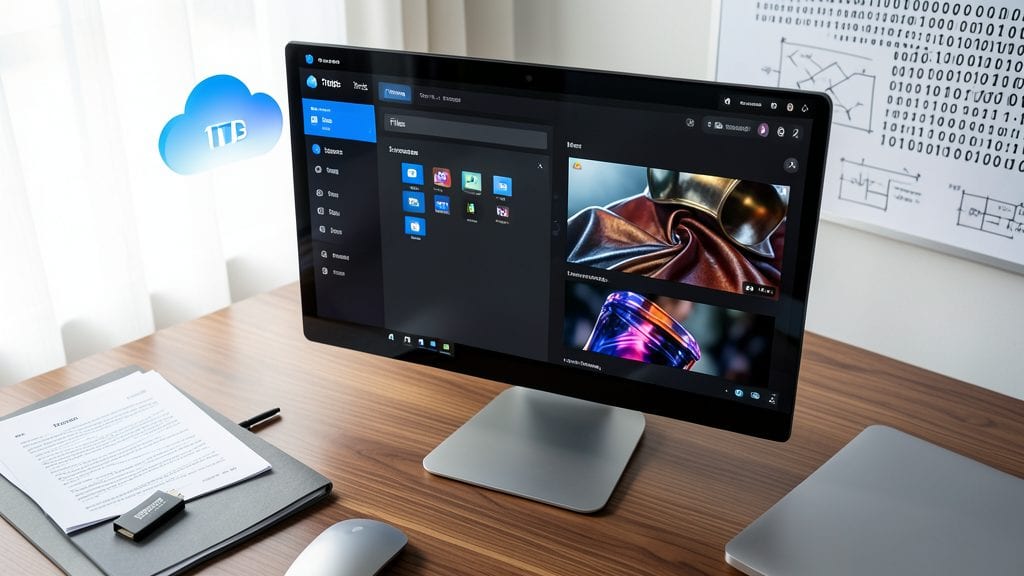
Tired of hitting email attachment limits when sharing your 50MB research paper or high-res project video? Microsoft Teams includes 10GB of free cloud storage per user—plus shared team folders—so you can upload anything without workarounds.
Every student gets 1TB of shared storage across their team folders, meaning no more "file too large" errors. Drag-and-drop files directly from your desktop, and access them instantly from any device. The OneDrive integration keeps everything synced, while version history lets you revert to earlier drafts if needed.
Perfect for film students editing raw footage, engineering teams sharing CAD files, or research groups collaborating on data sets. No more zipping files or begging IT for extra space! ✨
Built-In Polls and Quizzes
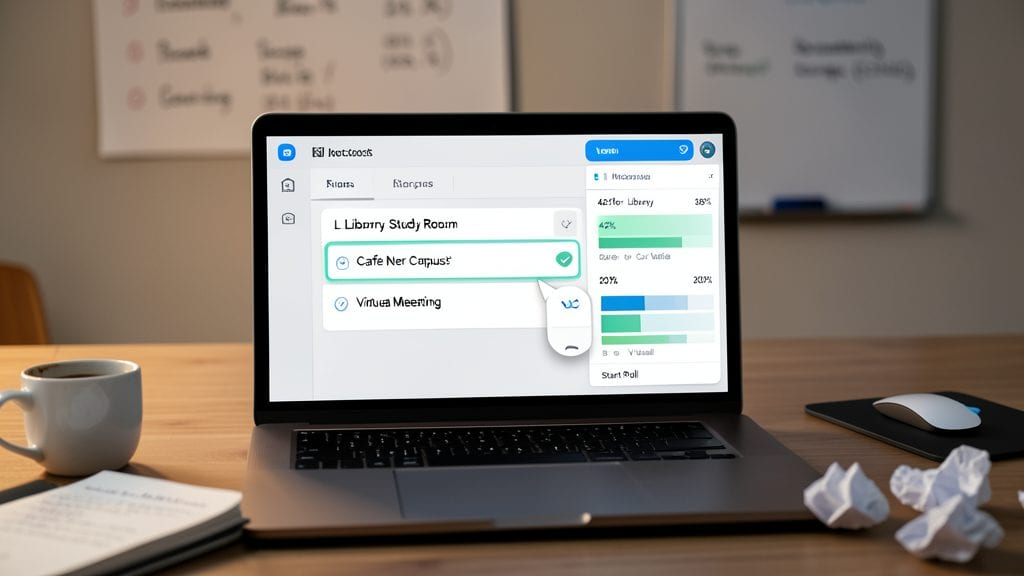
Tired of sending endless emails to decide where your group should meet or wasting time on manual surveys? Microsoft Teams’ built-in polls and quizzes turn group decisions into a one-click process—no more back-and-forth messages or misplaced votes.
Create real-time polls (multiple-choice, yes/no, or text responses) in seconds, perfect for quick decisions like meeting times or project roles. For knowledge checks, use gradable quizzes with auto-scoring—ideal for study groups reviewing flashcards or practice questions. The live results dashboard shows responses instantly, so you can make decisions faster than traditional surveys.
This feature is a game-changer for group projects, study sessions, or even class discussions—no extra apps or sign-ups required. Just start a chat, add a poll, and let the team vote. ✨
Secure Video Calls for Professors
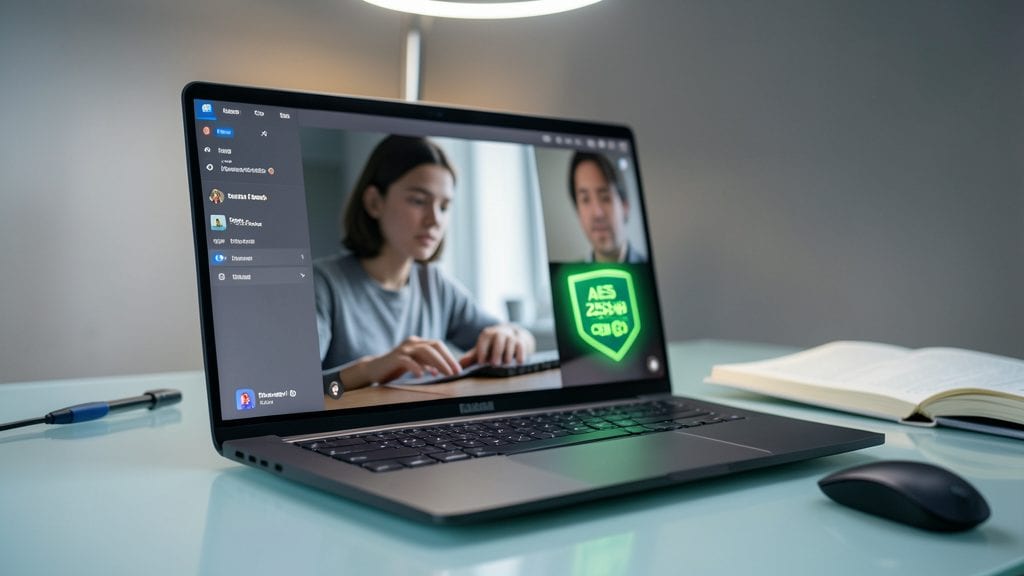
Ever hesitated to ask a professor a question in a public forum or via email—worried about privacy or miscommunication? Microsoft Teams solves that with end-to-end encrypted video calls, ensuring your discussions stay confidential and secure during office hours.
With AES 256-bit encryption (the same standard used by banks), your one-on-one sessions with professors are protected from eavesdropping or data leaks. The screen-sharing feature lets you walk through assignments in real time, while the call recording option (with consent) lets you review key points later. No more awkward follow-up emails or forum posts—just direct, private conversations.
This is perfect for graduate students working on sensitive research or undergrads needing extra help without the pressure of group settings. 💻
Mobile App for On-the-Go Access
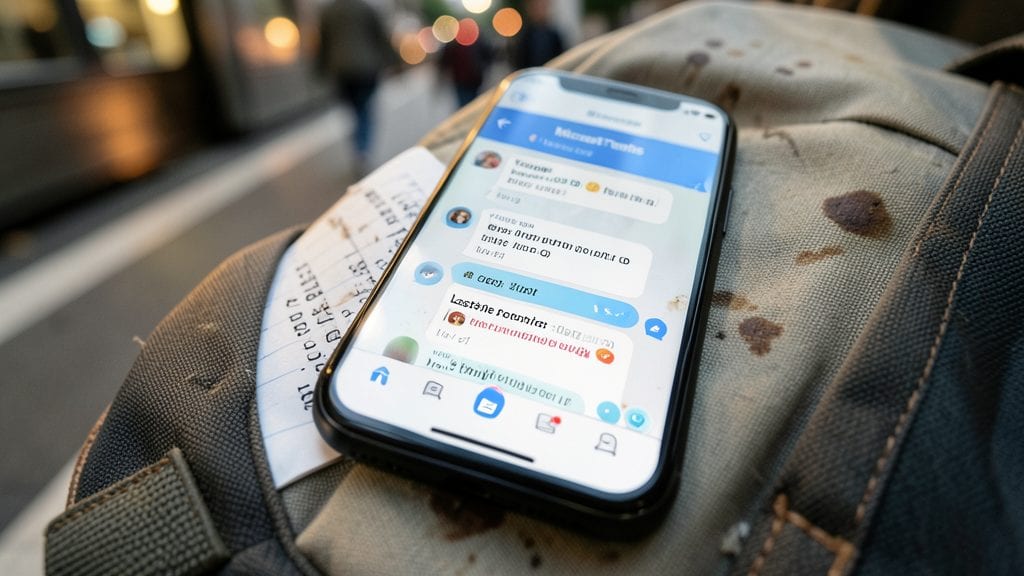
Ever missed a group chat reply or a last-minute assignment update because you were on the move? The Microsoft Teams mobile app turns your phone into a productivity powerhouse, letting you stay connected without being glued to a desktop.
With real-time notifications, you can respond to messages, upload files, or even join video calls—all from your phone. The app syncs seamlessly with your desktop version, so no matter where you are, your team chats, files, and deadlines stay right at your fingertips. Whether you're waiting for the bus, between classes, or stuck in traffic, you’ll never miss a beat.
Perfect for commuters, students with erratic schedules, or anyone who needs flexibility—this app keeps collaboration alive, no matter where life takes you. ✨
Customizable Notifications
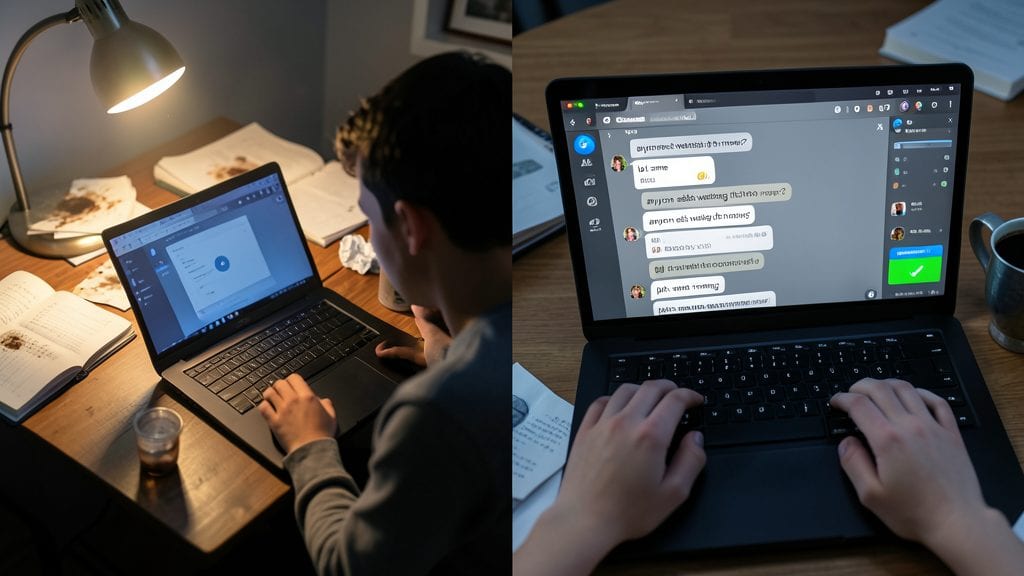
Cram for finals while your group chat blows up with "anyone else watching this movie?" messages? Teams’ customizable notification settings let you mute non-urgent alerts—like casual chats—while keeping @mentions and file updates loud and clear.
You can silence notifications for entire channels or set Do Not Disturb modes during study blocks, all with just a few clicks. The app even remembers your preferences across devices, so your phone stays quiet during library sessions without you lifting a finger.
Perfect for students juggling group projects and exam prep—now you can focus without missing what truly matters. ✨
Integration with Other Microsoft Tools
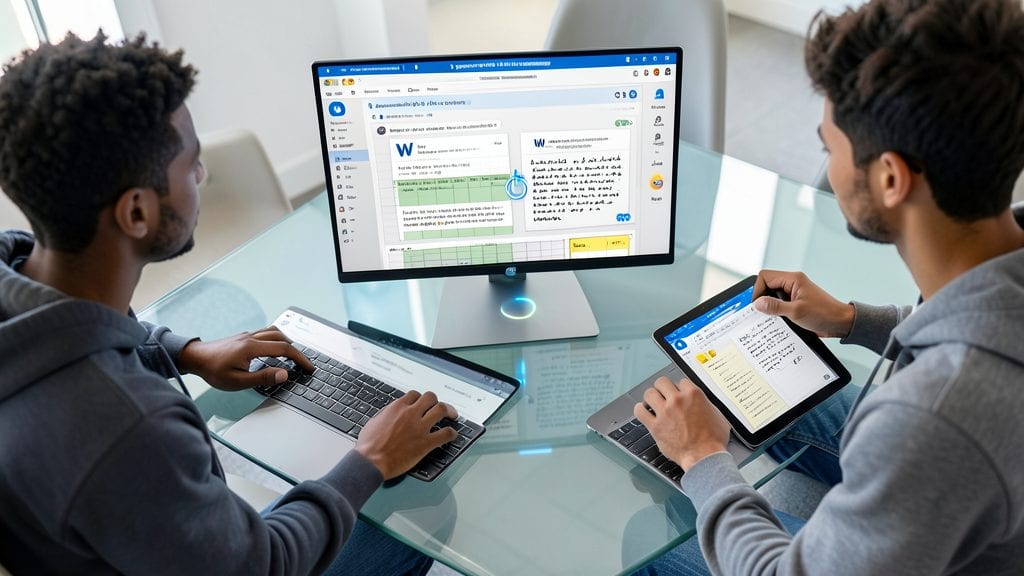
Tired of bouncing between apps to finish group projects? Microsoft Teams seamlessly integrates with Word, Excel, and OneNote, letting you edit files directly in chats or channels without ever leaving the platform.
Need to tweak your research paper? Open the Word document in Teams and make changes while discussing it live with your group. Use Excel spreadsheets for budget tracking mid-conversation, or jot notes in OneNote during brainstorming sessions—all while keeping the discussion flowing. The real-time co-authoring feature ensures everyone sees updates instantly, cutting down on version chaos.
This is a game-changer for students juggling multiple tools—whether you're drafting a group presentation in PowerPoint or organizing research in OneNote. No more emailing files back and forth or losing track of edits. ⚡
Free for Students with .edu Email
Tired of paying for productivity tools when you’re already shelling out for tuition? Microsoft Teams offers zero-cost access for students—just sign in with your school email ending in .edu, and unlock all premium features without breaking the bank.
This means unlimited cloud storage, advanced video conferencing tools, and real-time collaboration—all at no extra charge. Whether you’re working on a group project or studying with peers, you get the same professional-grade features used by businesses, but tailored for academic success.
Perfect for undergrads, grad students, or even high schoolers with a school email—no credit card required. 💻