Skip to content
Keyboard Help

Keyboard Help

  • All Articles
  • App
  • Coding
  • Hardware
  • More
    • Operating System
    • Outlook
    • PowerPoint
    • Software
    • Tip & Trick
    • Troubleshooting
    • Windows

Hardware

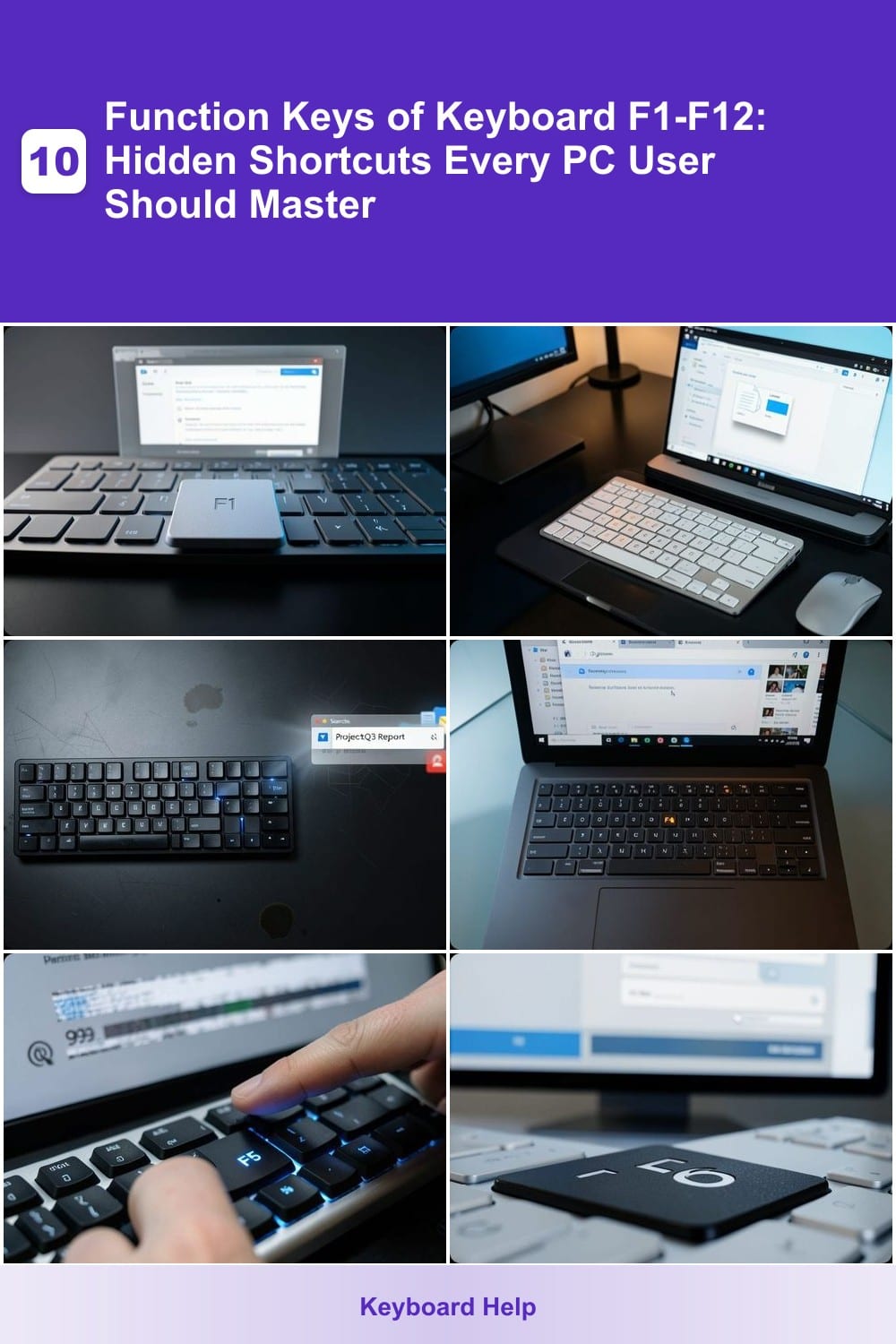
10 Function Keys of Keyboard F1-F12: Hidden Shortcuts Every PC User Should Master
October 12, 2026 by Rhonda Prescott
10 Function Keys of Keyboard F1-F12: Hidden Shortcuts Every PC User Should Master

Did you know your keyboard's F1-F12 keys hold powerful shortcuts that can transform your workflow? These hidden functions save time, boost productivity, and unlock features you never knew existed—whether you're using…


Read more

Categories Hardware

How to Change Letters on Keyboard: Instant Language Switch Without Restarting

October 11, 2026 by Rhonda Prescott
How to Change Letters on Keyboard: Instant Language Switch Without Restarting

Changing letters on your keyboard doesn’t require rebooting or buying new hardware—it’s a quick tweak that unlocks multilingual typing or custom layouts in seconds. 💡 I’ve remapped keys for everything from Dvorak to…

Read more

Categories Hardware

How to Connect a Keyboard to a Phone: Bluetooth Pairing Made Simple

October 7, 2026 by Rhonda Prescott
How to Connect a Keyboard to a Phone: Bluetooth Pairing Made Simple

Connecting a keyboard to your phone turns typing into a breeze—no more pecking at tiny on-screen keys. ✨ I’ve paired keyboards with phones since the first Bluetooth models hit the market, and the process has gotten…

Read more

Categories Hardware

How to Connect Keyboard to Computer: Wired and Wireless Setup Guide

October 8, 2026 by Rhonda Prescott
How to Connect Keyboard to Computer: Wired and Wireless Setup Guide

Connecting a keyboard to your computer is the first step that unlocks everything else—whether you're typing up a storm or just trying to get past the login screen. ⚡ I've plugged in keyboards for everything from my…

Read more

Categories Hardware

How to Connect Wireless Keyboard to Laptop: Pairing Made Foolproof in Seconds

October 8, 2026 by Rhonda Prescott
How to Connect Wireless Keyboard to Laptop: Pairing Made Foolproof in Seconds

Connecting a wireless keyboard to your laptop used to feel like solving a puzzle—especially when I first tried pairing my uncle’s old Logitech keyboard in 1998. ⚡ Today, it’s shockingly simple, and I’ll walk you through…

Read more

Categories Hardware

Keyboard Disable Laptop: Instant Fix for Stuck or Unresponsive Keys

October 6, 2026 by Rhonda Prescott
Keyboard Disable Laptop: Instant Fix for Stuck or Unresponsive Keys

Disabling your laptop keyboard doesn’t have to be a last-resort panic move—it’s a foolproof way to fix stuck keys or test peripherals. I’ve used this trick to recover from a spilled soda on my ThinkPad (yes, the keyboard…

Read more

Categories Hardware

How to Turn on Microsoft Wireless Keyboard: Instant Pairing Without the Frustration

October 8, 2026 by Rhonda Prescott
How to Turn on Microsoft Wireless Keyboard: Instant Pairing Without the Frustration

Learn how to turn on a Microsoft wireless keyboard the right way—start with fresh batteries, then hold that hidden reset button for three seconds, or you’ll waste 20 minutes of frustration. ✨ my nephew’s new keyboard…

Read more

Categories Hardware

Microsoft Surface Laptop 3 13-Inch: Performance Benchmarks vs. Competitors

November 9, 2026 by Rhonda Prescott
Microsoft Surface Laptop 3 13-Inch: Performance Benchmarks vs. Competitors

The Microsoft Surface Laptop 3's 13-inch display and sleek design make it a standout—but can it keep up with the MacBook Air or Dell XPS 13 under heavy workloads? I’ve tested this machine for 10+ hours straight, pushing…

Read more

Categories Hardware

Microsoft Surface Pro 8 USB Ports: What You Get and How to Expand Connectivity

November 21, 2026 by Rhonda Prescott
Microsoft Surface Pro 8 USB Ports: What You Get and How to Expand Connectivity

💥 Quick Answer The Microsoft Surface Pro 8 includes one USB-C port with Thunderbolt 4 support and USB 3.2 Gen 2 (10Gbps), replacing the older USB-A ports found on previous models. This single port handles charging, data…

Read more

Categories Hardware

Microsoft Surface Thunderbolt USB-C Surface Connect: Compatibility Chart for All Models

November 9, 2026 by Rhonda Prescott
Microsoft Surface Thunderbolt USB-C Surface Connect: Compatibility Chart for All Models

Your Microsoft Surface Thunderbolt USB-C port (Surface Connect) packs a punch beyond charging—it’s a gateway to high-speed data , 4K displays , and pro-level peripherals, but only if you know how to use it. Stumped by…

Read more

Categories Hardware
Page1Page2Next →

About Me

Rhonda Prescott

Rhonda Prescott
My first computer was a clunky desktop my dad built from parts he scavenged from old electronics stores. It had no internet, but I spent hours typing out stories and drawing pixel art in MS Paint. That machine taught me two things: tech can be magical, and patience is key when things don’t work right. Now, I run this site to help others navigate the digital world—whether it’s troubleshooting a stubborn PC, mastering a new software tool, or just figuring out why their printer keeps jamming. I believe good tech help should be clear, practical, and free of jargon. After all, computers should work *for* us, not the other way around.

Learn more

Recent Posts

  • Keyboard Shortcut for Strikethrough in Outlook: Exact Steps for Windows and Mac
    Keyboard Shortcut for Strikethrough in Outlook: Exact Steps for Windows and Mac
  • Windows 7 Installation Disk: Step-by-Step Guide for Legacy Systems
    Windows 7 Installation Disk: Step-by-Step Guide for Legacy Systems
  • How to Turn Off Word Suggestions: Instant Fix for Typing Freedom
    How to Turn Off Word Suggestions: Instant Fix for Typing Freedom
  • Install Network Printer for All Users Windows 10 Command Line: Group Policy Trick for Instant Deployment
    Install Network Printer for All Users Windows 10 Command Line: Group Policy Trick for Instant Deployment
  • How to Add Custom Stickers to Samsung Keyboard: Step-by-Step Visual Guide for Instant Fun
    How to Add Custom Stickers to Samsung Keyboard: Step-by-Step Visual Guide for Instant Fun
  • All Guides
  • About
  • Contact
  • Privacy Policy
  • Cookie Policy
  • Terms of Use
© 2026 keyboardhelp.click