Skip to content
Keyboard Help

Keyboard Help

  • All Articles
  • App
  • Coding
  • Hardware
  • More
    • Operating System
    • Outlook
    • PowerPoint
    • Software
    • Tip & Trick
    • Troubleshooting
    • Windows

Operating System

Add a Border to a Picture: Pixel-Perfect Frames in Seconds

October 12, 2026 by Rhonda Prescott
Add a Border to a Picture: Pixel-Perfect Frames in Seconds

Adding a border to a picture used to mean fumbling with Photoshop layers or praying for PowerPoint’s "Picture Format" tab to cooperate. ✨ I’ve spent hours perfecting this process across every tool you might use—from free…


Read more

Categories Operating System

10 Creative Ways to Present Financial Data: Visual Storytelling Techniques for Clearer Decisions

November 4, 2026 by Rhonda Prescott
10 Creative Ways to Present Financial Data: Visual Storytelling Techniques for Clearer Decisions

Drowning in spreadsheets and confusing charts? These 10 creative financial data visualization techniques will transform raw numbers into compelling stories that drive smarter decisions—perfect for analysts…

Read more

Categories Operating System

10 Internal Safeguards to Protect Company Data: Proven Cybersecurity Measures for IT Teams

November 4, 2026 by Rhonda Prescott
10 Internal Safeguards to Protect Company Data: Proven Cybersecurity Measures for IT Teams

Data breaches cost businesses millions annually—and many attacks start with internal vulnerabilities. These 10 internal safeguards provide IT teams with actionable, proven cybersecurity measures to lock down company data…

Read more

Categories Operating System

Microsoft System CLR Types for SQL Server 2012 WSUS: Direct Download & Compatibility Fixes

October 10, 2026 by Rhonda Prescott
Microsoft System CLR Types for SQL Server 2012 WSUS: Direct Download & Compatibility Fixes

SQL Server 2012 WSUS deployments fail when the Microsoft system CLR types aren’t properly installed—here’s the direct download and compatibility fixes you need to resolve it. I’ve seen this error cripple updates in…

Read more

Categories Operating System

10 Free OneNote Planner Templates: 2023 Designs for Productivity on Any Device

November 4, 2026 by Rhonda Prescott
10 Free OneNote Planner Templates: 2023 Designs for Productivity on Any Device

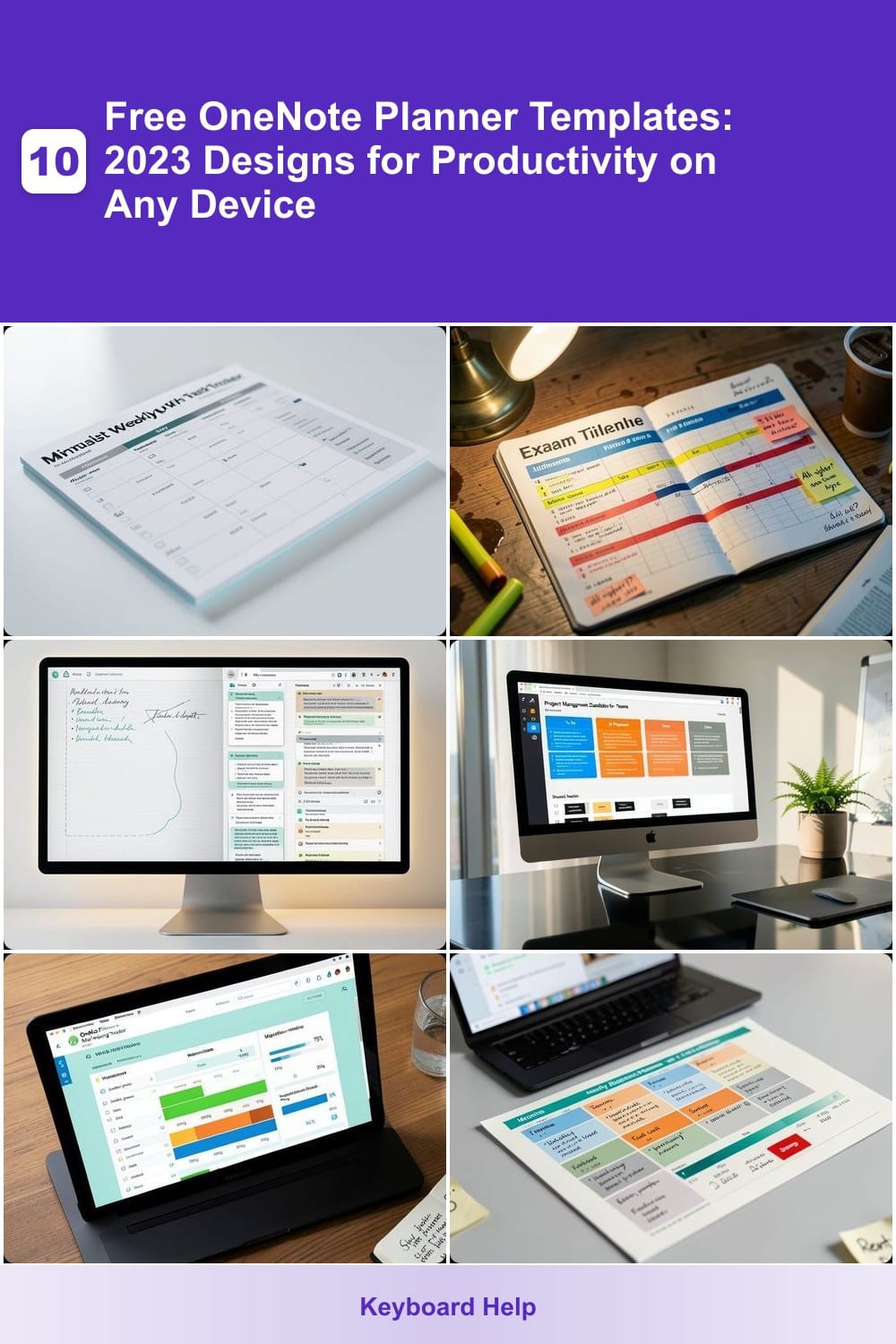
Transform your productivity with these 10 free OneNote planner templates designed for 2023. Whether you're a student, professional, or creative, these customizable layouts help you organize tasks, goals, and projects…

Read more

Categories Operating System

How to Create a New Folder Using Keyboard Shortcuts: Windows & Mac Commands

October 10, 2026 by Rhonda Prescott
How to Create a New Folder Using Keyboard Shortcuts: Windows & Mac Commands

💥 Quick Answer The shortcut to create a new folder is simple: on Windows, use Ctrl+Shift+N in File Explorer, while Mac users should press Shift+Command+N in Finder. Both create an empty, unnamed folder instantly. The…

Read more

Categories Operating System

Surface Thunderbolt Dock USB-C Surface Connect: Compatibility Checklist for Flawless Pairing

October 13, 2026 by Rhonda Prescott
Surface Thunderbolt Dock USB-C Surface Connect: Compatibility Checklist for Flawless Pairing

The Surface Thunderbolt Dock connects via USB-C to Surface devices with Thunderbolt 4 or USB4 ports, but only if you meet the right specs. Struggling to connect your Surface Thunderbolt Dock via USB-C without hiccups…

Read more

Categories Operating System

10 Ways to Improve Cyber Security: Proven Tactics for Windows & Mac Users

November 21, 2026 by Rhonda Prescott
10 Ways to Improve Cyber Security: Proven Tactics for Windows & Mac Users

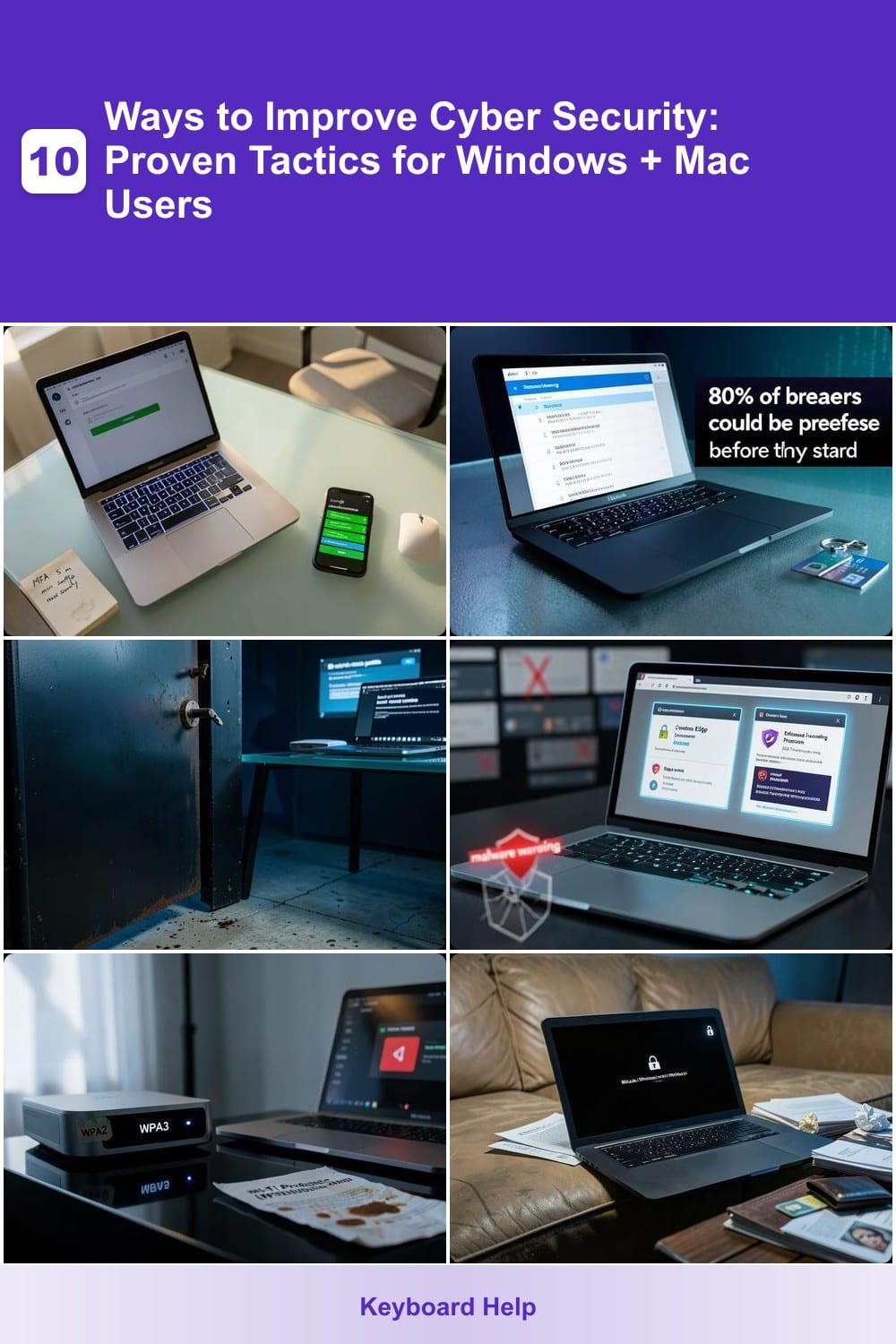
Cyber threats evolve daily, but these 10 actionable tactics will fortify your Windows or Mac against hackers, malware, and data breaches—without requiring advanced technical skills. Implement even half of these, and…

Read more

Categories Operating System

About Me

Rhonda Prescott

Rhonda Prescott
My first computer was a clunky desktop my dad built from parts he scavenged from old electronics stores. It had no internet, but I spent hours typing out stories and drawing pixel art in MS Paint. That machine taught me two things: tech can be magical, and patience is key when things don’t work right. Now, I run this site to help others navigate the digital world—whether it’s troubleshooting a stubborn PC, mastering a new software tool, or just figuring out why their printer keeps jamming. I believe good tech help should be clear, practical, and free of jargon. After all, computers should work *for* us, not the other way around.

Learn more

Recent Posts

  • Keyboard Shortcut for Strikethrough in Outlook: Exact Steps for Windows and Mac
    Keyboard Shortcut for Strikethrough in Outlook: Exact Steps for Windows and Mac
  • Windows 7 Installation Disk: Step-by-Step Guide for Legacy Systems
    Windows 7 Installation Disk: Step-by-Step Guide for Legacy Systems
  • How to Turn Off Word Suggestions: Instant Fix for Typing Freedom
    How to Turn Off Word Suggestions: Instant Fix for Typing Freedom
  • Install Network Printer for All Users Windows 10 Command Line: Group Policy Trick for Instant Deployment
    Install Network Printer for All Users Windows 10 Command Line: Group Policy Trick for Instant Deployment
  • How to Add Custom Stickers to Samsung Keyboard: Step-by-Step Visual Guide for Instant Fun
    How to Add Custom Stickers to Samsung Keyboard: Step-by-Step Visual Guide for Instant Fun
  • All Guides
  • About
  • Contact
  • Privacy Policy
  • Cookie Policy
  • Terms of Use
© 2026 keyboardhelp.click