
Skip to content
Keyboard Help

Keyboard Help

  • All Articles
  • App
  • Coding
  • Hardware
  • More
    • Operating System
    • Outlook
    • PowerPoint
    • Software
    • Tip & Trick
    • Troubleshooting
    • Windows

Software — Page 9

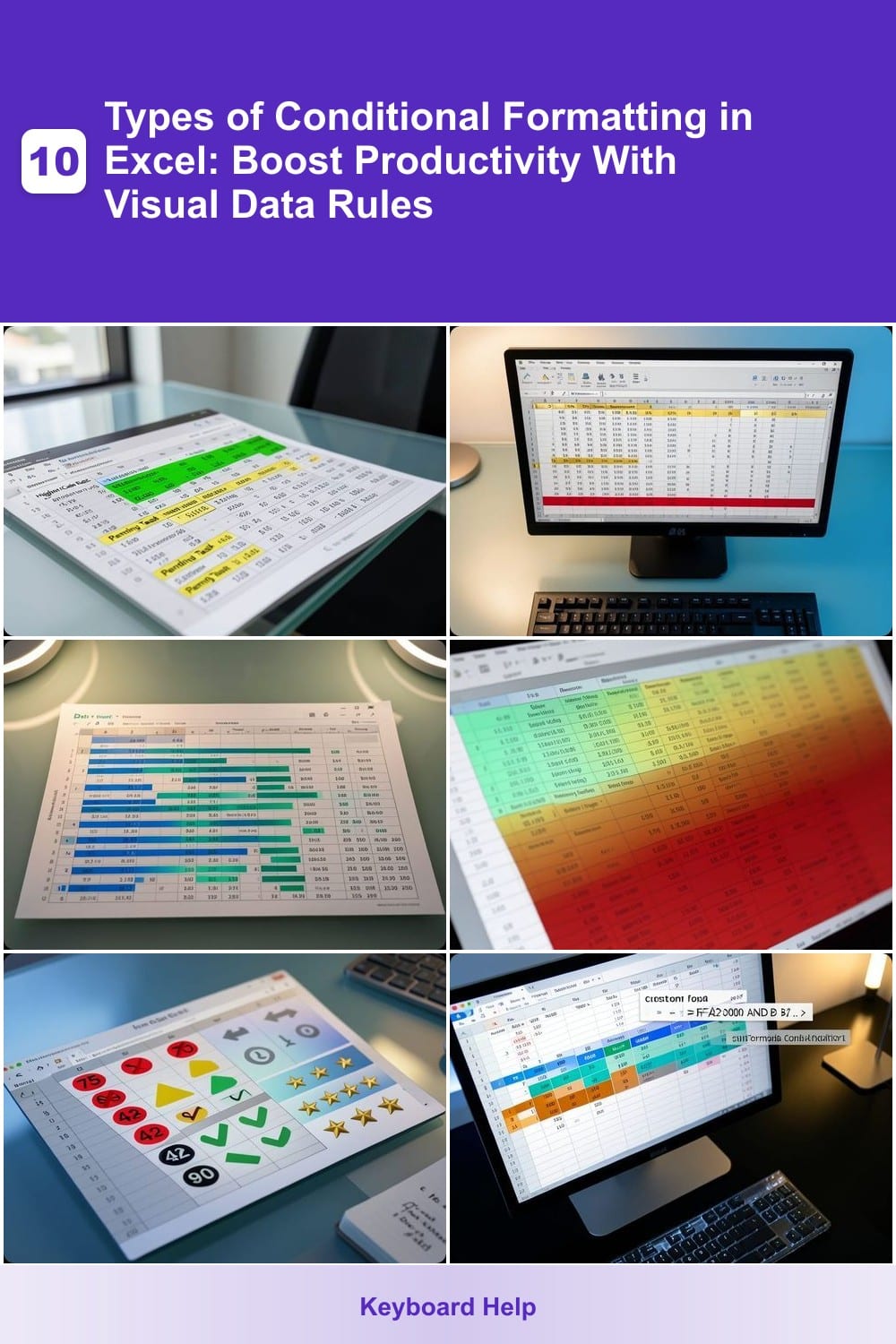
10 Types of Conditional Formatting in Excel: Boost Productivity With Visual Data Rules
November 21, 2026 by Rhonda Prescott
10 Types of Conditional Formatting in Excel: Boost Productivity With Visual Data Rules

Excel’s conditional formatting transforms raw data into actionable insights with visual cues. These 10 types help you highlight trends, spot errors, and automate reporting—saving hours of manual work while keeping your…

Read more

Categories Software

Security Intelligence Update for Microsoft Defender Antivirus: New Threat Defenses Explained

November 21, 2026 by Rhonda Prescott
Security Intelligence Update for Microsoft Defender Antivirus: New Threat Defenses Explained

Microsoft’s Security Intelligence Update for Defender Antivirus isn’t just another software patch—it’s your first line of defense against evolving cyber threats. While traditional antivirus relies on known malware…

Read more

Categories Software
Page1…Page7Page8Page9

About Me

Rhonda Prescott

Rhonda Prescott
My first computer was a clunky desktop my dad built from parts he scavenged from old electronics stores. It had no internet, but I spent hours typing out stories and drawing pixel art in MS Paint. That machine taught me two things: tech can be magical, and patience is key when things don’t work right. Now, I run this site to help others navigate the digital world—whether it’s troubleshooting a stubborn PC, mastering a new software tool, or just figuring out why their printer keeps jamming. I believe good tech help should be clear, practical, and free of jargon. After all, computers should work *for* us, not the other way around.

Learn more

Recent Posts

  • Keyboard Shortcut for Strikethrough in Outlook: Exact Steps for Windows and Mac
    Keyboard Shortcut for Strikethrough in Outlook: Exact Steps for Windows and Mac
  • Windows 7 Installation Disk: Step-by-Step Guide for Legacy Systems
    Windows 7 Installation Disk: Step-by-Step Guide for Legacy Systems
  • How to Turn Off Word Suggestions: Instant Fix for Typing Freedom
    How to Turn Off Word Suggestions: Instant Fix for Typing Freedom
  • Install Network Printer for All Users Windows 10 Command Line: Group Policy Trick for Instant Deployment
    Install Network Printer for All Users Windows 10 Command Line: Group Policy Trick for Instant Deployment
  • How to Add Custom Stickers to Samsung Keyboard: Step-by-Step Visual Guide for Instant Fun
    How to Add Custom Stickers to Samsung Keyboard: Step-by-Step Visual Guide for Instant Fun
  • All Guides
  • About
  • Contact
  • Privacy Policy
  • Cookie Policy
  • Terms of Use
© 2026 keyboardhelp.click