
Outlook

A polished email signature builds credibility and leaves a lasting impression. These 10 free Outlook email signature templates—ranging from sleek minimalist designs to industry-specific layouts—help you stand out without breaking the bank or requiring design skills.
Minimalist Corporate Email Signature Template

First impressions matter—especially in finance or law, where precision and professionalism define your brand. This minimalist corporate email signature template strips away the clutter, focusing on what truly matters: subtle brand colors, a polished headshot, and essential contact details—all aligned for maximum impact without distraction.
The design uses a clean black-and-gray color scheme with pre-sized placeholders for your company logo, professional photo, and contact icons (phone, email, LinkedIn). Fonts like Helvetica Neue or Arial ensure readability, while the layout includes aligned sections for credentials (e.g., "CPA" or "Esq.") and a discreet tagline—perfect for phrases like "Precision in Every Detail." The template is fully editable in Outlook’s built-in editor, so you can swap colors to match your firm’s branding in seconds.
This is the ideal choice for attorneys, financial advisors, and corporate professionals who value clarity and sophistication. Whether you’re closing a deal or responding to a client inquiry, this signature reinforces your expertise without overpowering your message. 💪
Creative Agency Email Signature Design

Forget boring black-and-white signatures—your brand deserves a splash of personality. This creative agency email signature template brings your brand’s energy to every email with vibrant gradients, bold typography, and dedicated social media icons that make it impossible to ignore. The design includes pre-sized slots for Instagram, LinkedIn, and Twitter, ensuring clients can connect with you in one click without cluttering your signature.
The template features playful yet professional fonts (like Poppins or Montserrat) paired with a subtle geometric pattern that adds visual interest without overwhelming the eye. You can easily swap colors to match your brand’s palette, and the layout even includes a placeholder for a creative tagline—perfect for phrases like “Designing the Future, One Pixel at a Time.” Best of all, it’s fully editable in Outlook’s signature editor, so you can tweak it in minutes.
This is the perfect fit for marketers, designers, and creative directors who want their emails to feel as dynamic as their work. Whether you’re pitching a client or following up on a project, this signature ensures your brand leaves a lasting impression. ✨
Real Estate Agent Signature Template

If you’re a real estate agent juggling listings, clients, and commissions, your email signature should work as hard as you do. This real estate agent signature template transforms your Outlook signature into a mini-portfolio, complete with clickable property links, your MLS number, and a polished photo—so every email feels like a professional handshake.
The template includes pre-sized buttons for your top listings, a dedicated space for your MLS ID (critical for serious buyers), and a real estate-themed color scheme that builds trust. You can even embed a short bio or tagline like “Helping Denver Families Find Their Dream Home” to reinforce your niche. Best of all, it’s fully customizable in Outlook’s editor—no design skills required.
This is the go-to choice for agents who want to convert emails into leads without extra clicks. Whether you’re sharing a new listing or following up with a client, your signature becomes a silent sales tool. 🌟
Medical Professional Email Signature

Trust and professionalism start with your email signature—especially in healthcare. This HIPAA-compliant medical template ensures compliance while showcasing your expertise with a clean, calming design that patients and colleagues will find reassuring.
Featuring blue and white accents for a clinical yet approachable look, it includes dedicated fields for board certifications, hospital affiliations, and direct contact info—all formatted to meet privacy standards. The layout even accommodates a small hospital logo and a subtle stethoscope icon for instant recognition.
Perfect for doctors, nurses, and healthcare administrators who need to project authority while maintaining patient confidentiality. ⚡
Tech Startup Email Signature Layout
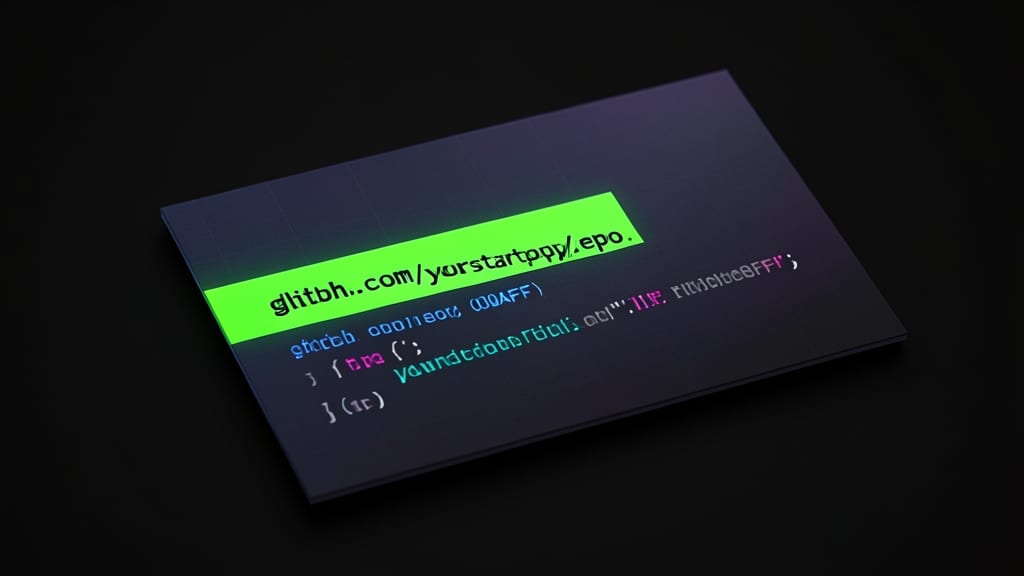
If you’re a developer or founder at a tech startup, your email signature should scream "innovation" without screaming at your contacts. This dark-themed template replaces traditional corporate fluff with neon accents, GitHub repo links, and even a snippet of code—because your work speaks for itself.
The layout includes clickable icons for LinkedIn, GitHub, and product pages, ensuring stakeholders can explore your projects instantly. A subtle circuit-board pattern adds a futuristic touch, while the dark background keeps it professional yet edgy. Best of all, it’s fully customizable in Outlook’s editor, so you can swap colors or add your latest project link in seconds.
Perfect for startup founders, engineers, and product managers who want to showcase their tech prowess. No design skills needed—just plug in your details and let your signature do the talking. 💻
Educator and University Email Template
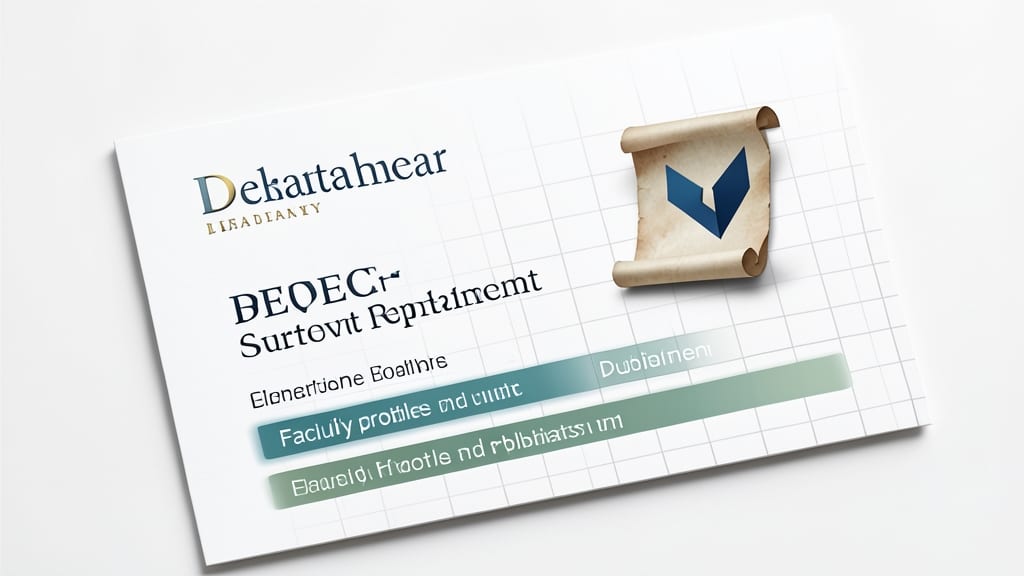
Teaching isn’t just about lectures—it’s about establishing authority while staying accessible. This educator-focused template blends academic rigor with approachability, featuring a department logo placeholder, research paper icon, and clickable links to faculty profiles or publications. The muted blue/gold palette instantly signals scholarly credibility without sacrificing readability.
The design includes three dedicated sections: one for institutional affiliations (university name, department), another for academic titles (PhD, Professor Emeritus), and a third for quick-access links to syllabi, office hours, or grant information. Fonts like Georgia or Garamond ensure professionalism, while subtle underlines on links prevent accidental clicks. For administrators, a version with "University Administration" branding replaces research icons with policy document links.
Perfect for professors, adjunct faculty, and university staff who need to balance formality with approachability. Download it to project both expertise and approachability in every email. ✨
Nonprofit Organization Email Signature
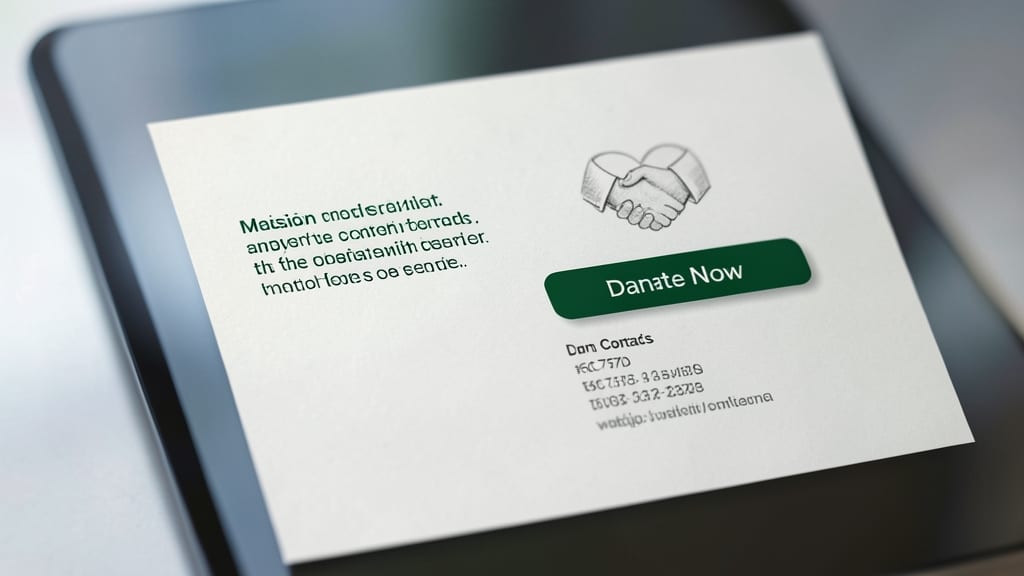
Nonprofit professionals need an email signature that does more than just look good—it should inspire action. This template combines a warm green and white color palette with mission-driven elements like donation buttons and concise mission statements to build trust instantly.
Key features include clickable donation links (directly to your nonprofit’s website or PayPal), a dedicated space for your mission statement, and a subtle heart icon to reinforce your cause. The design also includes social media icons for easy sharing and a professional photo placeholder to personalize your outreach. All elements are optimized for Outlook’s signature editor, ensuring seamless integration.
Perfect for fundraisers, NGO representatives, and nonprofit communicators, this template turns every email into a subtle call to support your cause. ✨
Freelancer Portfolio Email Signature
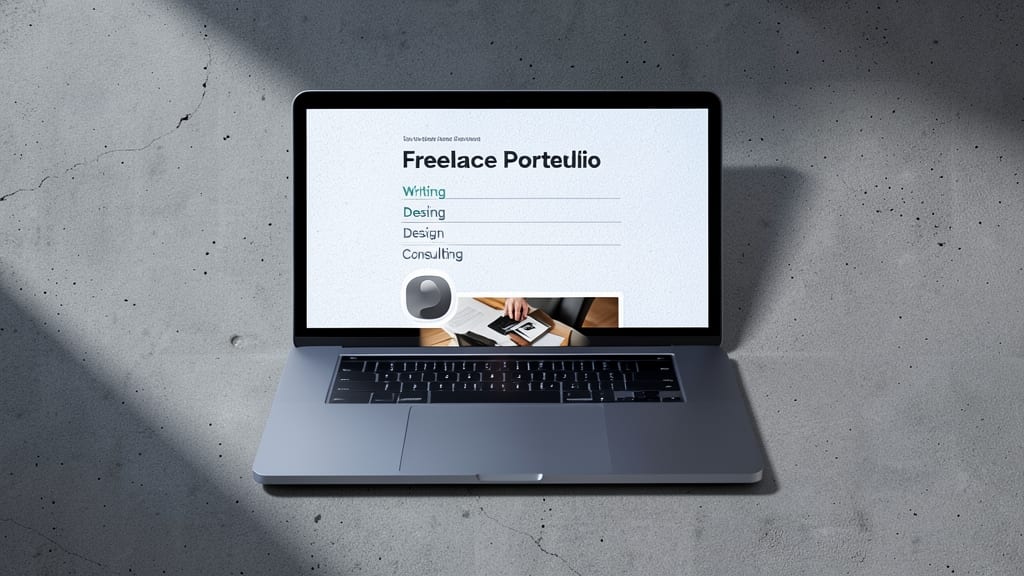
If you’re a freelancer juggling writing gigs, design projects, or consulting clients, your email signature should work as hard as you do. This freelancer portfolio template turns every email into a mini-portfolio by embedding your services list, direct links to your portfolio, and a polished headshot—all in one clickable package.
The design includes pre-sized icon slots for your top 3 services (like a pencil for writing, camera for photography, or code for development), a pastel or neutral background to keep it professional yet approachable, and a "Let’s Collaborate" call-to-action button. You can easily swap in your own images, adjust the color scheme to match your brand, and even add a short bio snippet—all without needing design skills.
This template is ideal for solopreneurs and freelancers who want to make every email a networking opportunity. Whether you’re pitching a client or following up on a project, it subtly reinforces your expertise. ✨
Multilingual Email Signature Template
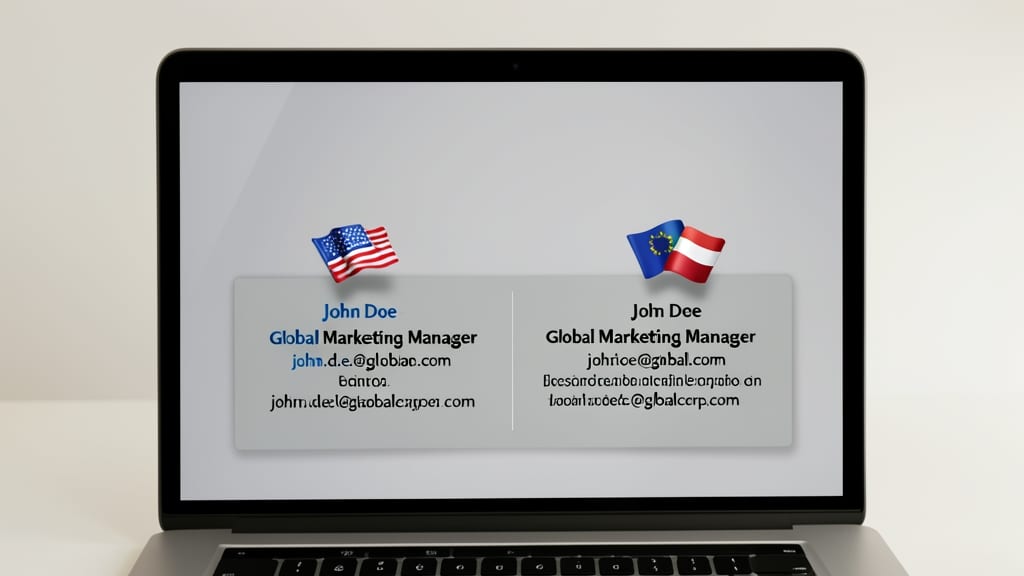
If you juggle emails in multiple languages, this multilingual email signature template removes the guesswork. Designed for bilingual professionals or global teams, it seamlessly integrates two languages with flag icons and translated contact details—no more awkward language switches mid-email.
The template includes pre-formatted sections for English and Spanish (easily adaptable to other languages), ensuring consistency across all communications. You can also add clickable language toggles for quick switching, and the layout supports Unicode characters for special symbols like é, ñ, or 你好. Outlook’s built-in editor makes it simple to swap languages without breaking formatting.
Perfect for remote teams, international startups, or bilingual freelancers, this template bridges language gaps while keeping your brand professional. 🌟
Customizable Blank Canvas Signature
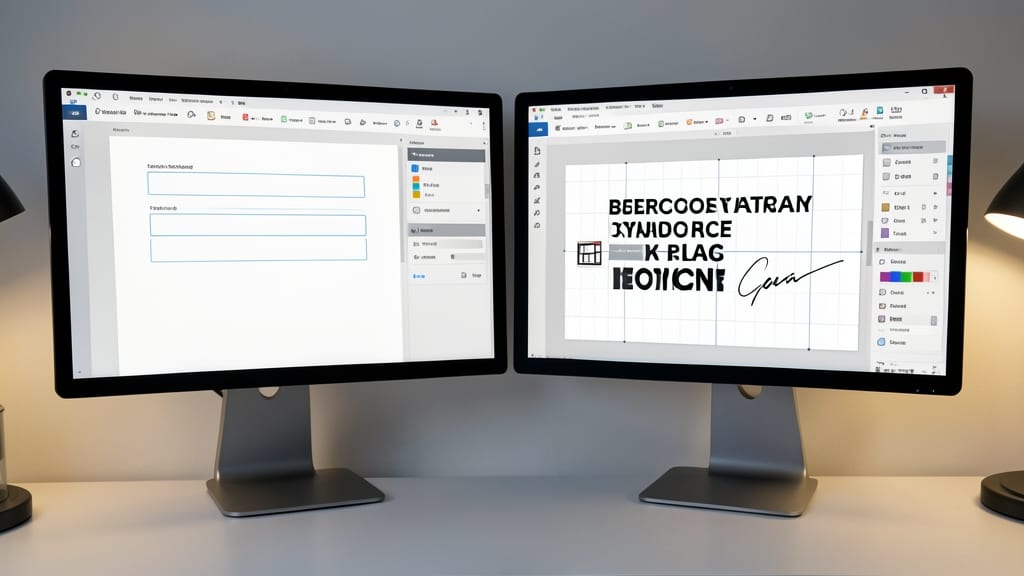
Tired of templates that don’t match your brand’s exact vision? Outlook’s blank canvas signature lets you design from scratch using only its built-in tools—no third-party apps or coding required.
Start with a fully customizable layout featuring adjustable text boxes, fonts, and alignment guides. Add your logo, social icons, or even a handwritten signature by inserting images directly from your device. The editor supports HTML formatting for advanced users, ensuring pixel-perfect consistency across emails.
Perfect for brand managers, small businesses, or anyone who wants a signature that evolves with their company’s identity—without the limitations of pre-made designs. ✨