
PowerPoint
High school students can build impressive portfolios and practical skills using Microsoft Office tools. These 10 projects—focusing on PowerPoint, Word, and Excel—teach real-world applications while making learning engaging and relevant for future careers.
Interactive School Event Planning Presentation
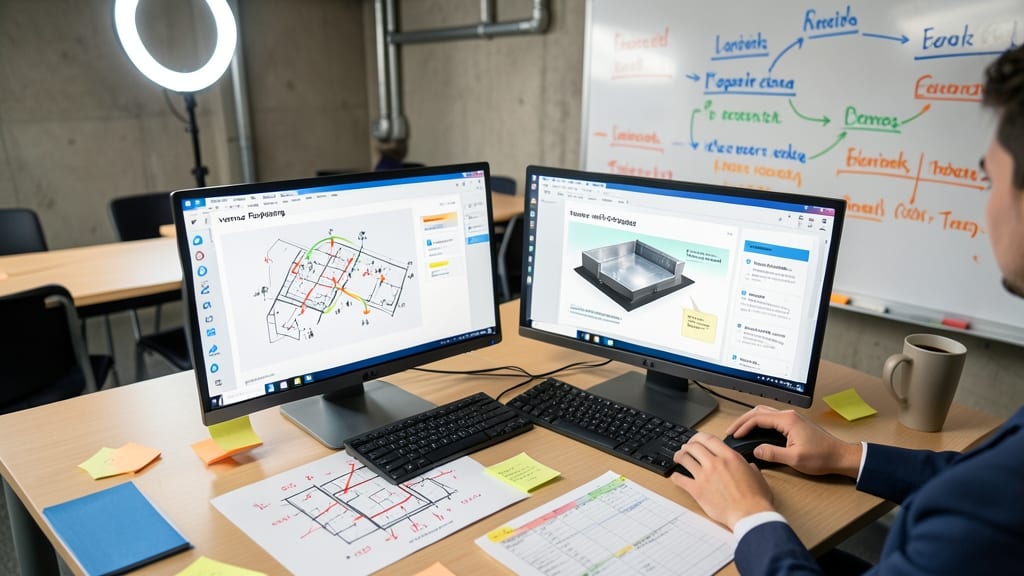
Imagine planning a school dance, fundraiser, or career fair—now with the power to bring your vision to life using PowerPoint’s animations and timelines. This project turns abstract event coordination into a hands-on skill, letting you practice everything from venue layouts to speaker schedules while mastering transitions, triggers, and dynamic slides.
Start by designing a mock event timeline with animated milestones (like "Set Up" or "Guest Arrival") that play sequentially. Use morph transitions to show before/after venue setups, and embed embedded videos of mock speeches or performances. The Morph tool lets you smoothly transition between layouts—perfect for visualizing table arrangements or stage designs. For extra realism, add a "Day-of-Coordinator Checklist" slide with clickable hyperlinks to jump between sections.
This project is perfect for students eyeing careers in hospitality, event planning, or project management. Whether you’re organizing a school play or dreaming of running a conference someday, these skills will give you a head start. ✨
Personal Budget Tracker in Excel
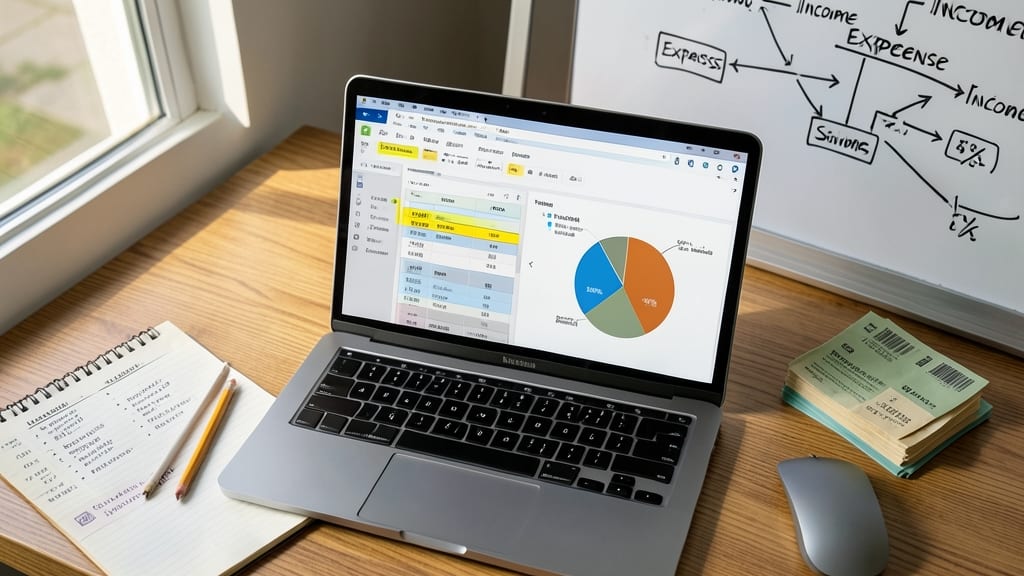
Tired of guessing where your money goes every month? A Personal Budget Tracker in Excel turns numbers into actionable insights—no fancy apps required. This project teaches you how to use SUMIF, VLOOKUP, and pivot tables to categorize spending, track income, and visualize trends with charts.
Start with a simple monthly expense template that auto-calculates totals, then level up by adding conditional formatting for overspending alerts. The pivot table feature lets you slice data by category (e.g., food, entertainment) to spot habits. You’ll end up with a customizable dashboard that adapts to part-time jobs, college costs, or saving for a car.
Ideal for students who want to master Excel basics while gaining financial confidence. Whether you’re planning a summer job or budgeting for textbooks, this project builds skills that pay off long after graduation. 💻
Digital Yearbook Design in Publisher
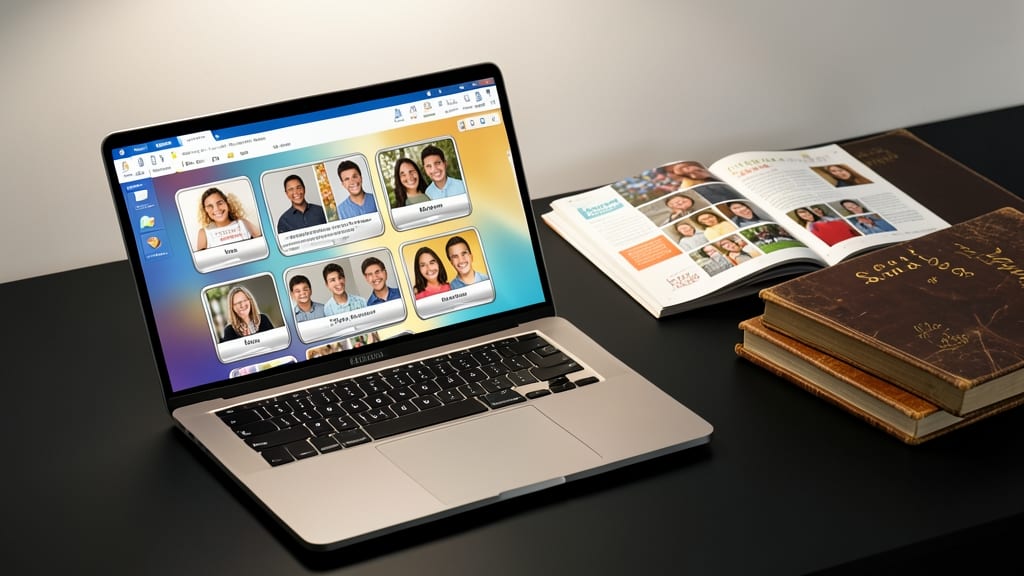
Turn nostalgia into a digital skill with Microsoft Publisher’s yearbook templates—the perfect way to blend creativity with real-world publishing experience. Unlike static Word docs, Publisher offers pre-built layouts, photo galleries, and design tools that let you craft a professional-looking yearbook with drag-and-drop ease.
Start with a modern template (like the "Photo Album" or "Yearbook" design) and customize it with student photos, quotes, and custom graphics. Publisher’s master pages ensure consistent headers/footers across spreads, while its text-wrapping tools help balance visuals and text. Export your final design as a PDF or print-ready file to share digitally or bind physically—ideal for school clubs or personal projects.
This project is perfect for creative students who love design or want to explore graphic arts. It’s also a great way to document memories while learning skills transferable to future careers in publishing, marketing, or media. ✨
Research-Based Science Fair Poster

Turn your lab experiments into a standout science fair presentation using PowerPoint or Canva—no design degree required! This project teaches you to distill complex research into clear visuals, from graphs to experimental setups, while practicing the precision writing judges love.
Start with templates in PowerPoint (like the built-in "Academic Poster" layout) or Canva’s science-themed designs for instant structure. Use SmartArt to map hypotheses or insert charts directly from Excel data. Pro tip: Keep text minimal—bullet points over paragraphs—and use high-contrast colors (blue/white or green/white) for readability. Add photos of your setup or mockups of equipment (even if drawn) to bring your experiment to life.
Perfect for STEM students prepping for competitions or anyone who wants to turn data into a compelling story. Whether you’re testing plant growth or coding algorithms, this project builds skills that’ll impress college apps too. ✨
College Application Resume in Word
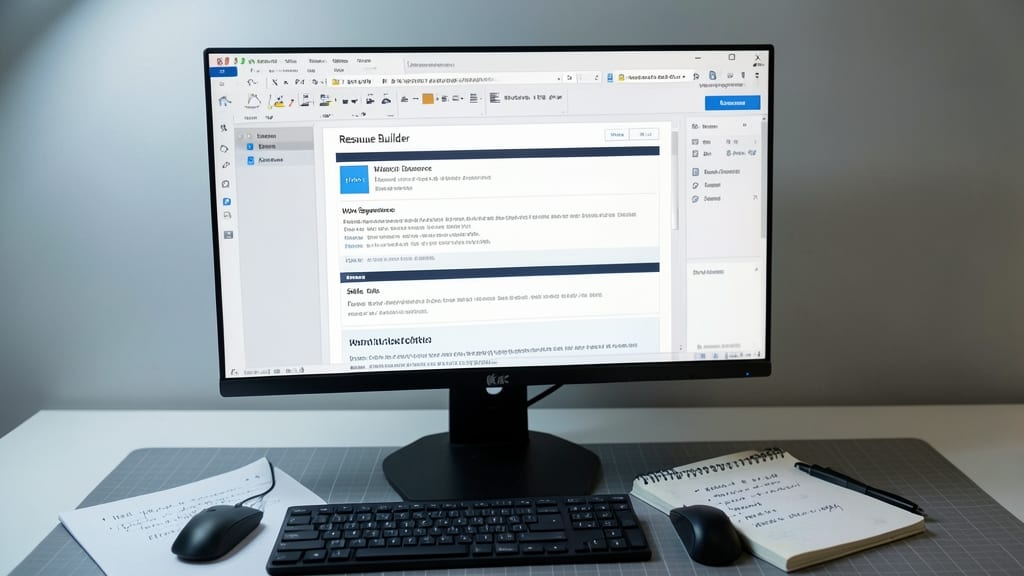
Standing out in job applications or internships starts with a polished resume—and Microsoft Word makes it easier than ever with built-in templates and formatting tools. Unlike generic templates online, Word’s resume builder lets you customize sections, fonts, and layouts while ensuring professional alignment and readability.
Start with a modern template (like "Modern" or "Simple") and use Word’s quick formatting tools to adjust margins, fonts, and spacing. Add your education, work experience, and skills using bullet points for clarity, and leverage the header/footer feature to include contact details. The track changes tool is perfect for reviewing feedback from teachers or mentors before finalizing.
This project is ideal for students applying to college programs, part-time jobs, or internships—giving them a professional document to showcase their achievements. ⚡
Classroom Survey Analysis Project
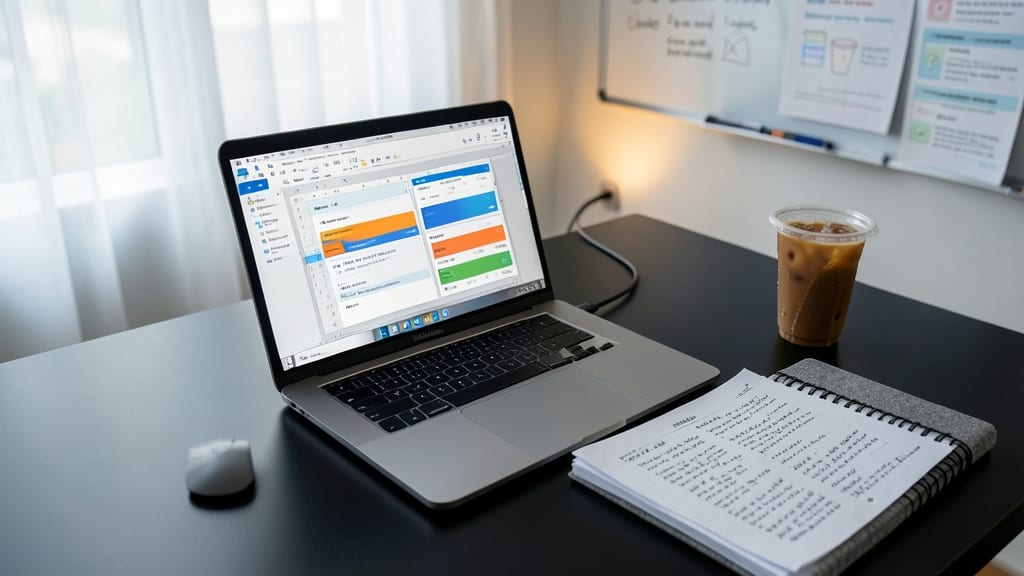
Turn classroom discussions into data-driven insights with this Excel survey analysis project. Instead of just collecting opinions, students learn to transform raw responses into actionable trends using pivot tables, conditional formatting, and data visualization tools—skills that translate directly to social science research or psychology studies.
Start by designing a Google Form or Microsoft Form survey (free and easy to distribute), then import responses into Excel. Use COUNTIF functions to tally answers, bar charts to visualize trends, and trendline graphs to spot patterns. For example, analyze class opinions on school policies or favorite extracurricular activities, then present findings in a one-page dashboard with clear insights.
Perfect for students curious about research methods or planning careers in data analysis. This project bridges the gap between theory and practice—no prior Excel experience required! ✨
Virtual Book Club Discussion Guide

Turn book club meetings into interactive experiences with a digital discussion guide built in PowerPoint or OneNote. This project goes beyond static notes by embedding hyperlinks to book excerpts, embedding audio clips of authors reading passages, and even adding poll questions for real-time engagement during virtual meetings.
Use PowerPoint’s Morph transitions to create animated timelines of key themes, while OneNote’s digital inking tools let you sketch character maps or annotate passages collaboratively. Both platforms sync seamlessly with Microsoft Teams, so discussion guides can be shared instantly with club members—no printing required.
Perfect for English students or avid readers organizing online clubs, this project teaches digital collaboration while making literature discussions more dynamic. ⚡
Small Business Marketing Plan

Dreaming of launching your own business someday? A small business marketing plan in Microsoft Office lets you practice the skills of real entrepreneurs—without needing a startup loan. This project blends Word’s professional formatting with Excel’s financial projections to create a polished, investor-ready document.
Start by drafting your executive summary in Word, using built-in templates to structure sections like market analysis and branding. Then, pivot to Excel to build a 3-year revenue forecast with formulas for profit margins and break-even points. The combo teaches how to merge narrative storytelling with hard data—critical for pitches or college applications.
Perfect for students in business classes or future marketers, this project mirrors real-world tasks like creating a lean startup plan or pitching to teachers as a mock "Shark Tank" judge. 💡
Historical Timeline Presentation
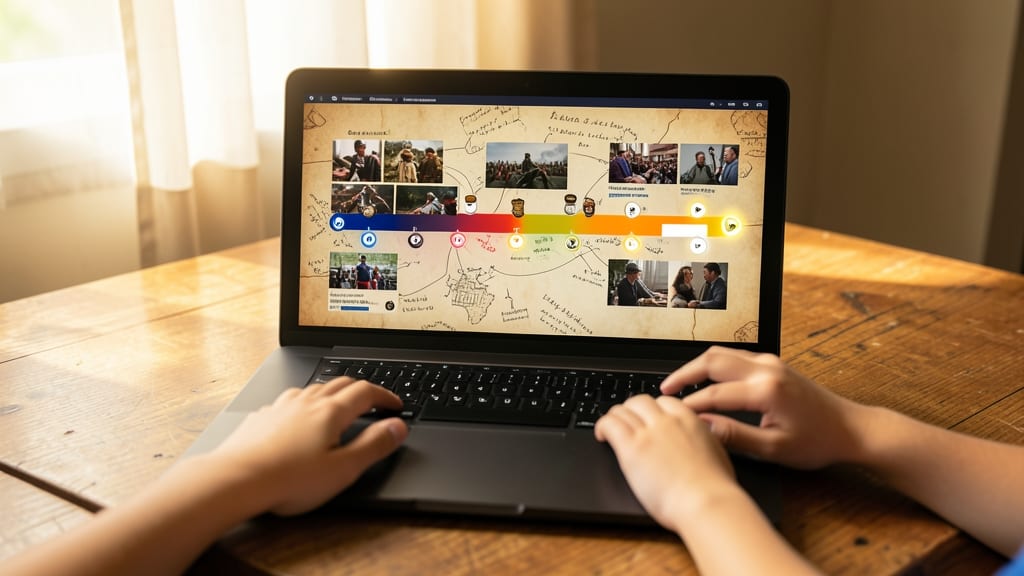
Transform dry historical facts into a dynamic visual story with a PowerPoint timeline presentation. This project goes beyond static slides by integrating interactive elements like embedded videos, audio clips, and clickable hotspots—perfect for bringing history to life.
Start with PowerPoint’s built-in timeline tools to map key events chronologically, then enhance it with multimedia like period photos, short documentary clips, or even voiceovers explaining pivotal moments. The Morph transition feature lets you smoothly animate shifts between eras, while hyperlinks can connect related events for deeper exploration.
Ideal for history buffs or anyone presenting chronological data—whether for school projects, museum exhibits, or personal research. Your audience will stay engaged as they experience history unfolding before them. ✨
Personalized Infographic About Hobbies
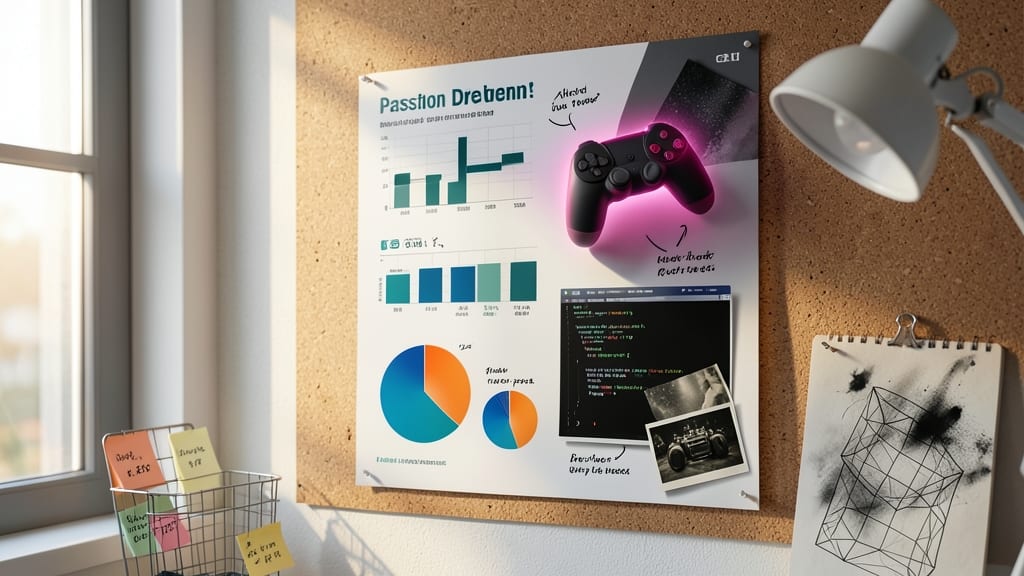
Turn your passions into a visual masterpiece with a personalized infographic about your hobbies—whether it’s gaming, coding, or photography. This project blends design thinking with data storytelling, letting you showcase stats, timelines, and trends in a way that’s both creative and professional.
Use PowerPoint’s built-in icons and shapes or Canva’s drag-and-drop templates to craft a sleek, shareable infographic. Highlight metrics like hours spent on a hobby, favorite tools, or even a "day in the life" breakdown. The key? Balancing aesthetics with clarity—think bold colors, clean layouts, and minimal text.
Perfect for artistic students or those eyeing careers in marketing, UX design, or content creation. It’s a fun way to practice visual communication while building a portfolio piece that stands out. ✨