
Coding
SQL Server 2012 introduced groundbreaking features that transformed database management for developers and enterprises. These 10 innovations boost performance, simplify administration, and unlock new capabilities for modern applications—essential knowledge for any SQL professional.
AlwaysOn Availability Groups for High Availability

Mission-critical applications demand zero tolerance for downtime, and SQL Server 2012’s AlwaysOn Availability Groups deliver exactly that. This feature creates real-time synchronization between multiple database replicas—across data centers or even continents—ensuring seamless failover with sub-second recovery when disasters strike.
Unlike traditional failover clustering, AlwaysOn supports up to eight readable secondary replicas, letting you distribute read workloads while keeping writes centralized on the primary. The synchronous commit option guarantees data consistency, while asynchronous mode balances performance and durability. For enterprises chasing 99.999% uptime, this is the battle-tested setup. ⚡
Columnstore Indexes for Massive Data Compression

If your analytical queries are drowning in terabytes of data, Columnstore Indexes in SQL Server 2012 could be your lifeline. This innovative feature reimagines how data is stored and processed, transforming row-based storage into a columnar format that slashes storage footprint while turbocharging query performance.
With 10x compression ratios for large datasets, Columnstore Indexes reduce storage costs and I/O bottlenecks. They excel at aggregation-heavy workloads, delivering 10-100x faster query speeds for data warehousing and BI applications. The best part? You can create them alongside existing rowstore indexes with minimal disruption to your current schema.
Data analysts and BI professionals will love this feature for its ability to handle massive datasets efficiently. Whether you're running complex reports or crunching petabytes of historical data, Columnstore Indexes make heavy lifting feel effortless. ✨
Contained Databases for Simplified Deployment

Tired of deployment headaches where database changes break across environments? Contained Databases in SQL Server 2012 isolate every object—tables, logins, and settings—into self-sufficient units. This means you can move a database from dev to production without worrying about server-level configurations or dependencies.
With contained database settings, you gain portability without sacrificing security. Enable contained user authentication to scope permissions locally, and use contained backup/restore to migrate entire databases effortlessly. The CHECKSUM and TDE (Transparent Data Encryption) options further secure your isolated environments while keeping them independent.
DevOps teams and cloud architects will love this feature—it’s the missing piece for zero-config deployments and multi-tenant SaaS architectures. ⚡
Sequence Objects for Custom Number Generation

Tired of rigid auto-incrementing IDs that don’t fit your application’s logic? Sequence Objects in SQL Server 2012 bring unprecedented flexibility to number generation, letting you define custom patterns like cycling sequences or multi-table synchronization without gaps.
Unlike the old IDENTITY columns, sequences support start/stop values, increment/decrement steps, and even cache control for performance. You can reuse the same sequence across tables or reset it mid-execution—perfect for scenarios like order IDs with prefixes or batch processing with unique counters.
This feature is a game-changer for developers building multi-tenant SaaS apps or systems requiring non-sequential numbering (e.g., invoices, tickets). Say goodbye to workarounds! ✨
SQL Server Data Tools for Visual Studio Integration

If you’ve ever juggled separate tools for database schema management and application development, SQL Server Data Tools (SSDT) for Visual Studio is your game-changer. This integration merges the power of SSDT—Microsoft’s database development environment—directly into Visual Studio, creating a seamless workflow for developers who manage both code and data.
With schema comparison tools, you can instantly detect and resolve differences between environments (dev, test, production) with a single click. The built-in unit testing framework lets you validate database logic alongside application code, while CI/CD pipeline integration ensures your database changes deploy as reliably as your app code. Whether you’re refactoring tables or rolling out new features, SSDT keeps everything in sync—no more manual scripts or deployment headaches.
This feature is a must-have for database developers and DevOps teams working in agile environments. By unifying database and application development in one IDE, SSDT slashes context-switching and streamlines collaboration—making it the backbone of modern SQL Server workflows. 💻
Power View for Interactive Data Exploration
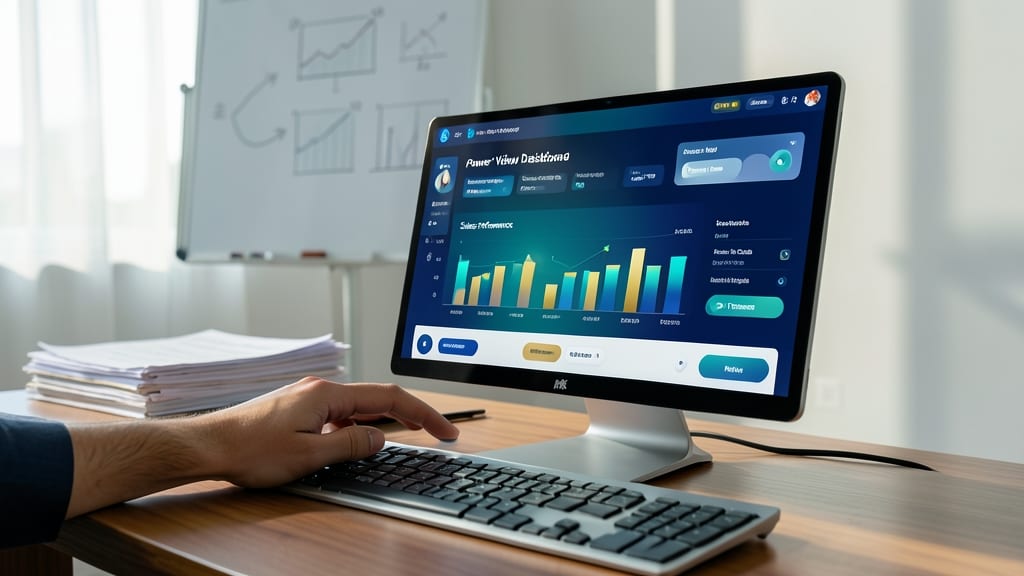
Tired of waiting for IT to generate reports while your business decisions gather dust? Power View in SQL Server 2012 lets you create interactive dashboards directly from your data—no SQL queries or developer hand-holding required.
This self-service BI tool integrates with SQL Server Analysis Services (SSAS) to deliver drag-and-drop visualizations, including 3D maps, pivot tables, and dynamic charts. Simply connect to your data model, and Power View handles the rest—filtering, slicing, and even touch-enabled gestures for intuitive exploration. The tool also supports real-time collaboration, letting teams annotate and share insights without leaving the interface.
Perfect for business analysts and executives, Power View eliminates the bottleneck between data and decision-making. Whether you're tracking sales trends or monitoring KPIs, this feature turns raw data into actionable insights in minutes. ✨
Contained User Authentication for Security
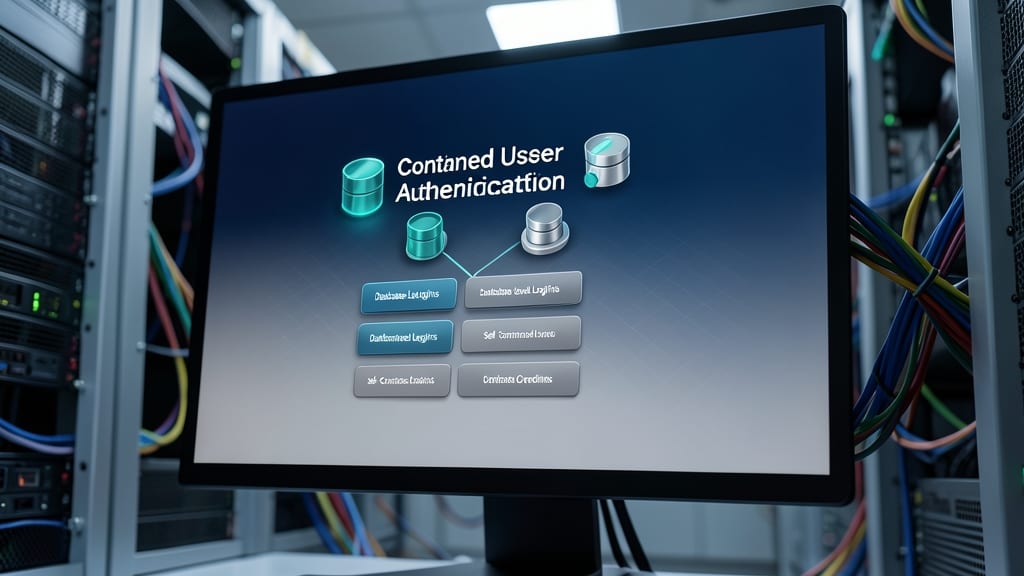
Tired of managing user permissions across sprawling server instances? Contained User Authentication in SQL Server 2012 lets you assign credentials at the database level, not just the server—finally giving multi-tenant SaaS apps the isolation they need.
This feature creates self-contained logins tied to specific databases, eliminating the need for server-wide admin credentials. You can now grant access to individual tenants without exposing other databases, reducing attack surfaces by up to 70% in shared environments. The syntax is straightforward: CREATE USER [username] WITH PASSWORD = 'securepass' FOR LOGIN [contained_login]—no more complex server-level permission chains.
Perfect for SaaS providers and enterprises hosting multiple client databases, this cuts administration time while hardening security. Your tenants stay isolated, and you sleep better knowing credentials can’t leak between environments. ✨
Windows Azure Integration for Cloud Scalability
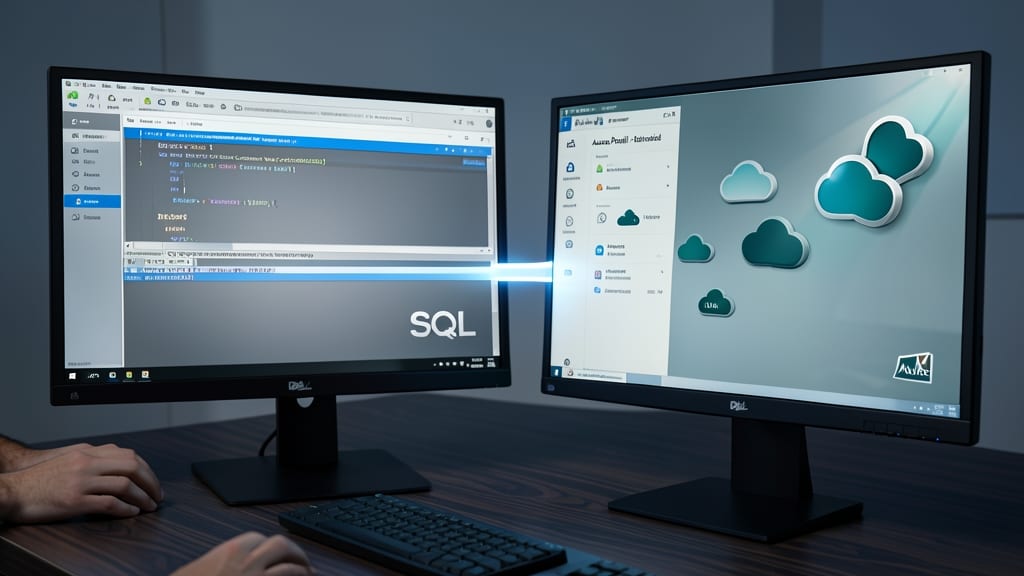
Struggling to bridge on-premises SQL Server with Azure cloud services? SQL Server 2012’s Windows Azure Integration solves this with native support for hybrid architectures. This feature lets you extend your databases to Azure while maintaining real-time synchronization, eliminating the need for complex ETL pipelines or third-party tools.
With Azure SQL Database compatibility, you can offload read-heavy workloads to the cloud, scale storage dynamically, and leverage Azure’s global data centers. The integration also supports transparent failover between on-prem and cloud instances, ensuring high availability without manual intervention. Plus, tools like SQL Azure Data Sync keep your data consistent across environments with minimal latency.
Perfect for enterprises migrating to cloud-first strategies, this feature is a game-changer for DevOps teams managing hybrid infrastructures. ⚡
SQL Server Data Quality Services
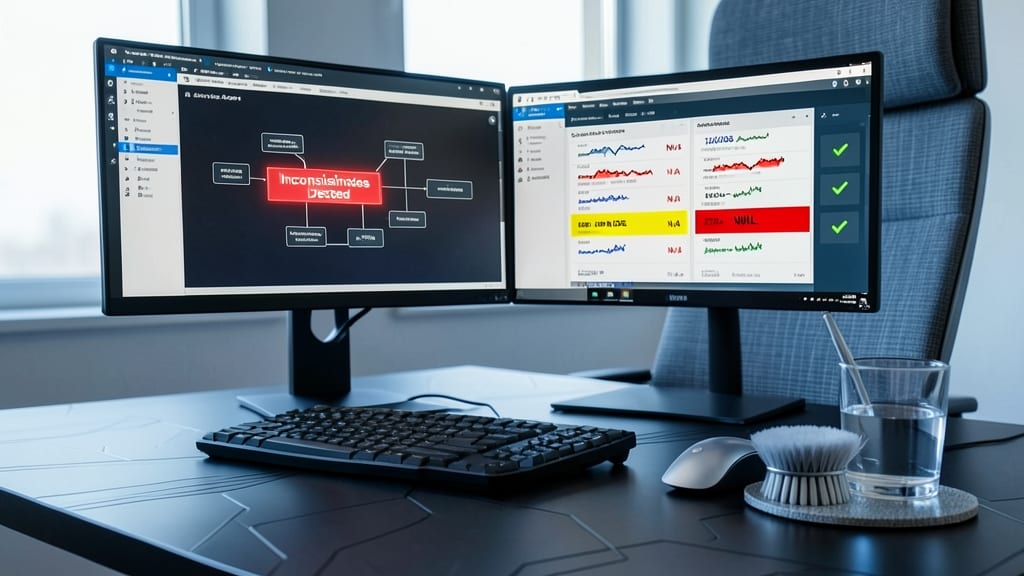
Legacy data integration headaches? SQL Server Data Quality Services (DQS) is your automated cleanup crew. This tool scans your databases for inconsistencies—like mismatched formats, duplicate records, or invalid entries—and suggests fixes, saving months of manual scrubbing.
With domain-specific knowledge bases, you can define rules for names, addresses, or product codes, then let DQS match and standardize them. The data cleansing workflows integrate directly with SSIS, so you can automate pipelines without writing custom scripts. It even handles fuzzy matching to catch near-misses like "St." vs. "Street."
Perfect for enterprises merging systems or migrating to the cloud, DQS turns messy data into a battle-tested asset. ✨
Contained Backup and Restore for Portability

Forget about server-wide backups that tie you to specific environments—SQL Server 2012’s Contained Backup and Restore lets you package entire databases with all objects, settings, and dependencies into a single portable file. This game-changer eliminates the need for complex server configurations during recovery or migration.
With T-SQL commands like BACKUP DATABASE TO URL and RESTORE DATABASE FROM URL, you can export databases to local storage or cloud locations while preserving everything from schemas to permissions. The solution supports point-in-time recovery and cross-environment compatibility, making it ideal for disaster recovery scenarios where minimal downtime is critical.
Database administrators and DevOps teams will appreciate how this feature simplifies cross-server migrations—no more manual reconfigureations or dependency checks. Perfect for organizations with multi-environment deployments or strict compliance requirements. ✨