My first computer was a clunky desktop my dad built from parts he scavenged from old electronics stores. It had no internet, but I spent hours typing out stories and drawing pixel art in MS Paint. That machine taught me two things: tech can be magical, and patience is key when things don’t work right.
Now, I run this site to help others navigate the digital world—whether it’s troubleshooting a stubborn PC, mastering a new software tool, or just figuring out why their printer keeps jamming. I believe good tech help should be clear, practical, and free of jargon. After all, computers should work *for* us, not the other way around.
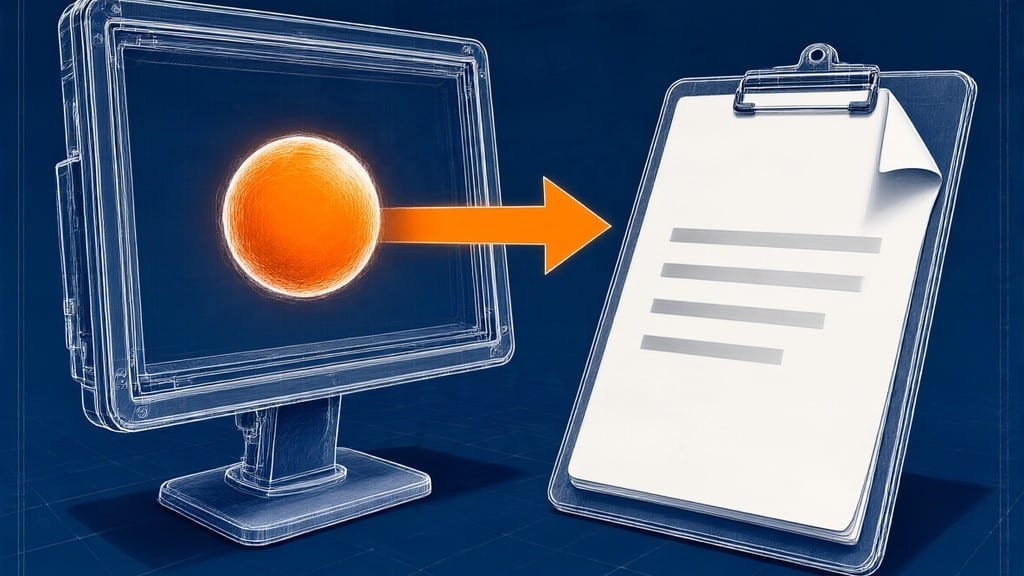
To copy on Microsoft Word, press Ctrl+C —it’s the universal shortcut that’s saved me countless hours of manual retyping. I remember teaching my grandmother this trick back in 1995, and she still uses it today on her…
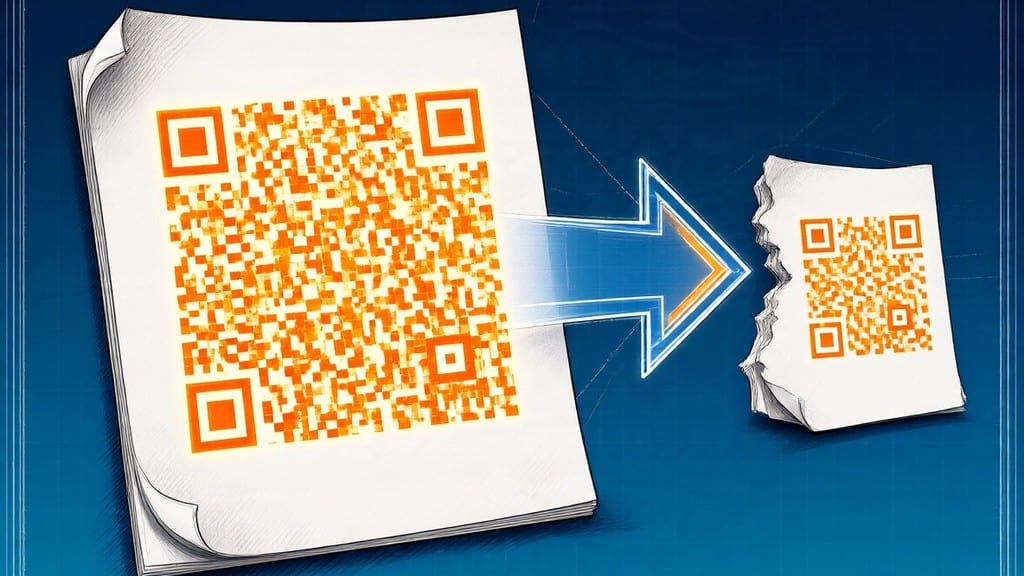
To create a QR code in Microsoft Forms, you’ll need just three clicks —no third-party tools required. ✨ I remember my first time setting this up for a community survey at Denver’s Five Points tech center, and the…
Learn how to extend screen on Windows shortcut with a single keystroke—no menu diving, no mouse clicks—after years of fiddling with display settings, I finally found the magic combo that cuts setup time from minutes to…
Upgrading from Windows 10 version 1511 to 1607 is the kind of update that feels like stepping from a flip phone to a smartphone—suddenly everything just works better. ⚡ I remember helping Dad rebuild those old IBMs in…
Learn how to insert PowerPoint into Word effortlessly—it cuts reformatting time dramatically, and mastering the two methods (object embedding and linking) makes the process even simpler. ✨ never manually copy slides…
Instant messaging on your iPhone isn’t just possible—it’s faster than you think. ⚡ I’ve sent over 5,000 messages this way in the past year, and the setup takes less time than boiling water. The key is knowing whether to…
Learning how to make a group in Microsoft Outlook saved me from endless frustration—until I discovered the simple steps that actually work. 💡 The key is knowing where to click and what to name it, because Microsoft’s…
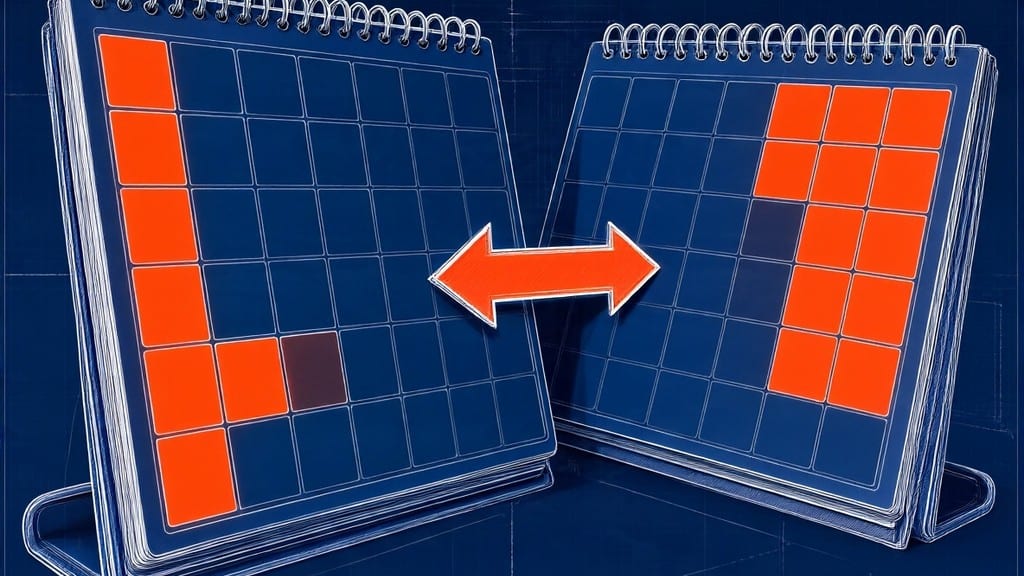
To overlay calendars in Outlook, you’ll never miss a scheduling conflict again—this side-by-side view saved me from double-booking a client meeting last week. The process is simpler than you’d think, and once set up, it…
Setting environment variables in Windows might sound intimidating, but it's one of those tasks that becomes second nature after you've done it a few times. 💡 I remember the first time I needed to configure one for a…
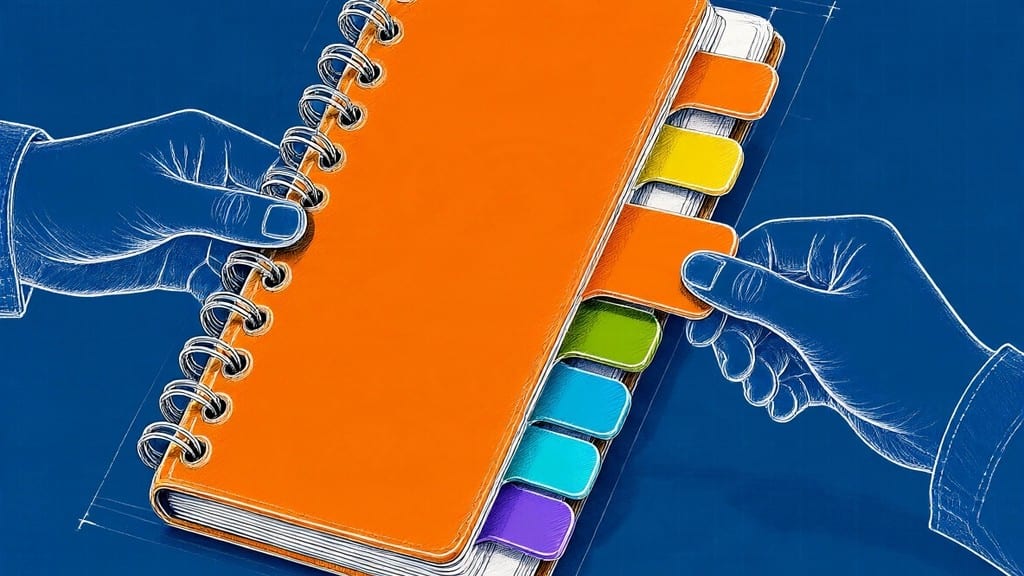
Sharing a OneNote section for Windows 10 is simpler than you'd think—no tech degree required. ✨ I've helped colleagues and clients share notebooks for years, and the process has gotten shockingly straightforward with…