Skip to content
Keyboard Help

Keyboard Help

  • All Articles
  • App
  • Coding
  • Hardware
  • More
    • Operating System
    • Outlook
    • PowerPoint
    • Software
    • Tip & Trick
    • Troubleshooting
    • Windows

All Recipes — Page 47

Microsoft Money Download for Windows 10: Legacy Version Recovery Guide

October 10, 2026 by Rhonda Prescott
Microsoft Money Download for Windows 10: Legacy Version Recovery Guide

Downloading Microsoft Money for Windows 10 means accessing the last official 2007 version —Microsoft’s discontinued but still functional legacy tool for budgeting and investments. If you’ve relied on it for years, you…

Read more

Categories Windows

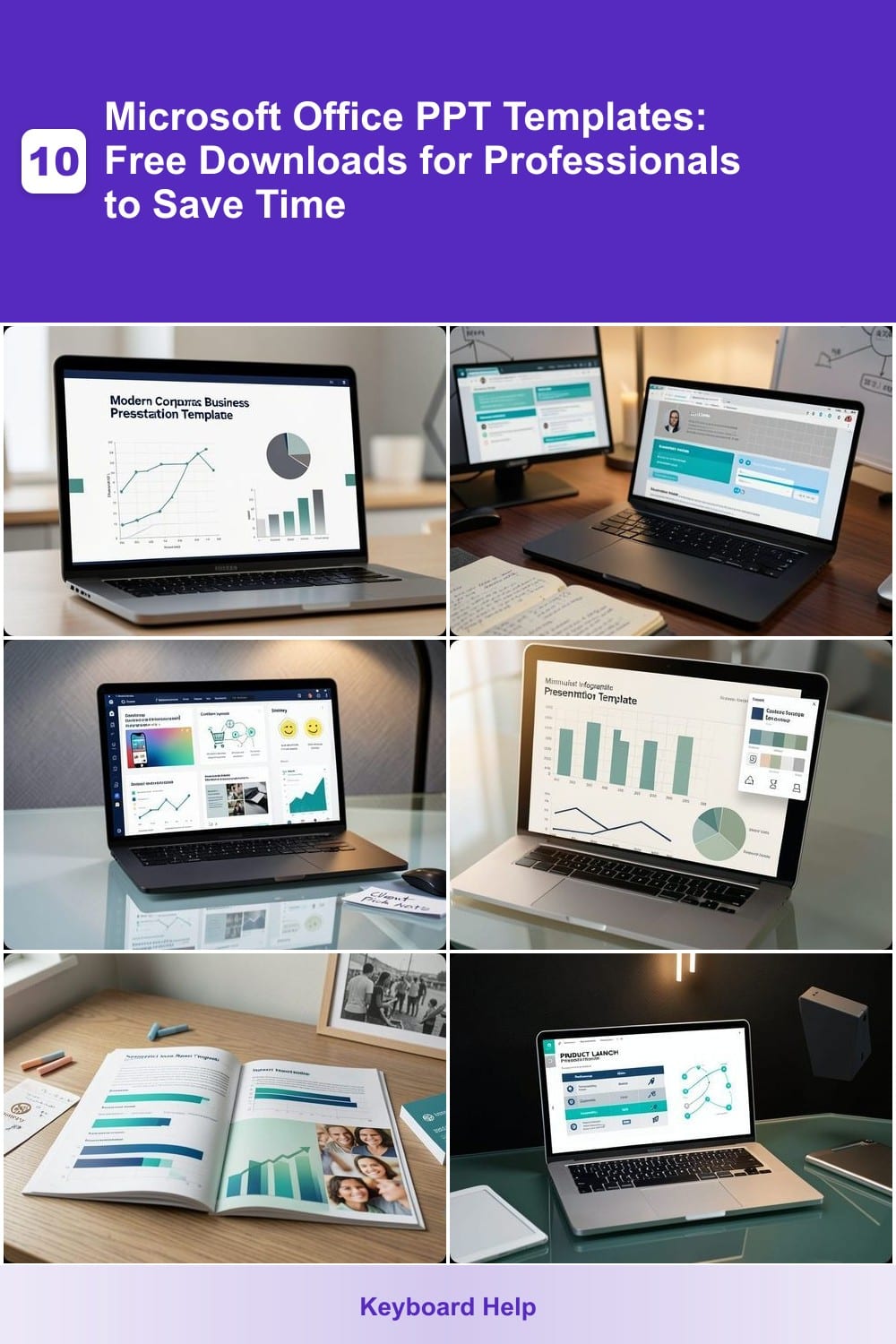
10 Microsoft Office PPT Templates: Free Downloads for Professionals to Save Time

October 10, 2026 by Rhonda Prescott
10 Microsoft Office PPT Templates: Free Downloads for Professionals to Save Time

Struggling to create polished presentations quickly? These 10 free Microsoft Office-compatible PowerPoint templates help professionals deliver stunning slides without design headaches—all downloadable in minutes. 1…

Read more

Categories PowerPoint

Microsoft SQL Server Management Studio Download: Version-Specific Direct Links for Offline Installers

October 10, 2026 by Rhonda Prescott
Microsoft SQL Server Management Studio Download: Version-Specific Direct Links for Offline Installers

Downloading Microsoft SQL Server Management Studio directly from Microsoft’s official site ensures you get the right version for your setup—whether it’s the latest release or a legacy version for older systems. If you’ve…

Read more

Categories Software

Microsoft System CLR Types for SQL Server 2012 WSUS: Direct Download & Compatibility Fixes

October 10, 2026 by Rhonda Prescott
Microsoft System CLR Types for SQL Server 2012 WSUS: Direct Download & Compatibility Fixes

SQL Server 2012 WSUS deployments fail when the Microsoft system CLR types aren’t properly installed—here’s the direct download and compatibility fixes you need to resolve it. I’ve seen this error cripple updates in…

Read more

Categories Operating System

On-Screen Keyboard Windows 11: Hidden Touch-Friendly Access for Any Screen

October 10, 2026 by Rhonda Prescott
On-Screen Keyboard Windows 11: Hidden Touch-Friendly Access for Any Screen

My on-screen keyboard in Windows 11 saved me from a frustrating presentation last week when my laptop's physical keyboard suddenly stopped responding mid-speech. ✨ The built-in OSK isn't just for accessibility—it's a…

Read more

Categories Windows

How to Create a New Folder Using Keyboard Shortcuts: Windows & Mac Commands

October 10, 2026 by Rhonda Prescott
How to Create a New Folder Using Keyboard Shortcuts: Windows & Mac Commands

💥 Quick Answer The shortcut to create a new folder is simple: on Windows, use Ctrl+Shift+N in File Explorer, while Mac users should press Shift+Command+N in Finder. Both create an empty, unnamed folder instantly. The…

Read more

Categories Operating System

Add a Timeline to the Pivottable to Filter the Data by Values: Dynamic Date Filtering in Seconds

October 9, 2026 by Rhonda Prescott
Add a Timeline to the Pivottable to Filter the Data by Values: Dynamic Date Filtering in Seconds

By adding a timeline to your PivotTable to filter the data by values , you instantly turn dull numbers into a clickable story—one I’ve used for years to spot sales spikes, track project deadlines, and even decode my…

Read more

Categories App

Download Microsoft Net Framework 3.5 Service Pack 1: Offline Installer for Windows 10/11 Legacy Apps

October 9, 2026 by Rhonda Prescott
Download Microsoft Net Framework 3.5 Service Pack 1: Offline Installer for Windows 10/11 Legacy Apps

To download Microsoft .NET Framework 3.5 Service Pack 1, use Microsoft’s official offline installer—it’s the safest way to keep legacy apps running on Windows 10/11. Skipping this step often leaves you stuck with apps…

Read more

Categories Software

EPM Add-In for Microsoft Office 2010 Download: Direct ISO Source for Legacy Systems Integration

October 9, 2026 by Rhonda Prescott
EPM Add-In for Microsoft Office 2010 Download: Direct ISO Source for Legacy Systems Integration

The Microsoft Office 2010 EPM add-in download connects legacy systems to enterprise project management tools—but most sources lead to outdated or unsafe files. If you're stuck with Office 2010 and need this integration…

Read more

Categories Software

PowerPoint Presentation: Step-by-Step Guide to Adding Comments

October 9, 2026 by Rhonda Prescott
PowerPoint Presentation: Step-by-Step Guide to Adding Comments

Adding comments in PowerPoint turns your slideshow into a collaborative workspace. ✨ I remember debugging my first presentation in Dad’s Pittsburgh scrap-yard workshop—handwritten notes on printouts were a nightmare…

Read more

Categories PowerPoint
Page1…Page45Page46Page47Page48Page49…Page54Next →

About Me

Rhonda Prescott

Rhonda Prescott
My first computer was a clunky desktop my dad built from parts he scavenged from old electronics stores. It had no internet, but I spent hours typing out stories and drawing pixel art in MS Paint. That machine taught me two things: tech can be magical, and patience is key when things don’t work right. Now, I run this site to help others navigate the digital world—whether it’s troubleshooting a stubborn PC, mastering a new software tool, or just figuring out why their printer keeps jamming. I believe good tech help should be clear, practical, and free of jargon. After all, computers should work *for* us, not the other way around.

Learn more

Recent Posts

  • Keyboard Shortcut for Strikethrough in Outlook: Exact Steps for Windows and Mac
    Keyboard Shortcut for Strikethrough in Outlook: Exact Steps for Windows and Mac
  • Windows 7 Installation Disk: Step-by-Step Guide for Legacy Systems
    Windows 7 Installation Disk: Step-by-Step Guide for Legacy Systems
  • How to Turn Off Word Suggestions: Instant Fix for Typing Freedom
    How to Turn Off Word Suggestions: Instant Fix for Typing Freedom
  • Install Network Printer for All Users Windows 10 Command Line: Group Policy Trick for Instant Deployment
    Install Network Printer for All Users Windows 10 Command Line: Group Policy Trick for Instant Deployment
  • How to Add Custom Stickers to Samsung Keyboard: Step-by-Step Visual Guide for Instant Fun
    How to Add Custom Stickers to Samsung Keyboard: Step-by-Step Visual Guide for Instant Fun
  • All Guides
  • About
  • Contact
  • Privacy Policy
  • Cookie Policy
  • Terms of Use
© 2026 keyboardhelp.click