Software
Working with dates and times across systems? These standardized formats ensure compatibility in APIs, databases, and applications. Mastering these codes prevents errors in data exchange and improves cross-platform development efficiency.
ISO 8601 Date and Time Format

Frustrated by date parsing errors that break your cross-border API or confuse international users? ISO 8601 solves this by providing a universally understood format for dates and times—no more guessing whether "01/02/2024" means January 2nd or February 1st.
This standard uses YYYY-MM-DD for dates and YYYY-MM-DDTHH:MM:SSZ for timestamps, ensuring machines and humans interpret it correctly. Supported natively by Python, JavaScript, Java, and databases like PostgreSQL and MySQL, it’s the default for JSON, XML, and REST APIs. Even Excel and Google Sheets recognize it for seamless data exchange.
If you’re building global applications, microservices, or data pipelines, ISO 8601 is your best bet for zero-ambiguity timestamps that work everywhere. ⚡
RFC 2822 Email Date-Time Format
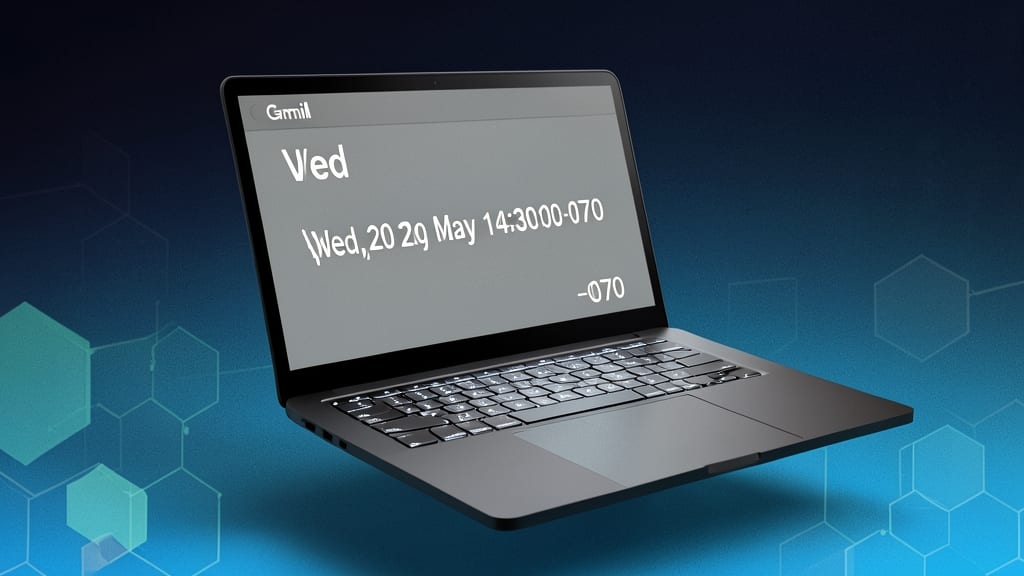
Ever wondered why your email’s timestamp reads "Wed, 20 May 2024 14:30:00 -0700" instead of "05/20/2024 2:30 PM"? That’s RFC 2822—the standardized format for email headers and SMTP protocols that ensures every inbox, from Gmail to Outlook, displays dates consistently.
This format uses a day-of-week abbreviation (e.g., Wed), followed by the day, month, year, and time with a timezone offset (e.g., -0700). It’s designed for machine parsing while remaining human-readable, making it critical for email servers to interpret and relay timestamps accurately. Unlike ISO 8601, RFC 2822 prioritizes legacy compatibility with older systems, ensuring backward compatibility across decades of email infrastructure.
If you’re working with email APIs, SMTP servers, or parsing raw email headers, RFC 2822 is your go-to. It’s the invisible glue keeping global communication timestamps intact—no matter how your client formats the display. 💻
Unix Timestamp (Epoch Time)

Behind every server log, cache expiry, and scheduled task lies the Unix timestamp—a simple yet powerful integer counting seconds since January 1, 1970. Unlike human-readable formats, this epoch time eliminates ambiguity, making it the go-to for backend systems where precision and speed matter most.
With a 32-bit range (up to 2038) or 64-bit (handling dates until ~292 billion AD), Unix timestamps are lightweight, sortable, and perfect for calculations. Languages like Python (time.time()) and JavaScript (Date.now()) support them natively, while databases use them for indexing time-based queries. The trade-off? You’ll need to convert it to readable formats for users.
Perfect for sysadmins, DevOps engineers, and backend developers building systems where time is critical—like session management or analytics pipelines. ⚡
SQL Date-Time Formats

When querying databases, the right date-time format can make or break your SQL performance. Unlike Unix timestamps or ISO 8601, SQL databases like MySQL, PostgreSQL, and SQL Server each support their own native formats—with YYYY-MM-DD HH:MI:SS being the most universally accepted for cross-database compatibility.
This format ensures clarity in queries like WHERE created_at = '2024-05-20 14:30:00', avoiding ambiguity that plagues formats like MM/DD/YYYY. PostgreSQL also supports timestamp with time zone for timezone-aware operations, while MySQL’s DATETIME type stores dates up to 10000-01-01 00:00:00. SQL Server’s DATETIME2 offers precision down to 100 nanoseconds, perfect for high-frequency logging.
Developers working with multi-database systems will appreciate this format’s consistency—it’s the bridge between MySQL’s DATE, PostgreSQL’s TIMESTAMP, and SQL Server’s DATETIME types. ⚡
JavaScript Date Object Formats

JavaScript’s Date object is the unsung hero of web development, handling time with built-in methods that seamlessly connect frontend displays to backend logic. Unlike other formats, it’s not just about storage—it’s about dynamic, interactive date manipulation right in the browser.
With methods like toISOString() (outputs 2024-05-20T14:30:00.000Z), you get ISO 8601 compliance for APIs, while toLocaleString() adapts to user preferences (e.g., "May 20, 2024"). The object also handles timezones natively, avoiding common pitfalls like ambiguous MM/DD/YYYY parsing. For developers, this means zero config for cross-platform consistency.
Perfect for web apps where dates need to display locally but sync globally—think calendars, booking systems, or analytics dashboards. ⚡
Excel and Office Date-Time Formats
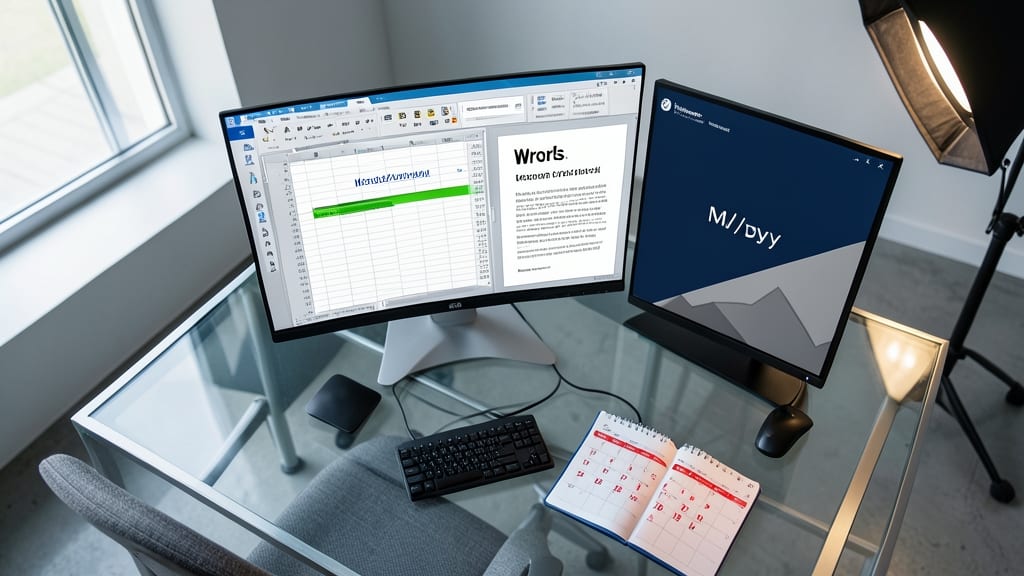
If your workflow revolves around Excel, Word, or PowerPoint, mastering the Office Suite date-time formats is non-negotiable. Unlike APIs or databases, these formats prioritize human readability while maintaining consistency across reports, invoices, and presentations.
Microsoft Office defaults to MM/DD/YYYY (US) or DD-MM-YYYY (international), but you can customize formats like YYYY-MM-DD for database compatibility or MMMM DD, YYYY (e.g., January 05, 2024) for polished documents. The DATEVALUE and TEXT functions let you parse and reformat dates dynamically, while conditional formatting highlights overdue deadlines with visual cues.
Perfect for finance teams, project managers, and analysts—these formats bridge spreadsheets with external systems like SQL or APIs, ensuring data integrity without manual conversions. ✨
Custom Date-Time Patterns in .NET
Tired of hardcoding dates in your Windows apps? .NET’s custom date-time patterns let you format timestamps dynamically—no more manual parsing or string replacements. With just a single line of code like DateTime.Now.ToString("yyyy-MM-dd"), you can switch between formats like 2024-05-20 or Monday, May 20 without rewriting logic.
This feature shines in Windows applications where localization matters. Use dddd, MMMM dd for full day names (e.g., "Tuesday, May 21") or HH:mm:ss for precise time logs. The DateTime class even handles culture-specific formatting automatically, so your app adapts to user settings without extra work.
Perfect for developers building Windows desktop apps, admin tools, or enterprise software where user-friendly timestamps matter. No need for third-party libraries—just pure .NET magic. ✨