
Tip & Trick
Remote work opens doors to flexibility but exposes vulnerabilities. These 10 security best practices—backed by cybersecurity experts—will fortify your digital workspace against phishing, malware, and data breaches before they become disasters.
Multi-Factor Authentication for Every Account
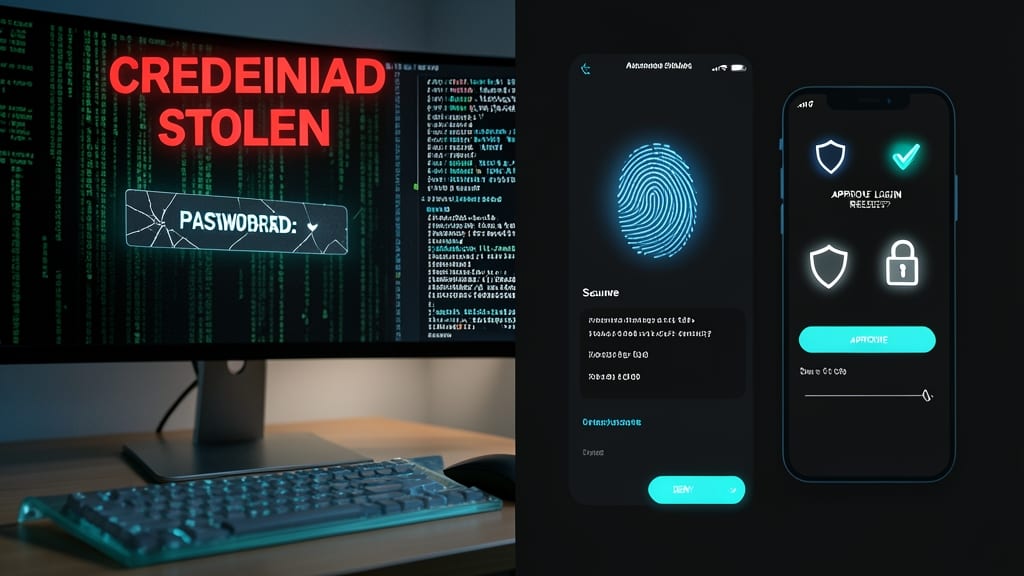
Credential theft is the #1 entry point for cyberattacks—yet 90% of breaches could be stopped with one simple layer: multi-factor authentication (MFA). Unlike passwords alone, MFA forces attackers to bypass not just one hurdle, but multiple verification steps, making stolen credentials nearly useless.
Start by enabling MFA on your work accounts, personal emails, and financial services using built-in tools like Microsoft Authenticator, Google Authenticator, or hardware keys (like YubiKey). These methods—TOTP codes, push notifications, or biometrics—create a layered defense that thwarts even sophisticated phishing attacks. For example, if a hacker steals your password, they’ll still need your phone or fingerprint to access your accounts.
This isn’t just for IT admins—every remote worker should enable MFA. It takes minutes to set up and could save you from a data breach nightmare. 💪
Zero-Trust Network Access Implementation
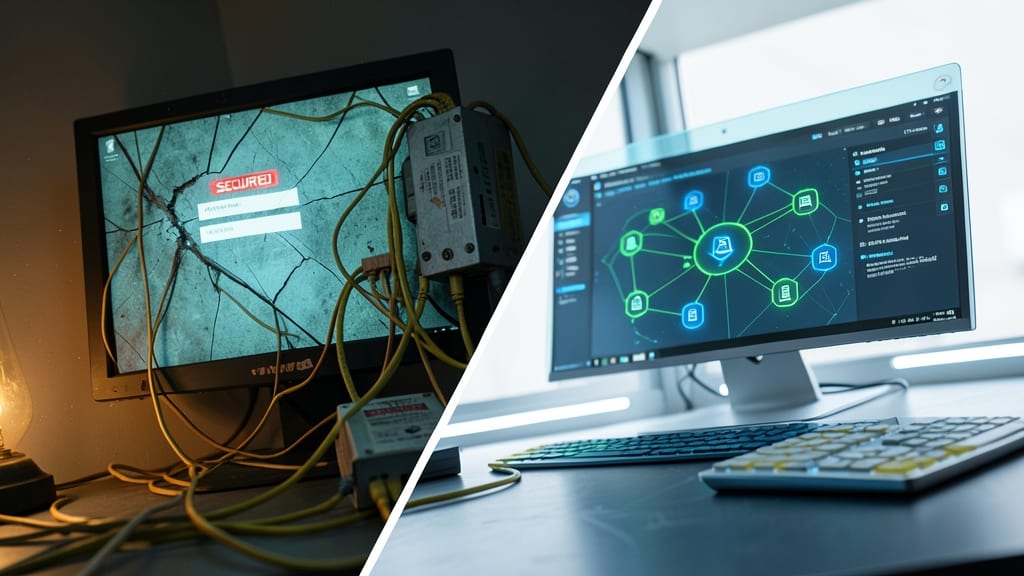
Tired of relying on outdated VPNs that only secure the tunnel—not the devices inside? Zero-trust network access (ZTNA) flips the script by treating every connection as untrusted, even within your own network. Unlike VPNs, which assume "trust once connected," ZTNA requires continuous verification of both users and devices before granting access to specific applications or data.
Platforms like Cloudflare Access or Zscaler Private Access authenticate users via short-lived certificates and enforce least-privilege access, meaning employees only see what they need for their role. Device posture checks—like verifying OS updates or endpoint protection—block compromised machines instantly. For remote workers, this means no more blanket trust for internal networks, reducing the risk of lateral movement attacks that VPNs can’t stop.
Perfect for teams handling sensitive data or operating in regulated industries, ZTNA turns your network into a dynamic fortress—not a static perimeter. 🌟
Secure Password Manager Usage Guide
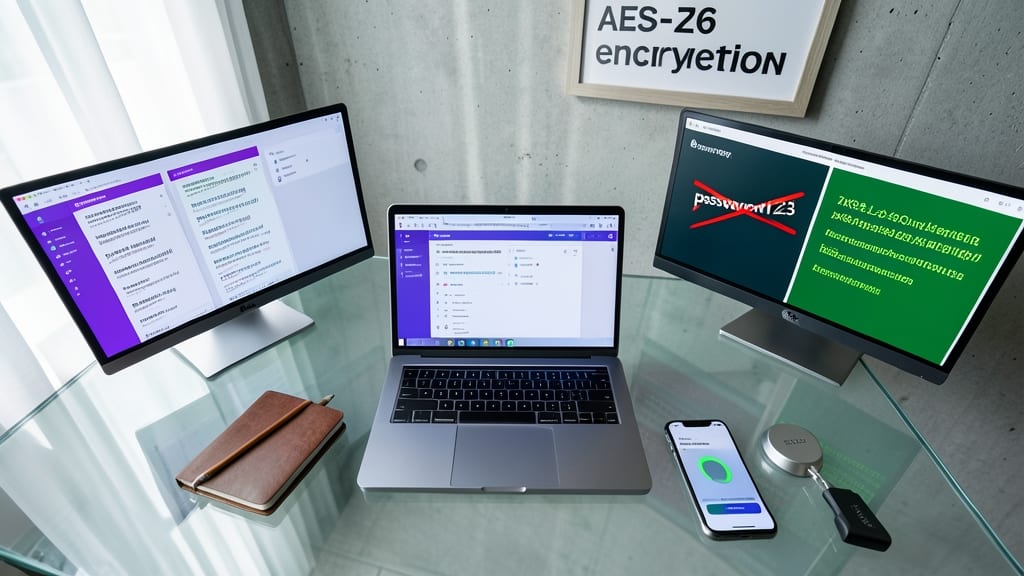
Tired of reusing the same weak password across accounts? A secure password manager like Bitwarden or 1Password eliminates this risk by auto-generating and storing 20+ character credentials with AES-256 encryption—far stronger than anything you could memorize.
These tools sync seamlessly across devices, share credentials securely with teams, and even audit password strength. The best managers offer zero-knowledge architecture, meaning only you hold the encryption key. For teams handling client data, features like shared vaults with access controls ensure compliance while keeping credentials secure.
Ideal for remote workers managing multiple accounts, these managers reduce password fatigue while meeting enterprise security standards. 💻
Endpoint Detection and Response Tools
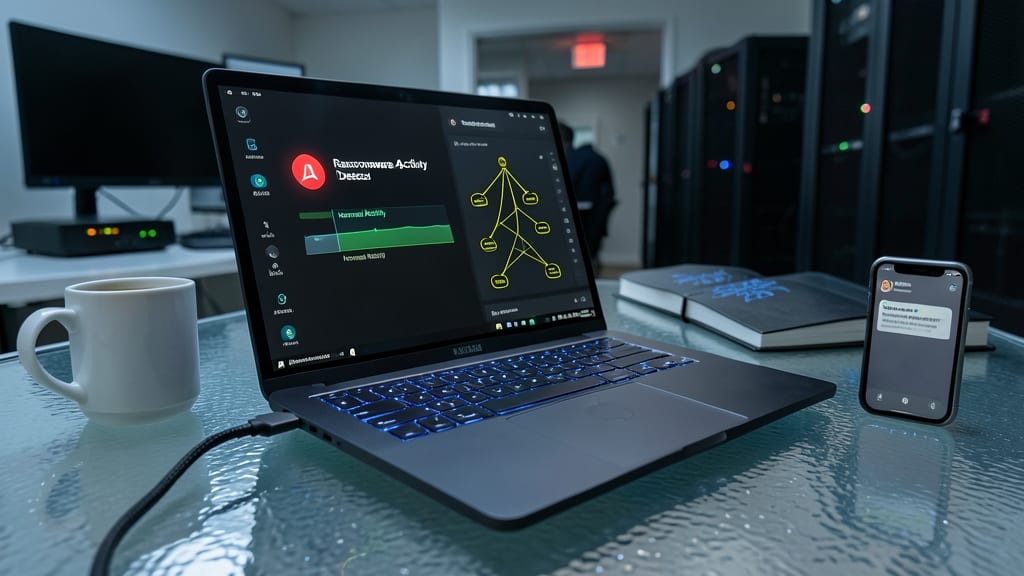
Your personal laptop or tablet could be the weakest link in your remote security chain—unless you deploy Endpoint Detection and Response (EDR) tools. Unlike traditional antivirus, EDR actively monitors device behavior in real time, stopping ransomware before it encrypts your files or exfiltrates data.
Solutions like CrowdStrike Falcon or Microsoft Defender for Endpoint provide AI-driven threat detection, automated response actions, and detailed forensic reports. They work silently in the background, flagging suspicious processes (e.g., unauthorized PowerShell scripts) and isolating infected devices within minutes. For remote workers, the cross-platform support (Windows, macOS, Linux, and mobile) ensures protection whether you're on a company-issued device or your own.
This is non-negotiable for anyone handling sensitive work data on personal devices—especially if your IT team can't monitor every endpoint directly. 💻
Secure Home Wi-Fi Configuration Checklist

Your home Wi-Fi isn’t just a convenience—it’s the front door to your work data. A single misconfigured router can expose sensitive files to hackers lurking on public networks or scanning for weak signals. This checklist turns your Wi-Fi into an impenetrable fortress with just a few clicks.
Start by enabling WPA3 encryption (or at least WPA2) and disable WPS—that "easy setup" feature is a security nightmare. Hide your SSID to make casual snooping harder, then create a separate guest network with limited access to your main devices. Update your router’s firmware monthly, and change the default admin password to something only you know. For remote work, use a VPN even on your home network as an extra layer.
This setup is ideal for freelancers, remote teams, or anyone handling sensitive data. A few minutes of configuration now could save hours of cleanup later. ✨
Phishing Simulation Training Program

Your team’s best firewall isn’t software—it’s trained employees. Since 90% of breaches start with a phished link or attachment, interactive phishing simulations like KnowBe4 or GoPhish turn your workforce into human firewalls without the cost of traditional training.
These programs send realistic, randomized phishing tests (fake invoices, urgent "boss emails," or fake login pages) and track who clicks. After a failed test, users get personalized remediation modules—no boring lectures. Advanced platforms even simulate spear-phishing (targeted attacks) to train against the most dangerous threats. The best tools integrate with Microsoft 365 or Slack for seamless deployment.
Ideal for small businesses to enterprises, this approach reduces human error by 70% within 3 months. Start with a quarterly testing schedule and watch your click-rate drop from 20% to under 5%. 💡
Automated Software Patch Management

Cybercriminals exploit unpatched software like a buffet—because 90% of successful attacks target known vulnerabilities left unaddressed. Automated patch management turns that buffet into a locked pantry by closing security gaps before hackers can exploit them.
Tools like WSUS (Windows Server Update Services) or Patch Manager Plus let you schedule updates for OS, browsers, and third-party apps across all devices in real time. They even handle dependency conflicts and test updates in staging environments before deployment. For Mac users, Jamf Pro automates patching for macOS and over 100+ applications with one-click compliance reporting.
This is non-negotiable for IT admins managing remote fleets or freelancers handling client data—because a single unpatched system can compromise your entire network. Set it and forget it. ✨
Encrypted Cloud Storage Solutions
Storing sensitive documents in free cloud services like Dropbox or Google Drive? Think again—those platforms prioritize convenience over enterprise-grade encryption. Solutions like CipherCloud or AWS KMS encrypt files at rest and in transit, with granular access controls that let you revoke permissions instantly.
Look for AES-256 encryption (military-grade) and zero-trust access policies that require re-authentication for high-risk files. Tools like Box Crypto or Microsoft Purview add legal-hold features for compliance-heavy industries. Even better: client-side encryption (e.g., Virtru) ensures files are unreadable until you decrypt them—no backdoor risks.
This is non-negotiable for legal teams, healthcare providers, or anyone handling PII (Personally Identifiable Information). For remote workers, it’s the difference between a secure file and a breach waiting to happen. 🌟
Remote Desktop Protocol Security Rules
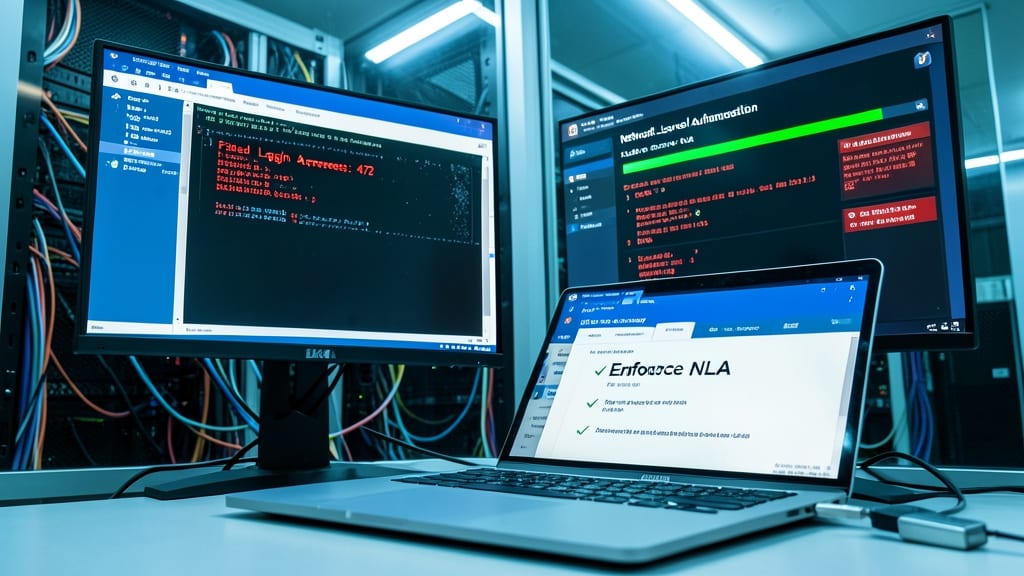
Hackers love targeting Remote Desktop Protocol (RDP)—it’s a goldmine for brute-force attacks and credential theft. If you rely on RDP for remote access, these security rules will lock down your connections before attackers exploit them.
Start by enforcing network-level authentication (NLA) to require strong credentials before any session begins. Next, set session timeouts (e.g., 15-30 minutes of inactivity) to minimize exposure. Finally, disable unused ports (like TCP 3389 if not in use) and restrict RDP to IP whitelisting—only allow connections from trusted devices. Tools like Windows Firewall or Group Policy make these tweaks easy.
This setup is ideal for IT admins managing remote teams or freelancers accessing sensitive systems. With these rules in place, you’ll block 90% of automated attacks before they even reach your desktop. 💻
Incident Response Plan Template

Cyberattacks don’t wait for business hours—when a breach hits, your team’s ability to respond within minutes determines the damage. This Incident Response Plan Template eliminates chaos by mapping out pre-approved escalation paths, device quarantine steps, and communication protocols before an attack occurs.
The template includes customizable playbooks for ransomware, phishing, and data leaks, with role-specific checklists (e.g., IT, legal, PR) to ensure no step is missed. It also integrates with SIEM tools like Splunk or CrowdStrike for automated alert triggers, so your team acts on threats before they escalate. The pre-filled contact lists ensure compliance teams and vendors are looped in instantly.
Ideal for SMBs and enterprises with remote teams, this template turns panic into action. No more guessing who to call—just clear, tested steps to minimize downtime and legal exposure. ✨