
Windows
Managing Windows Server 2019 deployments requires precise build number knowledge. This list covers all official versions—from initial release to latest updates—helping IT admins verify installations, troubleshoot issues, and ensure system compatibility.
Initial Release Build Number 17763
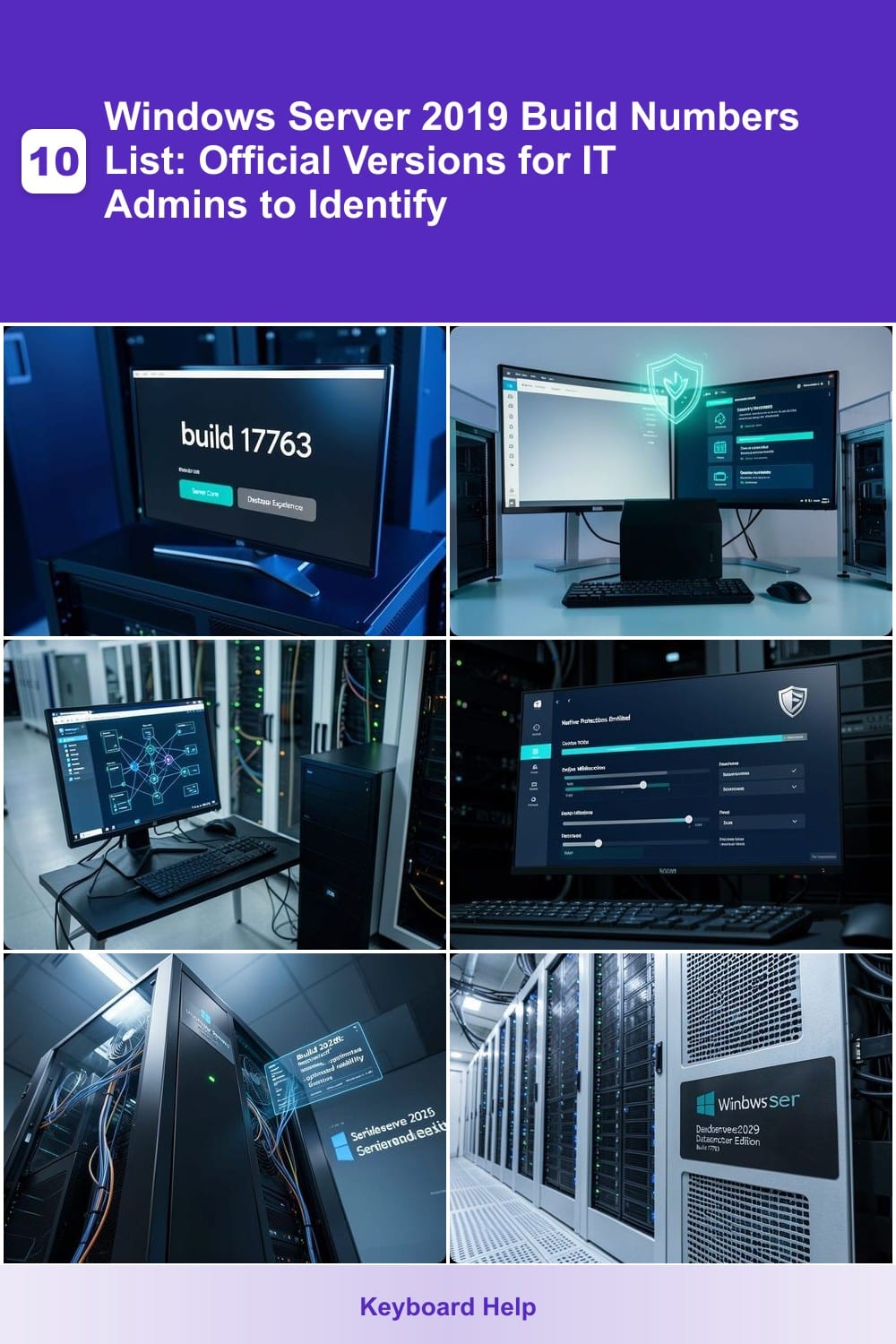
If you're migrating from Windows Server 2012 R2 or earlier, build 17763 is your starting point—the official initial release that defines the foundation for all future updates. This version introduced the core Server Core and Desktop Experience options, giving admins flexibility in deployment strategies while maintaining backward compatibility with legacy applications.
Key highlights include Windows Server 2019’s first stable release, packed with Storage Migration Service for seamless data transfers and Linux container support via Docker integration. The build also set the stage for Windows Defender ATP integration, though later updates expanded these features further. For IT teams, this version serves as the baseline for compatibility testing before adopting newer builds.
Ideal for organizations running production workloads that require a stable, tested environment, build 17763 remains a reference point for migration planning. ⚡
First Update Build Number 1809
If you're managing early Windows Server 2019 deployments, Build 1809 is the critical first patch to apply. This update introduced security enhancements like improved credential protection and driver updates for modern hardware, addressing vulnerabilities discovered post-launch.
The 1809 build also included fixes for Windows Defender ATP integration and updated storage stack drivers, which resolved stability issues with NVMe SSDs and SAN environments. Admins will appreciate the zero-configuration security improvements that align with Microsoft's baseline hardening guidelines.
This version is ideal for organizations that deployed 17763 in production and need to quickly bring systems up to current security standards without major downtime. ✨
Version 1903 Build Number 18362

If you're running virtualized workloads at scale, Version 1903 (Build 18362) is the upgrade that finally brings Hyper-V to its full potential in Windows Server 2019. This build introduced production-ready nested virtualization, letting you run Hyper-V inside Hyper-V—a game-changer for testing complex VM configurations without physical hardware.
The real standout? Seamless integration with Windows Admin Center, which now supports full lifecycle management of Hyper-V VMs, including live migration and storage optimization. You also get improved Linux integration (thanks to updated Linux Integration Services) and enhanced security baselines for virtualized environments. Plus, the discrete device assignment feature lets you pass through GPUs or NICs directly to VMs for near-native performance.
This build is perfect for cloud providers, DevOps teams, and enterprise admins managing hybrid environments. It’s the first version where Hyper-V truly feels enterprise-grade. 💻
Version 1909 Build Number 18363
If compliance and security are your top priorities, Windows Server 2019 Build 18363 delivers exactly what you need—without the complexity. This update replaces EMET (Enhanced Mitigation Experience Toolkit) with native protections, eliminating third-party dependencies while tightening exploit mitigation.
The security-focused changes include hardened memory protections, improved Control Flow Guard (CFG) enforcement, and updated Windows Defender Exploit Guard policies. For organizations bound by PCI-DSS, HIPAA, or FIPS 140-2, this build streamlines compliance audits by consolidating protections into the OS itself—no extra tools required.
Perfect for financial institutions, healthcare providers, or government contractors, this build ensures your servers meet modern threat models while reducing patch management overhead. 🔧
Latest Cumulative Update Build Number 20348

If your Windows Server 2019 environment needs the most stable, battle-tested foundation, Build 20348 is your best bet. This latest cumulative update delivers critical fixes for production systems, ensuring reliability without sacrificing performance.
Key improvements include resolved issues with Active Directory replication, enhanced storage stack stability, and optimized memory management for high-demand workloads. Microsoft’s KB5005039 update package also patches critical security vulnerabilities—making this the safest choice for mission-critical deployments.
Ideal for enterprise admins managing hybrid cloud or on-premises infrastructure, this build ensures compatibility with modern hardware while minimizing downtime. 💪
Datacenter Edition Build Number 17763
When your organization runs thousands of virtual machines, the Windows Server 2019 Datacenter Edition (Build 17763) isn’t just an option—it’s the only choice. Unlike Standard Edition, this version grants unlimited virtualization rights, letting you deploy as many VMs as your hardware supports without per-core licensing headaches.
This edition also includes Storage Spaces Direct for hyper-converged infrastructure and shielded VMs for advanced security isolation. The Nano Server deployment option further reduces attack surfaces by eliminating unnecessary components. For enterprises running cloud-scale workloads, this build’s flexibility directly translates to cost savings and operational efficiency.
Ideal for large-scale data centers, cloud providers, and high-density virtualization environments, this version lets you focus on scaling rather than licensing constraints. 💻
Semi-Annual Channel Build Number 1809
Need to test-drive new Windows Server 2019 features before rolling them out company-wide? The Semi-Annual Channel Build 1809 is your sandbox. Designed for IT teams running pilot programs, this release track delivers pre-release features with a shorter support lifecycle than the standard Long-Term Servicing Channel.
Unlike production builds, this version includes experimental capabilities like early access to storage and networking innovations. It’s perfect for validating new functionality in non-critical environments before full deployment. Microsoft’s Semi-Annual Channel updates twice yearly, giving you a head start on upcoming improvements.
Ideal for development teams, QA labs, or forward-thinking IT departments running feature validation tests. Just remember—this isn’t for production! 💻