
Software
Mastering Microsoft Access can unlock powerful database management skills—without spending a dime. These ten free online courses provide structured learning paths, hands-on exercises, and beginner-friendly certifications to build confidence with databases from scratch.
Microsoft Access Beginner Tutorial by GCF Global
Stuck staring at Microsoft Access’ blank interface with no idea where to start? GCF Global’s beginner tutorial breaks down the basics into digestible, real-world video lessons—no prior experience required. Their step-by-step approach covers everything from creating tables and relationships to building functional forms, all while avoiding confusing jargon.
The course includes interactive exercises to reinforce concepts like queries and reports, with downloadable practice files to test your skills. What sets it apart is the focus on applied learning: you’ll tackle scenarios like managing a small business inventory or tracking volunteer hours—skills you can use immediately in work or school. The 100% free format also includes printable guides for offline reference.
This is the perfect starting point for office administrators, students, or hobbyists who need a gentle but thorough introduction to databases. Whether you’re organizing a personal project or prepping for a job, GCF Global’s zero-cost, self-paced approach makes it the safest bet for beginners. 💡
Microsoft Access Free Course on Udemy
Want to learn Microsoft Access with hands-on practice—without paying for a course? Udemy’s free Microsoft Access: The Complete Beginner’s Guide stands out by including downloadable project files and quizzes to reinforce what you learn.
This course covers tables, queries, forms, and reports while providing real-world exercises like creating a customer database or inventory tracker. The structured assignments ensure you’re not just watching tutorials—you’re actively building skills. Best of all, Udemy’s free tier means you get zero-cost access to high-quality content.
Perfect for office professionals or students who want to master Access for work or school—no prior experience needed. 💻
LinkedIn Learning Free Trial Access Course
Want to boost your office skills without breaking the bank? LinkedIn Learning’s free trial course on Microsoft Access lets you dive into relational databases with projects that mirror real-world business needs—no prior experience required.
This 3-hour beginner course covers essentials like creating tables, designing queries, and building reports, all while working on a customer relationship management (CRM) project. The platform’s polished interface and industry-recognized instructor videos make it ideal for professionals eyeing roles in data entry, administration, or office management.
Perfect for career switchers or office workers looking to stand out, this course leverages LinkedIn’s professional network to turn your new skills into tangible career assets. ⚡
YouTube Microsoft Access Crash Course by Leila Gharani

If you learn best by watching and prefer short, focused lessons, Leila Gharani’s YouTube series is your ideal starting point. Her 15-minute videos break down Access fundamentals—like tables, relationships, and basic queries—without overwhelming you with jargon.
The series covers practical examples (e.g., creating a simple inventory database) and includes downloadable practice files to follow along. Unlike lengthy courses, these bite-sized lessons fit into busy schedules, making it easy to grasp concepts in one sitting. The visual, step-by-step approach ensures clarity for learners who struggle with text-heavy guides.
Perfect for visual learners or anyone who wants to test the waters before committing to longer courses. Start with her "Microsoft Access Crash Course" playlist to build confidence quickly. ✨
Microsoft Virtual Academy Free Access Training
Want to learn Microsoft Access straight from the source? Microsoft Virtual Academy’s free Access training delivers official content created by the software’s development team, ensuring you master Access 2016+ features with accuracy.
This program includes expert-led demos covering advanced topics like data macros, web databases, and Power Apps integration. The structured modules progress from basics (tables, queries) to real-world applications, with downloadable labs for hands-on practice. Best of all, it’s completely free and backed by Microsoft’s credibility.
Perfect for professionals who need official training without certification costs or students preparing for Microsoft Office Specialist exams. 💻
Coursera Free Access Basics by University of Colorado
Want a certified Microsoft Access skillset without the tuition price tag? The University of Colorado’s free Coursera course delivers academic rigor with hands-on assignments—including a verifiable completion certificate—that stands out on resumes.
This structured program covers tables, relationships, and basic queries through interactive exercises, with graded assessments to reinforce learning. The university-backed credential adds credibility, while flexible deadlines let you learn at your own pace. Peer discussions and instructor feedback create a supportive community feel.
Ideal for career seekers or students needing proof of skills, this course bridges the gap between free tutorials and paid certifications—all without cost. ✨
Microsoft Access Free Practice Exercises by ExcelIsFun
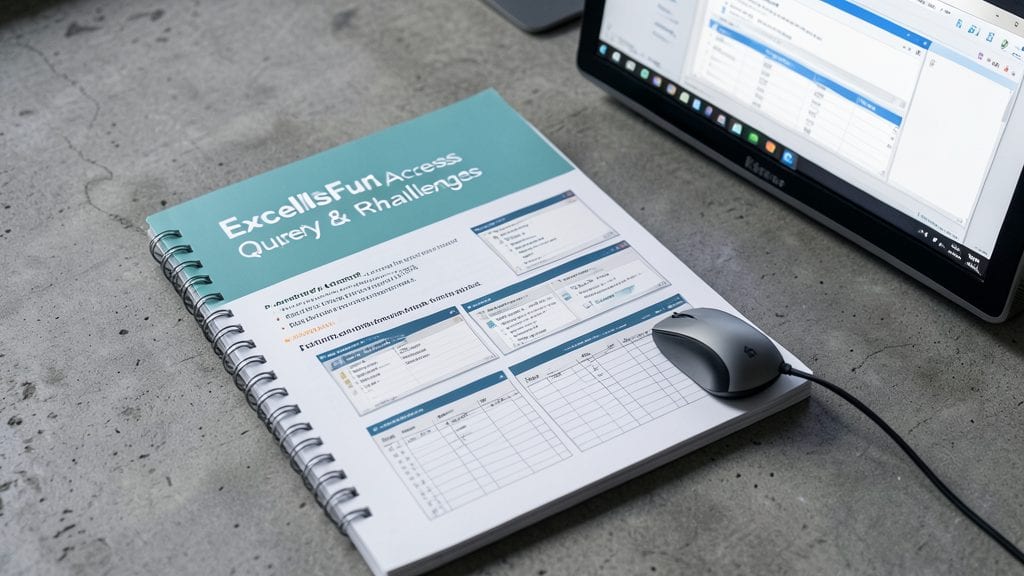
Stuck memorizing theory but craving real-world Access practice? ExcelIsFun’s free workbook flips the script with interactive exercises designed to turn theory into action—no fluff, just hands-on query and report building.
This downloadable workbook includes step-by-step challenges like creating multi-table queries, designing forms with subforms, and generating dynamic reports. Unlike passive tutorials, you’ll build a sample database from scratch while learning relational logic through guided prompts. The exercises mirror real-world scenarios (e.g., inventory tracking or contact management), so you’ll leave with a portfolio-ready project.
Perfect for learners who thrive on doing over watching—whether you’re prepping for an office role, automating personal projects, or just leveling up your Access skills. 💻
Khan Academy Free Database Fundamentals
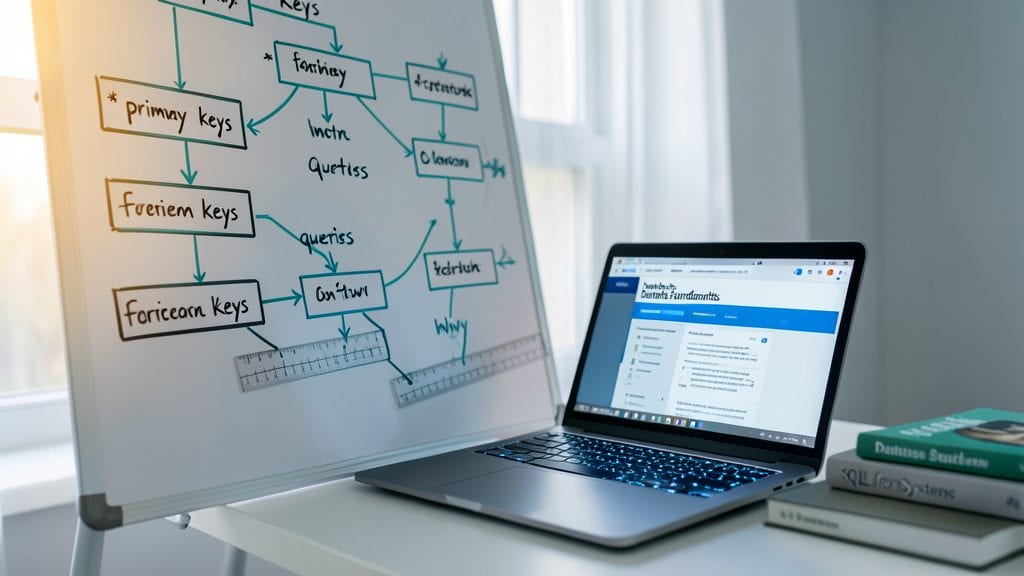
If you’ve ever felt overwhelmed by database software before diving in, Khan Academy’s free Database Fundamentals course flips the script by teaching the logic first—no tools required. This approach ensures you grasp relational concepts like tables, keys, and queries in a way that sticks, making it ideal for career changers or students building a solid foundation before opening Access.
The course breaks down complex ideas into bite-sized lessons with interactive exercises and visualizations, like designing a library database from scratch. You’ll learn how to structure data efficiently, write SQL-like queries, and understand relationships—skills that directly translate to Microsoft Access (or any other database tool). Best of all, it’s completely free, with no ads or paywalls to distract you.
Perfect for learners who thrive on conceptual clarity before hands-on practice, this course is especially valuable for students in computer science or anyone transitioning into data roles. Start here to build confidence before tackling Access-specific features. ✨
Microsoft Access Free Webinars by Access Experts
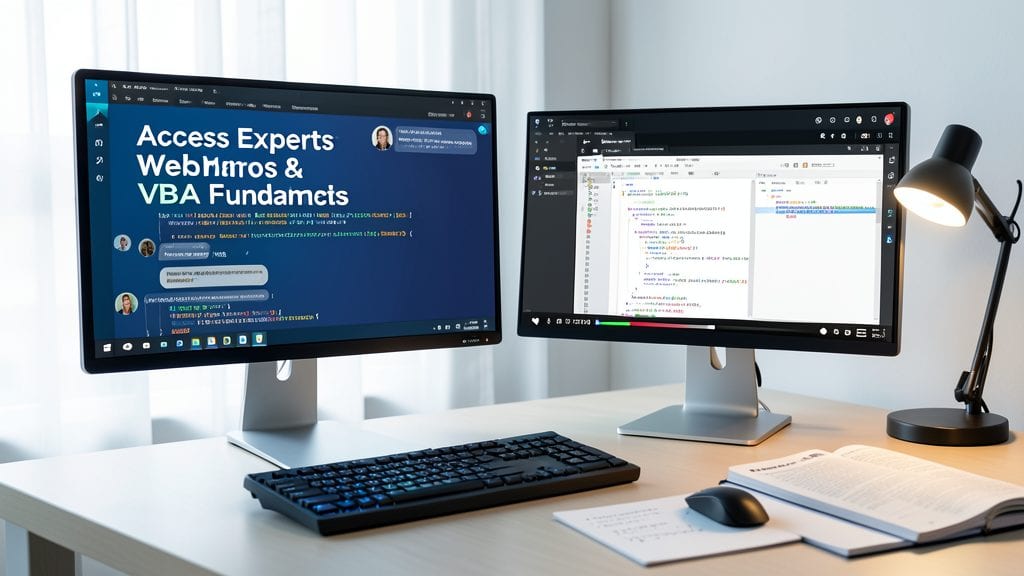
Ready to take your Microsoft Access skills beyond the basics? The free webinars by Access Experts dive deep into macros and VBA fundamentals, offering live sessions and recordings from industry specialists—no cost, no limits.
These sessions cover real-world automation scenarios, from writing custom functions to optimizing queries with VBA scripts. You’ll also get hands-on Q&A with experts who’ve built databases for Fortune 500 companies. The recordings stay available for replay, so you can learn at your own pace.
Perfect for office workers or freelancers who need to automate repetitive tasks or build custom solutions. Whether you're managing inventory systems or client databases, these webinars turn theory into actionable code. ✨
Free Microsoft Access Project-Based Learning
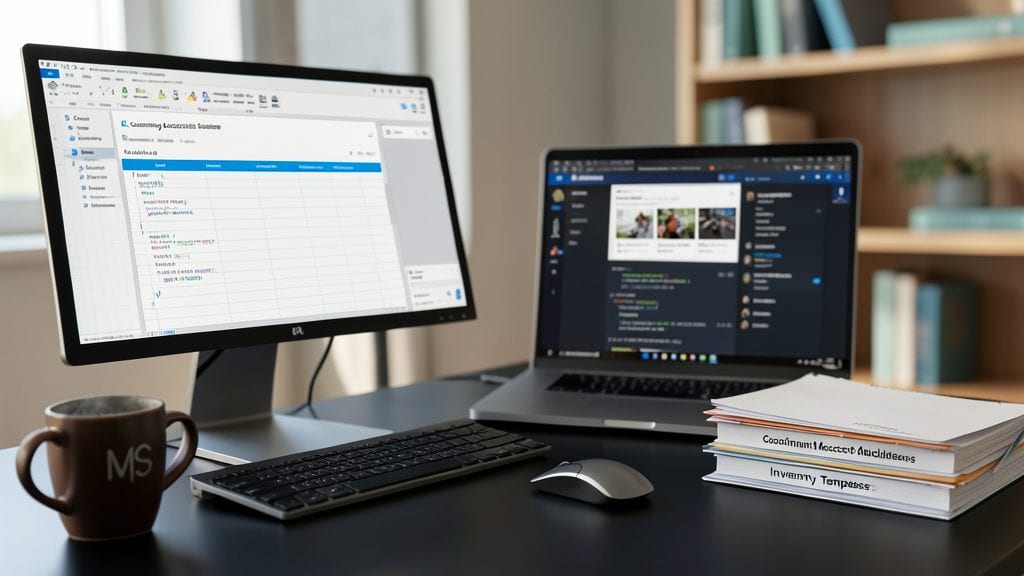
Tired of watching tutorials without ever building something real? Microsoft Access project-based learning from community forums like Microsoft Answers and Stack Overflow offers downloadable templates for inventory systems, contact managers, and appointment schedulers—ready to customize in minutes.
These pre-built databases include tables, forms, and reports, so you can focus on refining logic rather than starting from scratch. For example, a small business inventory template teaches relationships between products, suppliers, and sales records—skills directly transferable to real jobs. The best part? No hidden costs—just copy, modify, and learn by doing.
Perfect for self-starters who learn fastest through hands-on projects, these templates turn theory into action without requiring instructor-led courses. Dive in and build a portfolio-worthy database today! ✨