Skip to content
Keyboard Help

Keyboard Help

  • All Articles
  • App
  • Coding
  • Hardware
  • More
    • Operating System
    • Outlook
    • PowerPoint
    • Software
    • Tip & Trick
    • Troubleshooting
    • Windows

All Recipes — Page 28

Microsoft Access 2013 Database Size Limit: Hard Cap and Workarounds for Large Files

November 7, 2026 by Rhonda Prescott
Microsoft Access 2013 Database Size Limit: Hard Cap and Workarounds for Large Files

💥 Quick Answer Microsoft Access 2013 has a hard database size limit of 2GB for single-user files (.accdb) and 255MB for older (.mdb) formats. Exceeding this causes corruption or crashes; splitting databases or upgrading…


Read more

Categories Software

Microsoft Access Record Locking Information: When, Why, and How It Happens

November 7, 2026 by Rhonda Prescott
Microsoft Access Record Locking Information: When, Why, and How It Happens

Understanding Microsoft Access record-locking information helps you avoid those frustrating moments when your database freezes mid-edit. Ever hit "Save" only to see a record is locked error pop up? That’s record locking…

Read more

Categories Software

Microsoft ASP NET and Web Tools 2015: Debugging Tricks for Legacy Projects

November 7, 2026 by Rhonda Prescott
Microsoft ASP NET and Web Tools 2015: Debugging Tricks for Legacy Projects

Debugging projects built with Microsoft ASP.NET and Web Tools 2015 feels like solving a puzzle with missing pieces—but the right approach makes it manageable. Legacy systems can be frustrating, especially when Visual…

Read more

Categories Software

Microsoft ReportViewer WebForms Version 9.0.0: Fix Crashes and Rendering Errors Fast

November 7, 2026 by Rhonda Prescott
Microsoft ReportViewer WebForms Version 9.0.0: Fix Crashes and Rendering Errors Fast

Fixing crashes in Microsoft ReportViewer WebForms version 9.0.0 can feel like chasing ghosts—one minute it works, the next your reports vanish into a black screen. Deadlines are breathing down your neck, and the error…

Read more

Categories Software

Microsoft Security Essentials Virus Definitions Update: Force Manual Refresh in 3 Steps

November 7, 2026 by Rhonda Prescott
Microsoft Security Essentials Virus Definitions Update: Force Manual Refresh in 3 Steps

My Microsoft Security Essentials virus definitions update stopped working after a botched Windows update last month, leaving my uncle's old IBM-compatible system vulnerable. ⚡ The real kicker? The automatic update…

Read more

Categories Troubleshooting

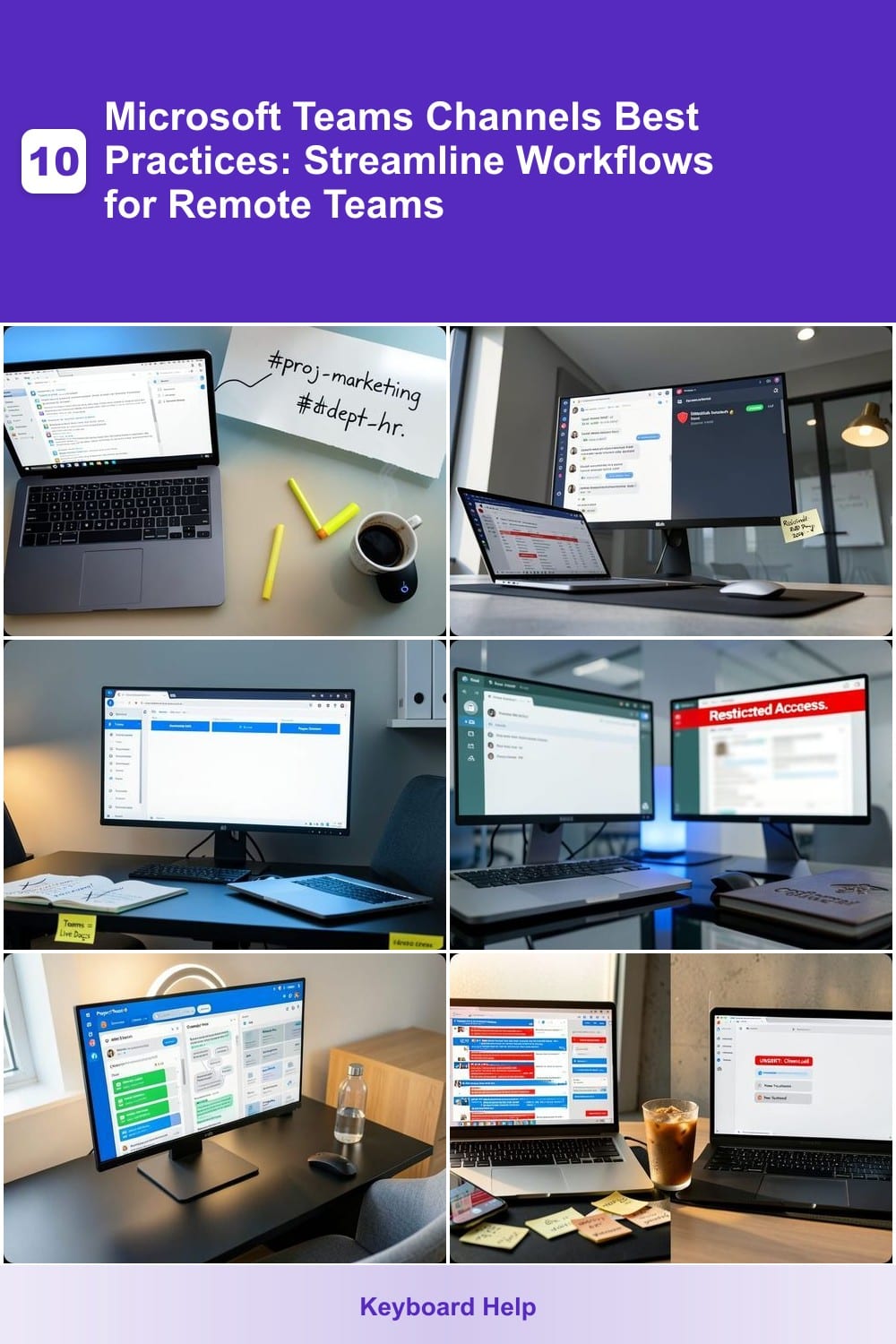
10 Microsoft Teams Channels Best Practices: Streamline Workflows for Remote Teams

November 7, 2026 by Rhonda Prescott
10 Microsoft Teams Channels Best Practices: Streamline Workflows for Remote Teams

Microsoft Teams channels can make or break remote team productivity. These 10 best practices will help you organize workflows, reduce chaos, and create a seamless collaboration experience for distributed teams of any…

Read more

Categories Software

Microsoft Windows SDK for Windows 7 and .NET Framework 4.5: Download & Install Guide

November 7, 2026 by Rhonda Prescott
Microsoft Windows SDK for Windows 7 and .NET Framework 4.5: Download & Install Guide

The Microsoft Windows SDK for Windows 7 and .NET Framework 4.5 is the backbone of legacy app development—but finding and installing it without headaches is easier said than done. You’ve probably spent hours hunting for…

Read more

Categories Windows

Outlook 2007 Keeps Asking for Password: Force Reset Without Losing Emails

November 7, 2026 by Rhonda Prescott
Outlook 2007 Keeps Asking for Password: Force Reset Without Losing Emails

Outlook 2007 keeps asking for a password because the profile got corrupted after a Windows update—or worse, someone changed the password without telling you. 💻 I’ve seen this happen after a reboot, a Windows patch, or…

Read more

Categories Outlook

Smart Card Drivers for Windows 7 64-Bit: Compatibility Checklist for Seamless Setup

November 7, 2026 by Rhonda Prescott
Smart Card Drivers for Windows 7 64-Bit: Compatibility Checklist for Seamless Setup

Finding the right smart card drivers for Windows 7 64-bit ensures your security cards, corporate access badges, or biometric readers work flawlessly without errors. Struggling with smart card driver issues on your…

Read more

Categories Windows

What Is an Exchange Account on iPhone: Setup and Sync Explained Simply

November 7, 2026 by Rhonda Prescott
What Is an Exchange Account on iPhone: Setup and Sync Explained Simply

💥 Quick Answer An Exchange account on iPhone connects to corporate or school email servers (like Microsoft Exchange) to sync emails, calendars, and contacts seamlessly across devices. It’s the default setup for work or…

Read more

Categories Troubleshooting
Page1…Page26Page27Page28Page29Page30…Page54Next →

About Me

Rhonda Prescott

Rhonda Prescott
My first computer was a clunky desktop my dad built from parts he scavenged from old electronics stores. It had no internet, but I spent hours typing out stories and drawing pixel art in MS Paint. That machine taught me two things: tech can be magical, and patience is key when things don’t work right. Now, I run this site to help others navigate the digital world—whether it’s troubleshooting a stubborn PC, mastering a new software tool, or just figuring out why their printer keeps jamming. I believe good tech help should be clear, practical, and free of jargon. After all, computers should work *for* us, not the other way around.

Learn more

Recent Posts

  • Keyboard Shortcut for Strikethrough in Outlook: Exact Steps for Windows and Mac
    Keyboard Shortcut for Strikethrough in Outlook: Exact Steps for Windows and Mac
  • Windows 7 Installation Disk: Step-by-Step Guide for Legacy Systems
    Windows 7 Installation Disk: Step-by-Step Guide for Legacy Systems
  • How to Turn Off Word Suggestions: Instant Fix for Typing Freedom
    How to Turn Off Word Suggestions: Instant Fix for Typing Freedom
  • Install Network Printer for All Users Windows 10 Command Line: Group Policy Trick for Instant Deployment
    Install Network Printer for All Users Windows 10 Command Line: Group Policy Trick for Instant Deployment
  • How to Add Custom Stickers to Samsung Keyboard: Step-by-Step Visual Guide for Instant Fun
    How to Add Custom Stickers to Samsung Keyboard: Step-by-Step Visual Guide for Instant Fun
  • All Guides
  • About
  • Contact
  • Privacy Policy
  • Cookie Policy
  • Terms of Use
© 2026 keyboardhelp.click