Skip to content
Keyboard Help

Keyboard Help

  • All Articles
  • App
  • Coding
  • Hardware
  • More
    • Operating System
    • Outlook
    • PowerPoint
    • Software
    • Tip & Trick
    • Troubleshooting
    • Windows

All Recipes — Page 40

TPM 2.0 for Windows 10: Direct Download Without Malware Risks

October 12, 2026 by Rhonda Prescott
TPM 2.0 for Windows 10: Direct Download Without Malware Risks

My uncle’s basement workshop in 1998 had one rule: "Never trust software—even if you just downloaded the TPM 2.0 for Windows 10 from Microsoft’s site" —that lesson stuck with me when helping Dad rebuild IBMs from scrap…
Read more

Categories Windows

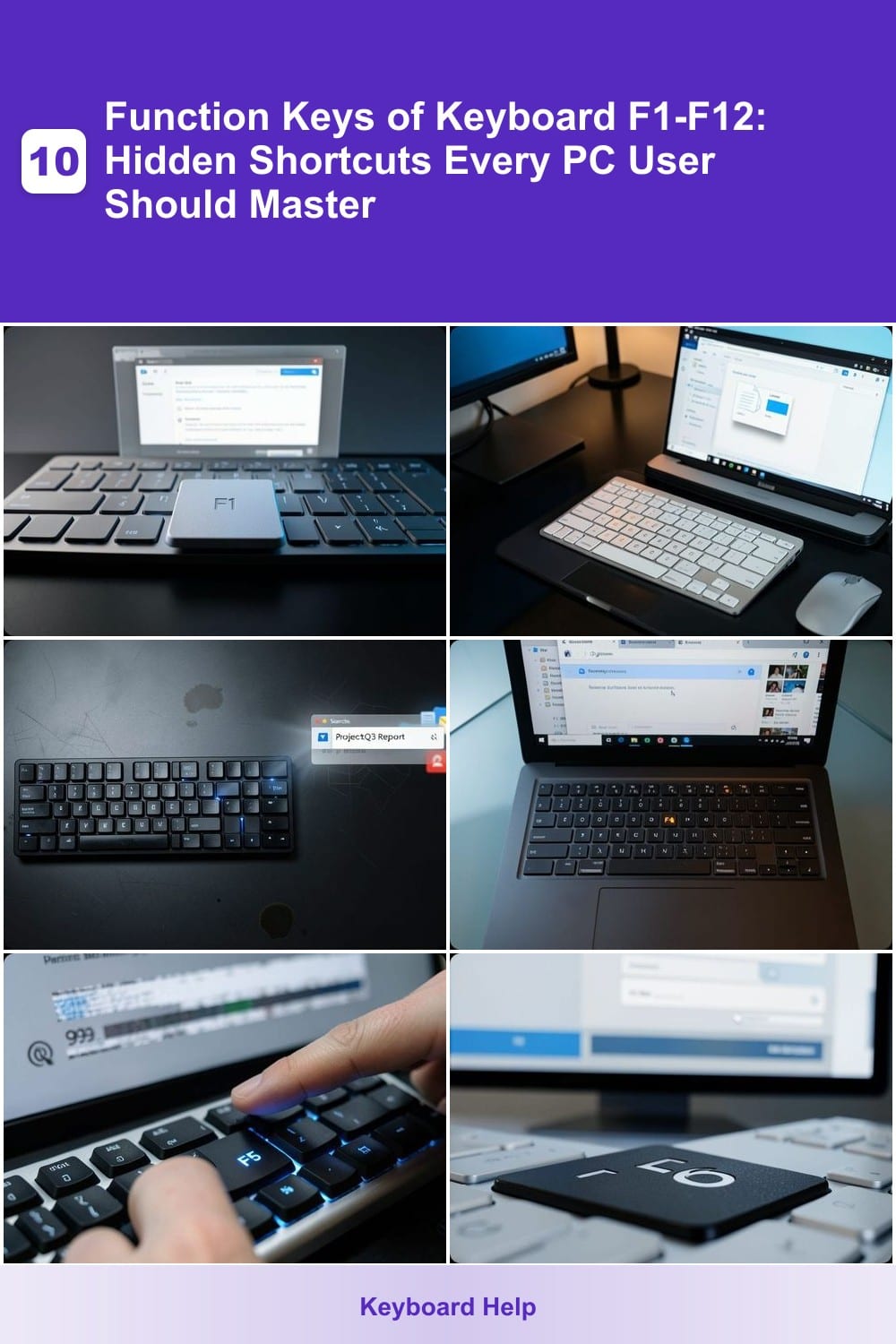
10 Function Keys of Keyboard F1-F12: Hidden Shortcuts Every PC User Should Master

October 12, 2026 by Rhonda Prescott
10 Function Keys of Keyboard F1-F12: Hidden Shortcuts Every PC User Should Master

Did you know your keyboard's F1-F12 keys hold powerful shortcuts that can transform your workflow? These hidden functions save time, boost productivity, and unlock features you never knew existed—whether you're using…

Read more

Categories Hardware

Find Your Microsoft Account: Step-by-Step Recovery Guide

October 12, 2026 by Rhonda Prescott
Find Your Microsoft Account: Step-by-Step Recovery Guide

Finding your Microsoft account can feel like searching for a needle in a haystack—especially when you've created multiple logins over the years. ✨ I’ve helped dozens of friends recover accounts they’d forgotten about…

Read more

Categories Troubleshooting

How to Add Hyperlink in PowerPoint: Insert Clickable Links in Slides

October 12, 2026 by Rhonda Prescott
How to Add Hyperlink in PowerPoint: Insert Clickable Links in Slides

Adding hyperlinks in PowerPoint turns static slides into interactive experiences—something I first learned back in my uncle’s basement workshop when we’d turn old IBM manuals into clickable training guides. 💡 The…

Read more

Categories PowerPoint

How to Add Text After a Formula in Excel: Instant Concatenation Without Losing Data

October 12, 2026 by Rhonda Prescott
How to Add Text After a Formula in Excel: Instant Concatenation Without Losing Data

Mastering how to add text after a formula in Excel transformed my spreadsheets—until I found CONCAT, the effortless way to merge results without a hitch. ⚡ Back in my uncle’s basement workshop in 1998, I’d spend hours…

Read more

Categories Tip & Trick

Windows Phone Music Download: No-Fuss Transfer to Your Device

October 12, 2026 by Rhonda Prescott
Windows Phone Music Download: No-Fuss Transfer to Your Device

Downloading music to your Windows Phone used to feel like navigating a maze—until I cracked the system with these three foolproof methods. ✨ My Lumia 950 still runs smooth with a library of DRM-free tracks, and I’ll show…

Read more

Categories Windows

How to Install Hadoop on Windows: Virtual Machine Setup for Seamless Integration

October 12, 2026 by Rhonda Prescott
How to Install Hadoop on Windows: Virtual Machine Setup for Seamless Integration

Installing Hadoop on Windows used to feel like wrestling a bear—until I discovered the virtual machine route. ✨ The key is treating Windows as the host while running Hadoop in a lightweight VM, which smooths out…

Read more

Categories Windows

How to Install Outlook on iPhone: Seamless Sync With Your Email Accounts

October 12, 2026 by Rhonda Prescott
How to Install Outlook on iPhone: Seamless Sync With Your Email Accounts

Installing Outlook on your iPhone unlocks powerful email management right in your pocket. ✨ I’ve helped dozens of clients streamline their inboxes this way—it’s faster than the Mail app for most workflows, especially if…

Read more

Categories Outlook

How to Set up a Microsoft Teams Meeting: Instant Hosting With One Click

October 12, 2026 by Rhonda Prescott
How to Set up a Microsoft Teams Meeting: Instant Hosting With One Click

Setting up a Microsoft Teams meeting takes less than a minute once you know the trick—no scheduling required. 💡 I’ve hosted hundreds of these meetings over the years, and the one-click method is the fastest way to get…

Read more

Categories Tip & Trick

How to Set up Email on Android: Universal Method for Any Provider

October 12, 2026 by Rhonda Prescott
How to Set up Email on Android: Universal Method for Any Provider

Setting up email on Android used to feel like navigating a maze of server settings and authentication prompts. ⚡ After helping Dad configure email on our first ThinkPad in Pittsburgh scrap yards, I learned the universal…

Read more

Categories Tip & Trick
Page1…Page38Page39Page40Page41Page42…Page54Next →

About Me

Rhonda Prescott

Rhonda Prescott
My first computer was a clunky desktop my dad built from parts he scavenged from old electronics stores. It had no internet, but I spent hours typing out stories and drawing pixel art in MS Paint. That machine taught me two things: tech can be magical, and patience is key when things don’t work right. Now, I run this site to help others navigate the digital world—whether it’s troubleshooting a stubborn PC, mastering a new software tool, or just figuring out why their printer keeps jamming. I believe good tech help should be clear, practical, and free of jargon. After all, computers should work *for* us, not the other way around.

Learn more

Recent Posts

  • Keyboard Shortcut for Strikethrough in Outlook: Exact Steps for Windows and Mac
    Keyboard Shortcut for Strikethrough in Outlook: Exact Steps for Windows and Mac
  • Windows 7 Installation Disk: Step-by-Step Guide for Legacy Systems
    Windows 7 Installation Disk: Step-by-Step Guide for Legacy Systems
  • How to Turn Off Word Suggestions: Instant Fix for Typing Freedom
    How to Turn Off Word Suggestions: Instant Fix for Typing Freedom
  • Install Network Printer for All Users Windows 10 Command Line: Group Policy Trick for Instant Deployment
    Install Network Printer for All Users Windows 10 Command Line: Group Policy Trick for Instant Deployment
  • How to Add Custom Stickers to Samsung Keyboard: Step-by-Step Visual Guide for Instant Fun
    How to Add Custom Stickers to Samsung Keyboard: Step-by-Step Visual Guide for Instant Fun
  • All Guides
  • About
  • Contact
  • Privacy Policy
  • Cookie Policy
  • Terms of Use
© 2026 keyboardhelp.click