Skip to content
Keyboard Help

Keyboard Help

  • All Articles
  • App
  • Coding
  • Hardware
  • More
    • Operating System
    • Outlook
    • PowerPoint
    • Software
    • Tip & Trick
    • Troubleshooting
    • Windows

Software — Page 2

10 Efficiency Best Practices for Microsoft 365: Cut Workload by 40% With Proven Time-Savers
October 16, 2026 by Rhonda Prescott
10 Efficiency Best Practices for Microsoft 365: Cut Workload by 40% With Proven Time-Savers

Struggling with Microsoft 365’s complexity? These 10 efficiency best practices will streamline your workflow, slash repetitive tasks, and reclaim hours weekly—backed by real user results and expert insights. 1 Master…

Read more

Categories Software

EPM Add-In for Microsoft Office 2010 Download: Direct ISO Source for Legacy Systems Integration

October 9, 2026 by Rhonda Prescott
EPM Add-In for Microsoft Office 2010 Download: Direct ISO Source for Legacy Systems Integration

The Microsoft Office 2010 EPM add-in download connects legacy systems to enterprise project management tools—but most sources lead to outdated or unsafe files. If you're stuck with Office 2010 and need this integration…

Read more

Categories Software

Excel 2013 Advanced Formulas and Functions: Automate Complex Tasks Like a Pro

November 4, 2026 by Rhonda Prescott
Excel 2013 Advanced Formulas and Functions: Automate Complex Tasks Like a Pro

Excel 2013’s advanced formulas and functions can transform repetitive tasks into automated workflows, saving you hours of manual work. Master these power tools to unlock precision, efficiency, and data-driven insights in…

Read more

Categories Software

10 Games You Don’t Have To Download Or Install: Instant Play in Your Browser

November 4, 2026 by Rhonda Prescott
10 Games You Don’t Have To Download Or Install: Instant Play in Your Browser

Tired of waiting for downloads or storage space? These 10 browser-based games deliver instant fun without taking up a single gigabyte of your device. From quick puzzles to immersive adventures, they run smoothly on any…

Read more

Categories Software

Google Translate Korean to English Keyboard: Add & Switch in 2 Steps

October 6, 2026 by Rhonda Prescott
Google Translate Korean to English Keyboard: Add & Switch in 2 Steps

Google Translate’s Korean-to-English keyboard turns your device into a bilingual powerhouse—no extra apps needed. Stuck typing Korean only to see garbled text? That happens when you skip the two-step setup most guides…

Read more

Categories Software

How Do I Turn on Voice Typing in Excel: Instant Dictation for Spreadsheets

October 11, 2026 by Rhonda Prescott
How Do I Turn on Voice Typing in Excel: Instant Dictation for Spreadsheets

My first time using voice typing in Excel saved me two hours of manual data entry—no typing skills required. ✨ The feature turns your spreadsheet into a hands-free workspace, perfect for quick notes, formulas, or even…

Read more

Categories Software

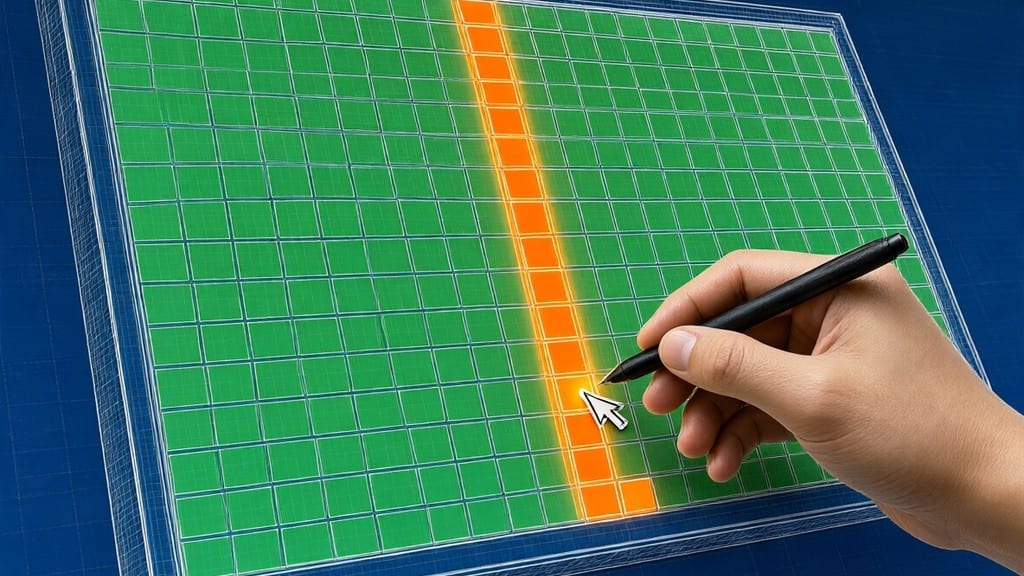
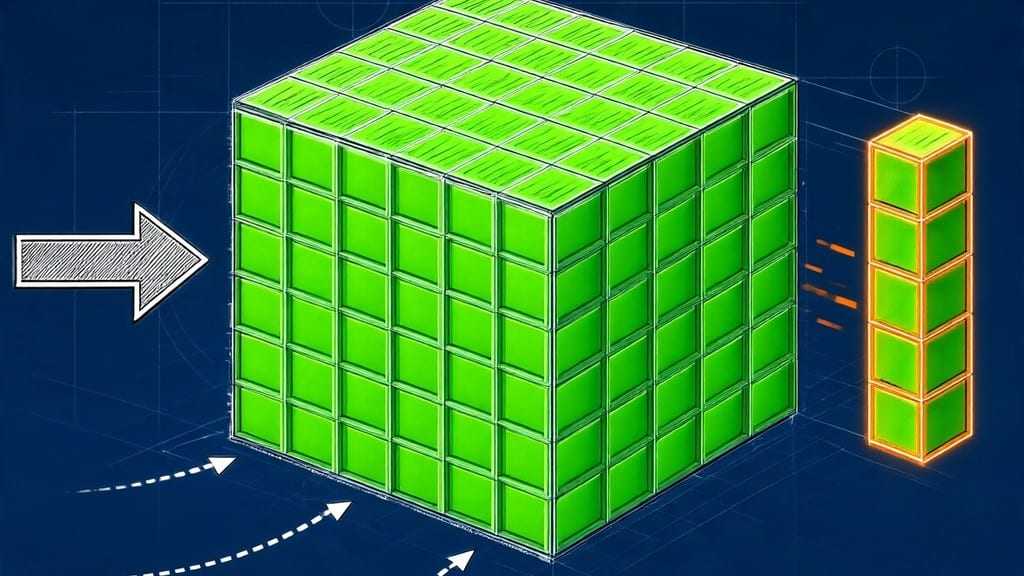
How to Add a Formula to a Column in Excel: Drag-Fill Secrets for Instant Calculations

November 5, 2026 by Rhonda Prescott
How to Add a Formula to a Column in Excel: Drag-Fill Secrets for Instant Calculations

Adding formulas to an entire Excel column used to mean typing the same thing 1,000 times—until I discovered drag-fill. ✨ This single trick cuts formula entry time from hours to seconds, and I've used it to automate…

Read more

Categories Software

How to Add Data Analysis in Excel: 5 Power Functions for Instant Insights

November 21, 2026 by Rhonda Prescott
How to Add Data Analysis in Excel: 5 Power Functions for Instant Insights

Adding data analysis in Excel transforms raw numbers into actionable insights without needing to learn Python or R. 💡 I spent years helping small business owners turn messy spreadsheets into clear reports—often by…

Read more

Categories Software

How to Add Files to OneDrive: Drag-and-Drop & Folder Sync Methods

November 7, 2026 by Rhonda Prescott
How to Add Files to OneDrive: Drag-and-Drop & Folder Sync Methods

Adding files to OneDrive is easier than you think—just drag them into the OneDrive folder on your desktop, and they sync automatically. I’ve used this method for years to back up photos, documents, and even entire…

Read more

Categories Software

How to Add Meeting Notes to Teams: Step-by-Step Guide for Quick Capture

November 20, 2026 by Rhonda Prescott
How to Add Meeting Notes to Teams: Step-by-Step Guide for Quick Capture

Adding meeting notes to Teams used to be a clunky afterthought—until Microsoft streamlined the process into something almost effortless. ✨ I’ve spent years watching teams lose critical decisions because notes got buried…

Read more

Categories Software
Page1Page2Page3Page4…Page9Next →

About Me

Rhonda Prescott

Rhonda Prescott
My first computer was a clunky desktop my dad built from parts he scavenged from old electronics stores. It had no internet, but I spent hours typing out stories and drawing pixel art in MS Paint. That machine taught me two things: tech can be magical, and patience is key when things don’t work right. Now, I run this site to help others navigate the digital world—whether it’s troubleshooting a stubborn PC, mastering a new software tool, or just figuring out why their printer keeps jamming. I believe good tech help should be clear, practical, and free of jargon. After all, computers should work *for* us, not the other way around.

Learn more

Recent Posts

  • Keyboard Shortcut for Strikethrough in Outlook: Exact Steps for Windows and Mac
    Keyboard Shortcut for Strikethrough in Outlook: Exact Steps for Windows and Mac
  • Windows 7 Installation Disk: Step-by-Step Guide for Legacy Systems
    Windows 7 Installation Disk: Step-by-Step Guide for Legacy Systems
  • How to Turn Off Word Suggestions: Instant Fix for Typing Freedom
    How to Turn Off Word Suggestions: Instant Fix for Typing Freedom
  • Install Network Printer for All Users Windows 10 Command Line: Group Policy Trick for Instant Deployment
    Install Network Printer for All Users Windows 10 Command Line: Group Policy Trick for Instant Deployment
  • How to Add Custom Stickers to Samsung Keyboard: Step-by-Step Visual Guide for Instant Fun
    How to Add Custom Stickers to Samsung Keyboard: Step-by-Step Visual Guide for Instant Fun
  • All Guides
  • About
  • Contact
  • Privacy Policy
  • Cookie Policy
  • Terms of Use
© 2026 keyboardhelp.click