Skip to content
Keyboard Help

Keyboard Help

  • All Articles
  • App
  • Coding
  • Hardware
  • More
    • Operating System
    • Outlook
    • PowerPoint
    • Software
    • Tip & Trick
    • Troubleshooting
    • Windows

Windows — Page 14

Windows Vista Updates Won’t Download: Bypass Stuck Downloads in 5 Simple Steps

October 12, 2026 by Rhonda Prescott
Windows Vista Updates Won’t Download: Bypass Stuck Downloads in 5 Simple Steps

When Windows Vista updates won’t download , the frustration is real—but here’s the fix to finally unstick that stubborn update process. ⚡ The problem isn’t always your internet—it’s often Windows Update itself acting…
Read more

Categories Windows

WSD Printer Device Driver for Windows 7: Fix Connection Errors in 5 Steps

November 5, 2026 by Rhonda Prescott
WSD Printer Device Driver for Windows 7: Fix Connection Errors in 5 Steps

Fixing your WSD printer device driver issues in Windows 7 starts with the right steps—most problems vanish once you update or reinstall the correct driver. If your printer suddenly disappears from the Devices list or…

Read more

Categories Windows

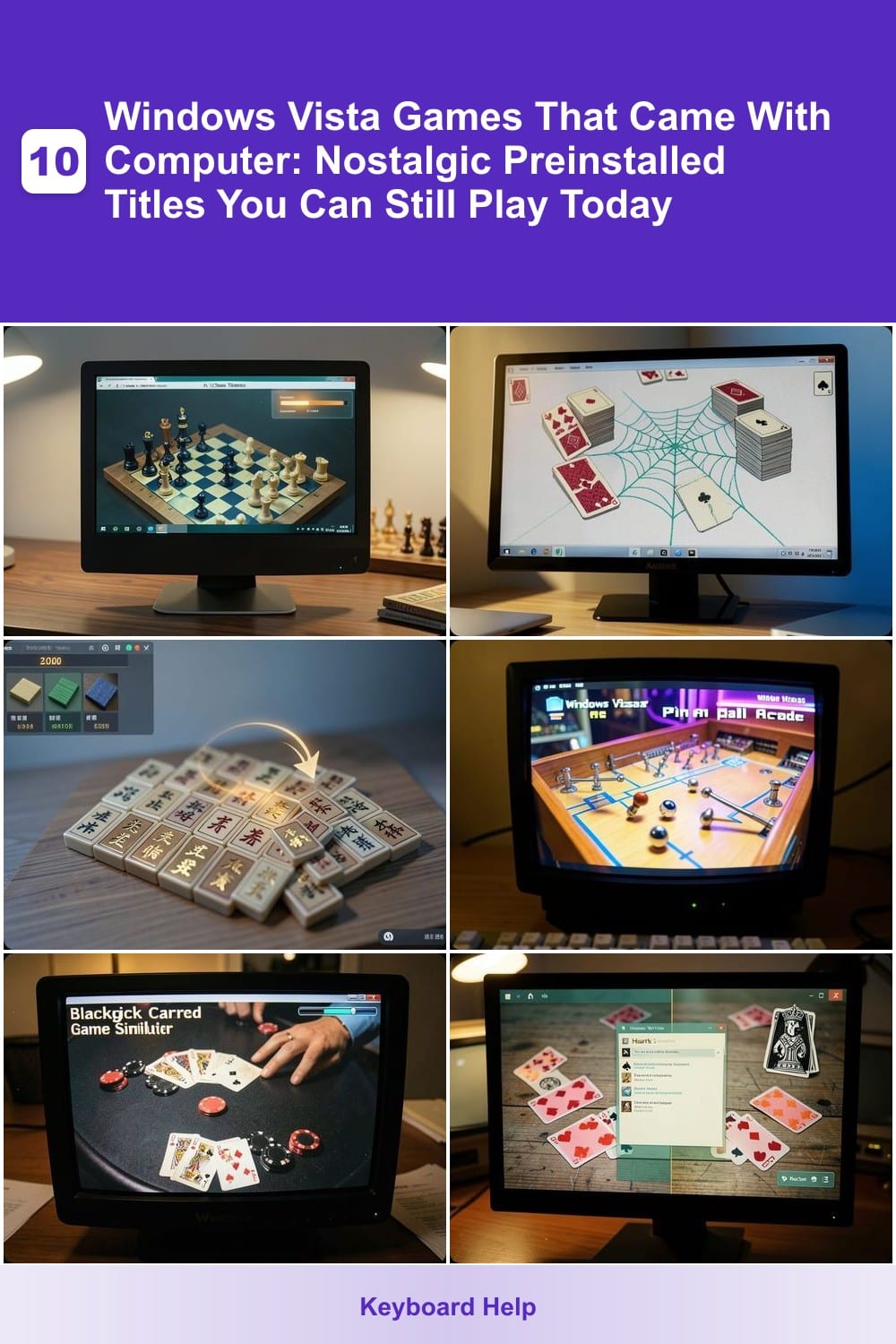
10 Windows Vista Games That Came With Computer: Nostalgic Preinstalled Titles You Can Still Play Today

November 21, 2026 by Rhonda Prescott
10 Windows Vista Games That Came With Computer: Nostalgic Preinstalled Titles You Can Still Play Today

Remember the days when Windows Vista came preloaded with a collection of games? These nostalgic titles—from classic card games to arcade-style adventures—were built into the OS itself. Though often overlooked, many still…

Read more

Categories Windows

Windows Server 2019 Build Numbers List: Official Versions for IT Admins to Identify

November 21, 2026 by Rhonda Prescott
Windows Server 2019 Build Numbers List: Official Versions for IT Admins to Identify

Managing Windows Server 2019 deployments requires precise build number knowledge. This list covers all official versions—from initial release to latest updates—helping IT admins verify installations, troubleshoot issues…

Read more

Categories Windows

How to Automatically Upload Files to OneDrive: Folder Sync Triggers Explained

November 21, 2026 by Rhonda Prescott
How to Automatically Upload Files to OneDrive: Folder Sync Triggers Explained

After my OneDrive folder stopped syncing post-update, I learned how do I automatically upload files to OneDrive —the fix was setting up folder sync triggers to push them instantly. ✨ cloud as soon as they land in your…

Read more

Categories Windows

Windows 10/11 Enterprise E3: Key Features and Cost Comparison for Businesses

November 21, 2026 by Rhonda Prescott
Windows 10/11 Enterprise E3: Key Features and Cost Comparison for Businesses

Windows 10/11 Enterprise E3 delivers the most robust security and management tools for businesses, but its pricing and licensing can catch IT teams off guard. You’re not alone if you’ve ever debated whether the extra…

Read more

Categories Windows

Windows Configuration Update KB5030509: Critical Fixes for Security & Stability Issues

November 21, 2026 by Rhonda Prescott
Windows Configuration Update KB5030509: Critical Fixes for Security & Stability Issues

Microsoft's Windows configuration update KB5030509 patches critical security flaws and fixes crashes plaguing Windows 10/11 systems. If your PC freezes mid-update or leaves you exposed to exploits, this patch might be…

Read more

Categories Windows

WordPad for Windows 10 64 Bit: Direct Download Without Bloatware

November 21, 2026 by Rhonda Prescott
WordPad for Windows 10 64 Bit: Direct Download Without Bloatware

WordPad comes built into Windows 10 64-bit, so you don’t actually need to download anything—just open it from the Start menu. ⚡ I’ve seen users waste hours searching for third-party versions when Microsoft’s native app…

Read more

Categories Windows

Oracle Vm Virtualbox with Microsft Windows Installed: Seamless Guest OS Setup Guide

November 21, 2026 by Rhonda Prescott
Oracle Vm Virtualbox with Microsft Windows Installed: Seamless Guest OS Setup Guide

Installing Microsoft Windows inside Oracle VM VirtualBox changed how I test software—no more dedicating hardware to every project. ✨ The process is straightforward once you know the exact steps to avoid common pitfalls…

Read more

Categories Windows

Set up Email on Windows 8: Quick Sync for Contacts and Calendar

November 21, 2026 by Rhonda Prescott
Set up Email on Windows 8: Quick Sync for Contacts and Calendar

Setting up email on Windows 8 used to be a headache until Microsoft streamlined the Mail app into something shockingly simple. ✨ I’ve helped dozens of users—from my grandmother on her Windows 95 machine to small business…

Read more

Categories Windows
Page1…Page12Page13Page14Page15Next →

About Me

Rhonda Prescott

Rhonda Prescott
My first computer was a clunky desktop my dad built from parts he scavenged from old electronics stores. It had no internet, but I spent hours typing out stories and drawing pixel art in MS Paint. That machine taught me two things: tech can be magical, and patience is key when things don’t work right. Now, I run this site to help others navigate the digital world—whether it’s troubleshooting a stubborn PC, mastering a new software tool, or just figuring out why their printer keeps jamming. I believe good tech help should be clear, practical, and free of jargon. After all, computers should work *for* us, not the other way around.

Learn more

Recent Posts

  • Keyboard Shortcut for Strikethrough in Outlook: Exact Steps for Windows and Mac
    Keyboard Shortcut for Strikethrough in Outlook: Exact Steps for Windows and Mac
  • Windows 7 Installation Disk: Step-by-Step Guide for Legacy Systems
    Windows 7 Installation Disk: Step-by-Step Guide for Legacy Systems
  • How to Turn Off Word Suggestions: Instant Fix for Typing Freedom
    How to Turn Off Word Suggestions: Instant Fix for Typing Freedom
  • Install Network Printer for All Users Windows 10 Command Line: Group Policy Trick for Instant Deployment
    Install Network Printer for All Users Windows 10 Command Line: Group Policy Trick for Instant Deployment
  • How to Add Custom Stickers to Samsung Keyboard: Step-by-Step Visual Guide for Instant Fun
    How to Add Custom Stickers to Samsung Keyboard: Step-by-Step Visual Guide for Instant Fun
  • All Guides
  • About
  • Contact
  • Privacy Policy
  • Cookie Policy
  • Terms of Use
© 2026 keyboardhelp.click