Skip to content
Keyboard Help

Keyboard Help

  • All Articles
  • App
  • Coding
  • Hardware
  • More
    • Operating System
    • Outlook
    • PowerPoint
    • Software
    • Tip & Trick
    • Troubleshooting
    • Windows

All Recipes — Page 33

What Is Microsoft PowerPoint Used For: 10 Key Business and Creative Applications

November 5, 2026 by Rhonda Prescott
What Is Microsoft PowerPoint Used For: 10 Key Business and Creative Applications

💥 Quick Answer Microsoft PowerPoint is used for creating professional presentations, combining text, images, charts, and multimedia to deliver compelling visual content for business meetings, education, marketing, and…


Read more

Categories PowerPoint

What Is Microsoft Publisher Used For: Designing Print and Digital Layouts Simply

November 5, 2026 by Rhonda Prescott
What Is Microsoft Publisher Used For: Designing Print and Digital Layouts Simply

💥 Quick Answer Microsoft Publisher is used for creating professional print and digital layouts, including flyers, brochures, business cards, and marketing materials. It simplifies design with templates and drag-and-drop…

Read more

Categories Software

What Is OneNote for Windows 10: Microsoft’s Digital Notebook Explained Simply

November 5, 2026 by Rhonda Prescott
What Is OneNote for Windows 10: Microsoft’s Digital Notebook Explained Simply

💥 Quick Answer OneNote for Windows 10 is Microsoft’s digital notebook app designed for organizing notes, sketches, and web clippings across devices, syncing seamlessly with OneDrive and other Office 365 tools. It…

Read more

Categories Software

What Is Viva Insights in Outlook: Key Features and How They Improve Workplace Productivity

November 5, 2026 by Rhonda Prescott
What Is Viva Insights in Outlook: Key Features and How They Improve Workplace Productivity

💥 Quick Answer Viva Insights in Outlook is a Microsoft productivity tool that analyzes email and calendar data to provide personalized recommendations for optimizing work habits, reducing stress, and improving focus. It…

Read more

Categories Outlook

What Is Windows Subsystem for Android: How It Works and Key Features Explained

November 5, 2026 by Rhonda Prescott
What Is Windows Subsystem for Android: How It Works and Key Features Explained

💥 Quick Answer Windows Subsystem for Android lets users run Android apps directly on Windows 11 PCs by emulating an Android environment without needing a separate device. It integrates with the Microsoft Store and…

Read more

Categories Windows

Where Is Microsoft Forms Data Stored: Location, Security, and Access Controls Explained

November 5, 2026 by Rhonda Prescott
Where Is Microsoft Forms Data Stored: Location, Security, and Access Controls Explained

💥 Quick Answer Microsoft Forms data is stored in Microsoft 365 cloud servers, integrated with SharePoint and OneDrive for Business, ensuring encrypted, global redundancy and compliance with GDPR and other data…

Read more

Categories Software

Windows 10 3D Acceleration: Enable It in 2 Minutes for Smoother Performance

November 5, 2026 by Rhonda Prescott
Windows 10 3D Acceleration: Enable It in 2 Minutes for Smoother Performance

Enabling 3D acceleration in Windows 10 can transform sluggish graphics into smooth, responsive visuals—especially for gaming, video editing, or even basic window management. ⚡ I’ve seen systems with outdated drivers…

Read more

Categories Windows

Windows Vista Can’t Check for Updates: Force Update Fix in 3 Minutes

November 5, 2026 by Rhonda Prescott
Windows Vista Can’t Check for Updates: Force Update Fix in 3 Minutes

My Windows Vista machine can’t check for updates—and it’s not alone. ⚡ After spending hours debugging this last month for a local bakery owner stuck on Vista SP2, I found the three-step reset that finally forces updates…

Read more

Categories Windows

WSD Printer Device Driver for Windows 7: Fix Connection Errors in 5 Steps

November 5, 2026 by Rhonda Prescott
WSD Printer Device Driver for Windows 7: Fix Connection Errors in 5 Steps

Fixing your WSD printer device driver issues in Windows 7 starts with the right steps—most problems vanish once you update or reinstall the correct driver. If your printer suddenly disappears from the Devices list or…

Read more

Categories Windows

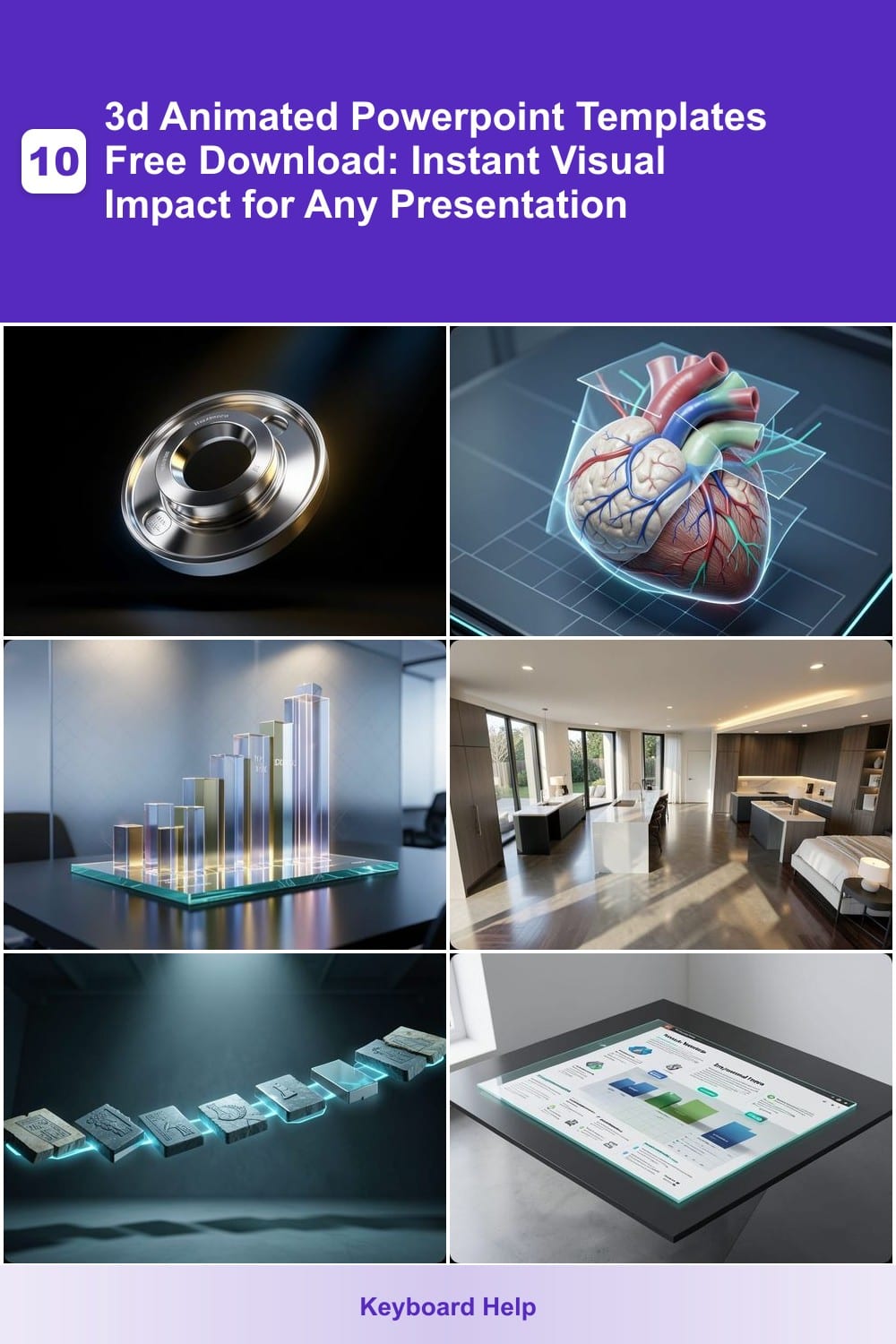
3d Animated Powerpoint Templates Free Download: Instant Visual Impact for Any Presentation

November 4, 2026 by Rhonda Prescott
3d Animated Powerpoint Templates Free Download: Instant Visual Impact for Any Presentation

Elevate your presentations with these free 3D animated PowerPoint templates that add professional visual appeal without requiring advanced design skills. Perfect for business, education, and creative projects, these…

Read more

Categories PowerPoint
Page1…Page31Page32Page33Page34Page35…Page54Next →

About Me

Rhonda Prescott

Rhonda Prescott
My first computer was a clunky desktop my dad built from parts he scavenged from old electronics stores. It had no internet, but I spent hours typing out stories and drawing pixel art in MS Paint. That machine taught me two things: tech can be magical, and patience is key when things don’t work right. Now, I run this site to help others navigate the digital world—whether it’s troubleshooting a stubborn PC, mastering a new software tool, or just figuring out why their printer keeps jamming. I believe good tech help should be clear, practical, and free of jargon. After all, computers should work *for* us, not the other way around.

Learn more

Recent Posts

  • Keyboard Shortcut for Strikethrough in Outlook: Exact Steps for Windows and Mac
    Keyboard Shortcut for Strikethrough in Outlook: Exact Steps for Windows and Mac
  • Windows 7 Installation Disk: Step-by-Step Guide for Legacy Systems
    Windows 7 Installation Disk: Step-by-Step Guide for Legacy Systems
  • How to Turn Off Word Suggestions: Instant Fix for Typing Freedom
    How to Turn Off Word Suggestions: Instant Fix for Typing Freedom
  • Install Network Printer for All Users Windows 10 Command Line: Group Policy Trick for Instant Deployment
    Install Network Printer for All Users Windows 10 Command Line: Group Policy Trick for Instant Deployment
  • How to Add Custom Stickers to Samsung Keyboard: Step-by-Step Visual Guide for Instant Fun
    How to Add Custom Stickers to Samsung Keyboard: Step-by-Step Visual Guide for Instant Fun
  • All Guides
  • About
  • Contact
  • Privacy Policy
  • Cookie Policy
  • Terms of Use
© 2026 keyboardhelp.click