Skip to content
Keyboard Help

Keyboard Help

  • All Articles
  • App
  • Coding
  • Hardware
  • More
    • Operating System
    • Outlook
    • PowerPoint
    • Software
    • Tip & Trick
    • Troubleshooting
    • Windows

All Recipes — Page 35

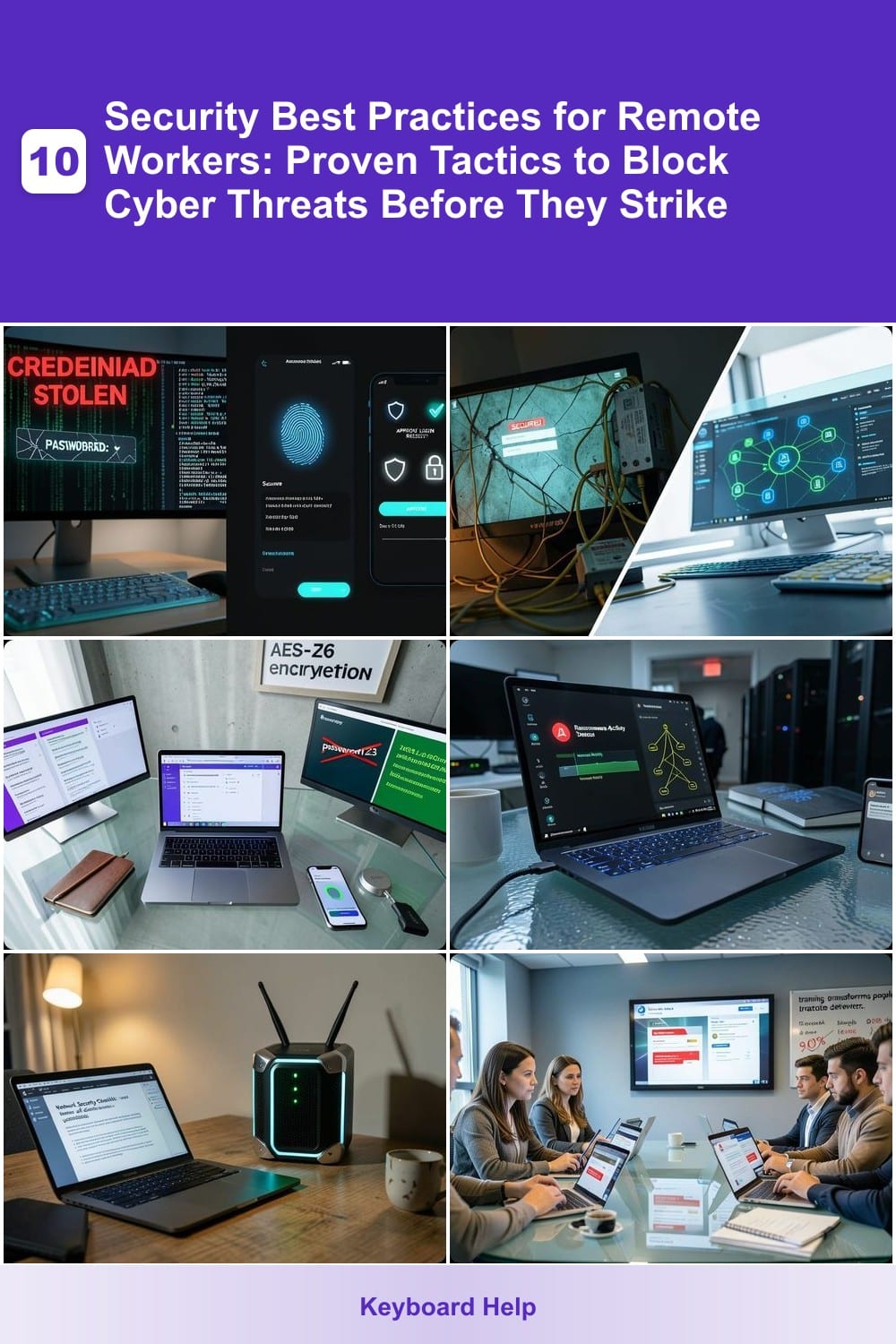
10 Security Best Practices for Remote Workers: Proven Tactics to Block Cyber Threats Before They Strike
November 4, 2026 by Rhonda Prescott
10 Security Best Practices for Remote Workers: Proven Tactics to Block Cyber Threats Before They Strike

Remote work opens doors to flexibility but exposes vulnerabilities. These 10 security best practices—backed by cybersecurity experts—will fortify your digital workspace against phishing, malware, and data breaches before…
Read more

Categories Tip & Trick

10 Efficiency Best Practices for Microsoft 365: Cut Workload by 40% With Proven Time-Savers

October 16, 2026 by Rhonda Prescott
10 Efficiency Best Practices for Microsoft 365: Cut Workload by 40% With Proven Time-Savers

Struggling with Microsoft 365’s complexity? These 10 efficiency best practices will streamline your workflow, slash repetitive tasks, and reclaim hours weekly—backed by real user results and expert insights. 1 Master…

Read more

Categories Software

10 Microsoft 365 Tips and Tricks 2023: Proven Productivity Hacks for Busy Professionals

October 16, 2026 by Rhonda Prescott
10 Microsoft 365 Tips and Tricks 2023: Proven Productivity Hacks for Busy Professionals

Microsoft 365 continues evolving in 2023 with hidden features that can transform your workflow. These 10 underutilized tips and tricks will help professionals save time, automate tasks, and work smarter—not harder—across…

Read more

Categories Tip & Trick

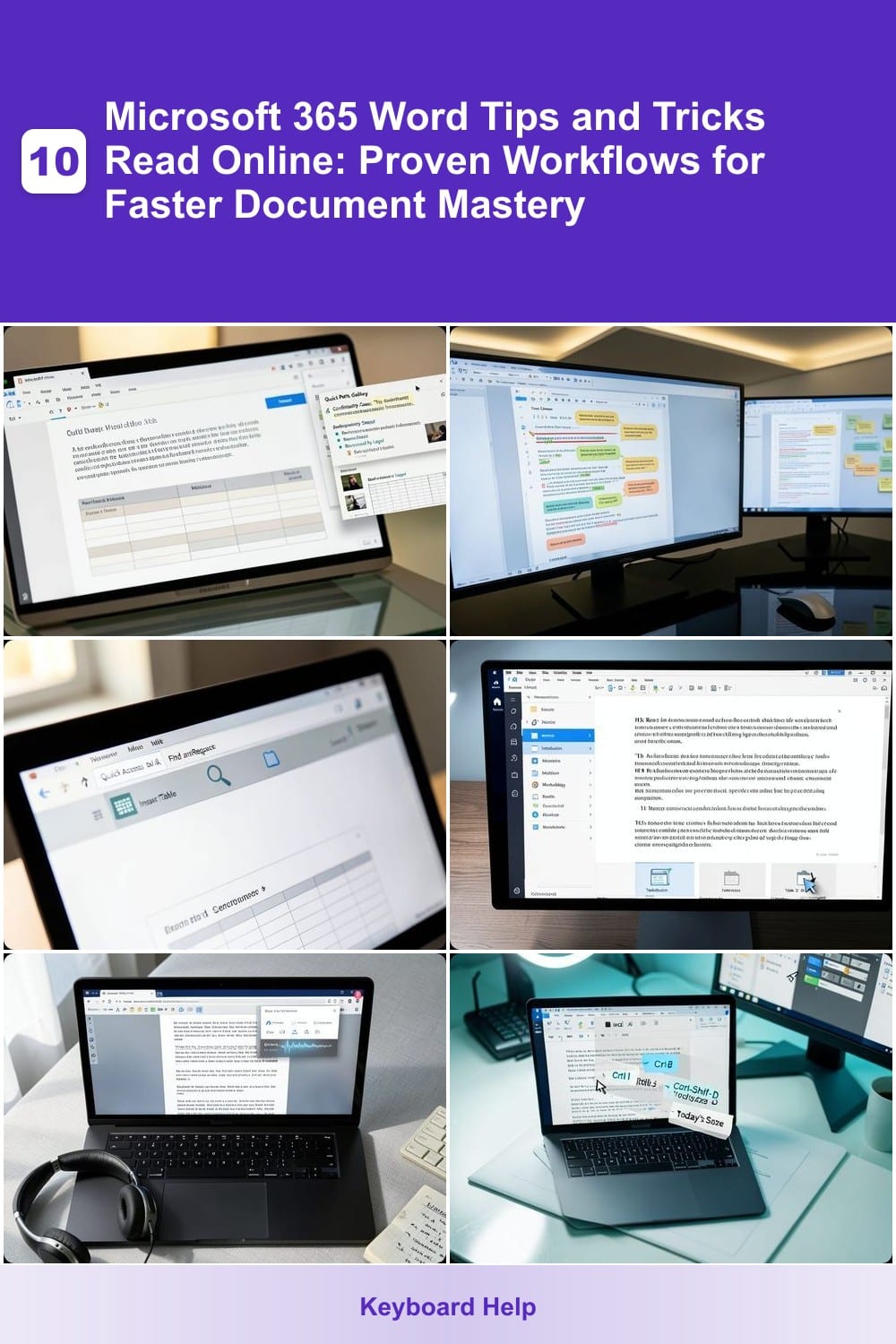
Microsoft 365 Word Tips and Tricks Read Online: Proven Workflows for Faster Document Mastery

October 16, 2026 by Rhonda Prescott
Microsoft 365 Word Tips and Tricks Read Online: Proven Workflows for Faster Document Mastery

Mastering Microsoft 365 Word can transform how you create, edit, and share documents. These seven proven tips and tricks will help you work faster, organize better, and leverage hidden features most users…

Read more

Categories Tip & Trick

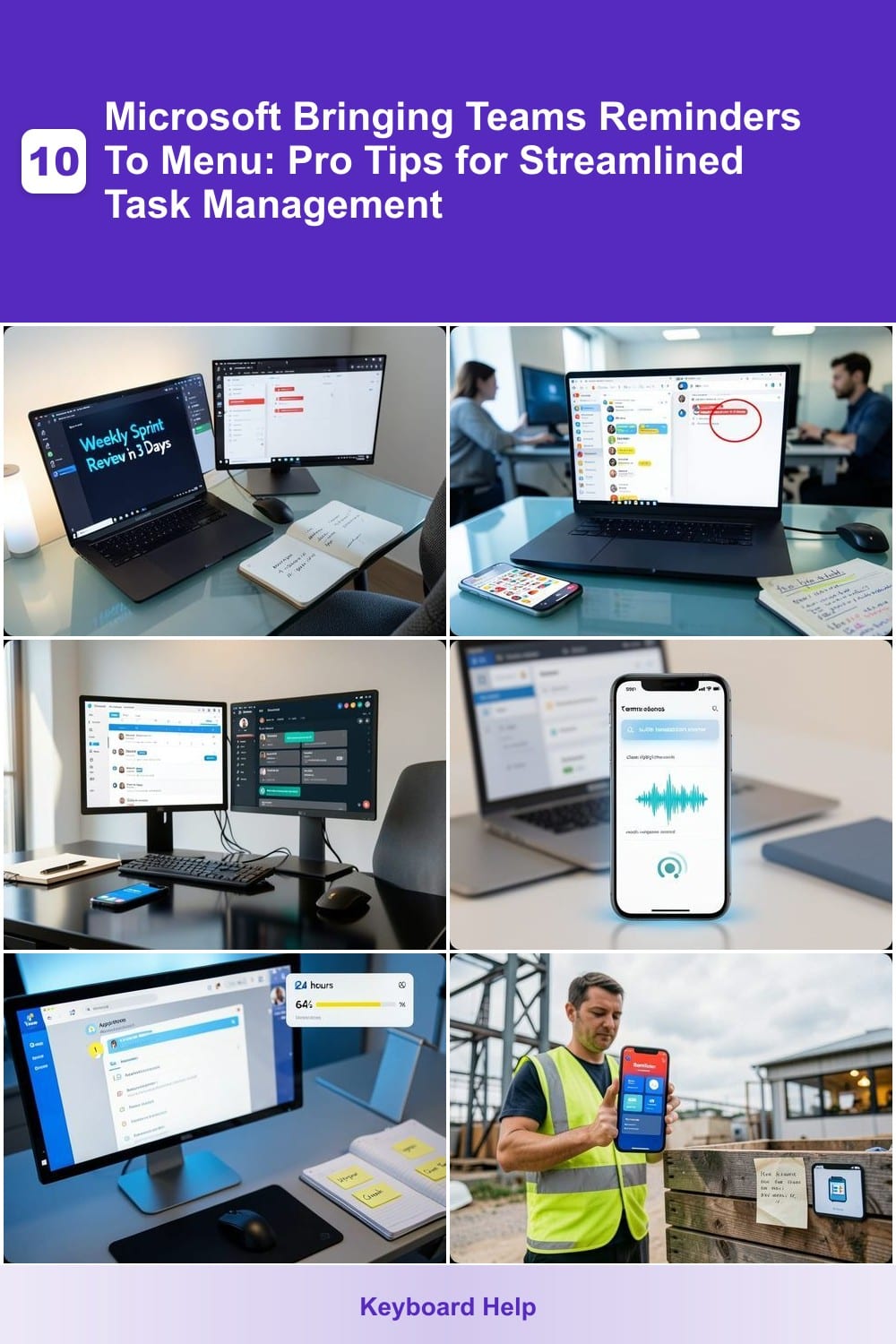
10 Microsoft Bringing Teams Reminders To Menu: Pro Tips for Streamlined Task Management

October 16, 2026 by Rhonda Prescott
10 Microsoft Bringing Teams Reminders To Menu: Pro Tips for Streamlined Task Management

Microsoft Teams is evolving beyond meetings—now integrating smart reminders to keep your workflow on track. These 10 pro tips show how to leverage Teams reminders for seamless task management, deadlines, and team…

Read more

Categories Software

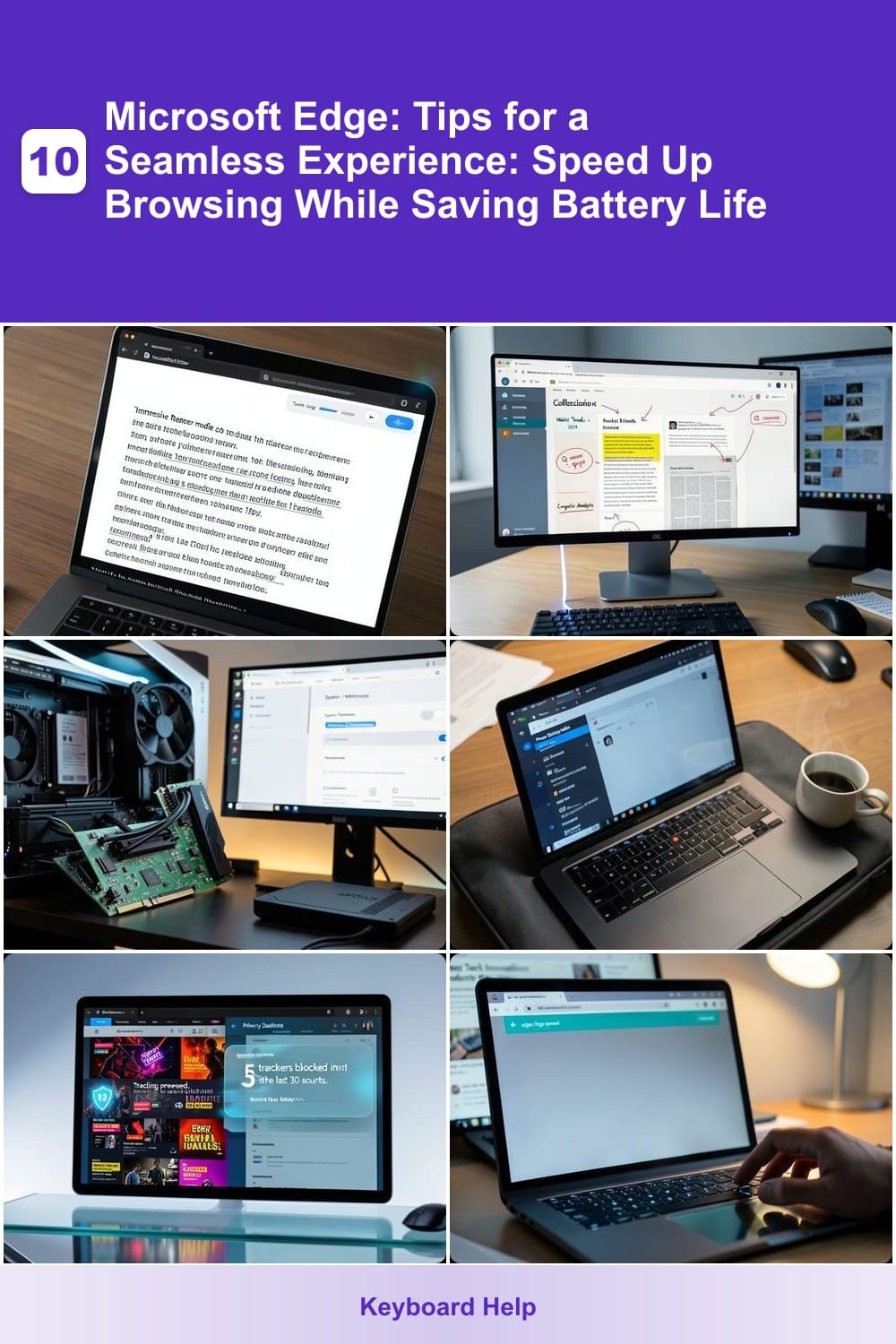
Microsoft Edge: Tips for a Seamless Experience: Speed Up Browsing While Saving Battery Life

October 16, 2026 by Rhonda Prescott
Microsoft Edge: Tips for a Seamless Experience: Speed Up Browsing While Saving Battery Life

Microsoft Edge is designed to be fast, efficient, and user-friendly—but many users don’t leverage its full potential. These seven expert tips will transform your browsing experience, cutting load times, extending battery…

Read more

Categories Software

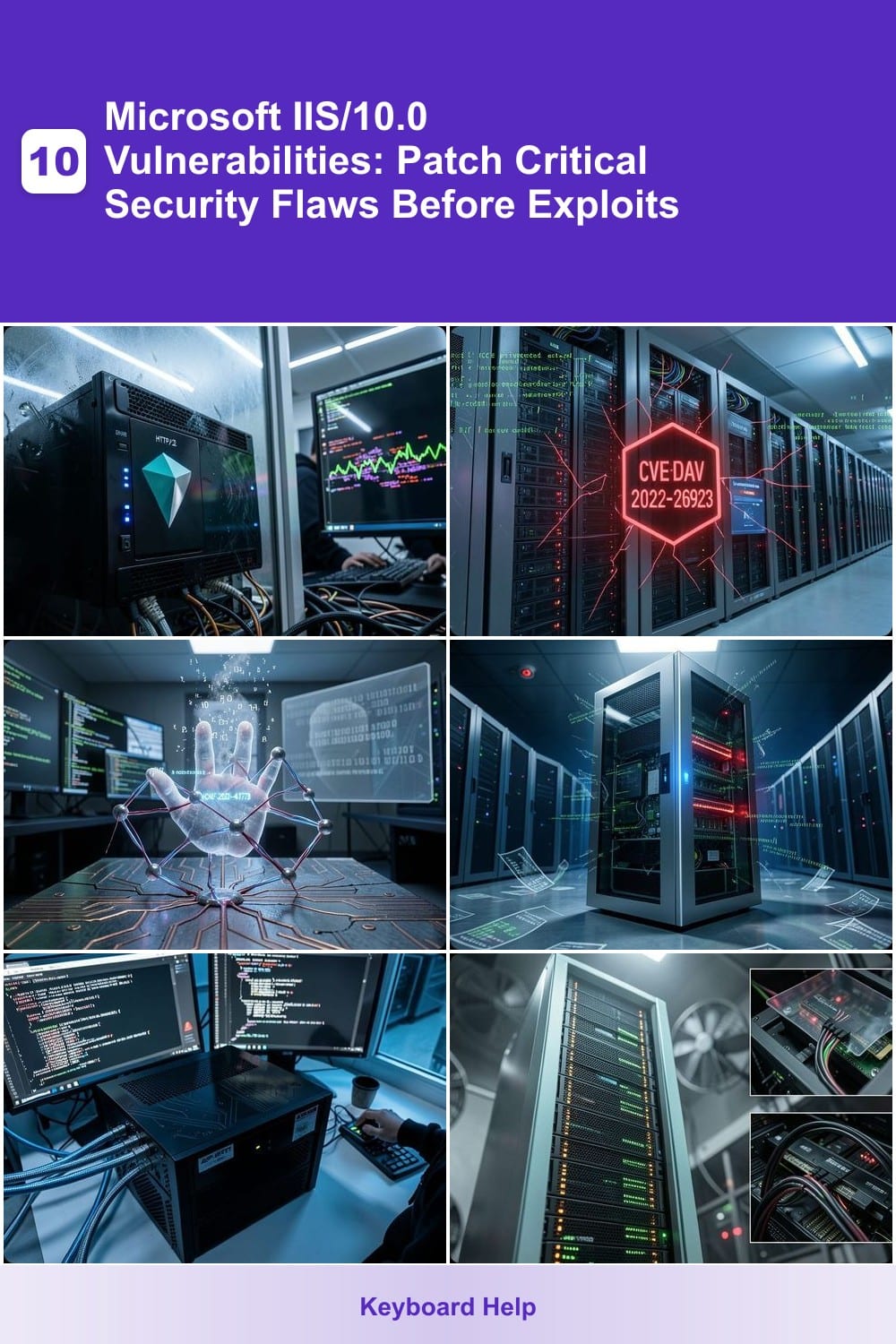
10 Microsoft IIS/10.0 Vulnerabilities: Patch Critical Security Flaws Before Exploits Spread

October 16, 2026 by Rhonda Prescott
10 Microsoft IIS/10.0 Vulnerabilities: Patch Critical Security Flaws Before Exploits Spread

Microsoft IIS 10.0 powers millions of websites, but unpatched vulnerabilities can leave servers exposed to exploits. These 10 critical security flaws demand immediate attention—discover how they work, their risk levels…

Read more

Categories Troubleshooting

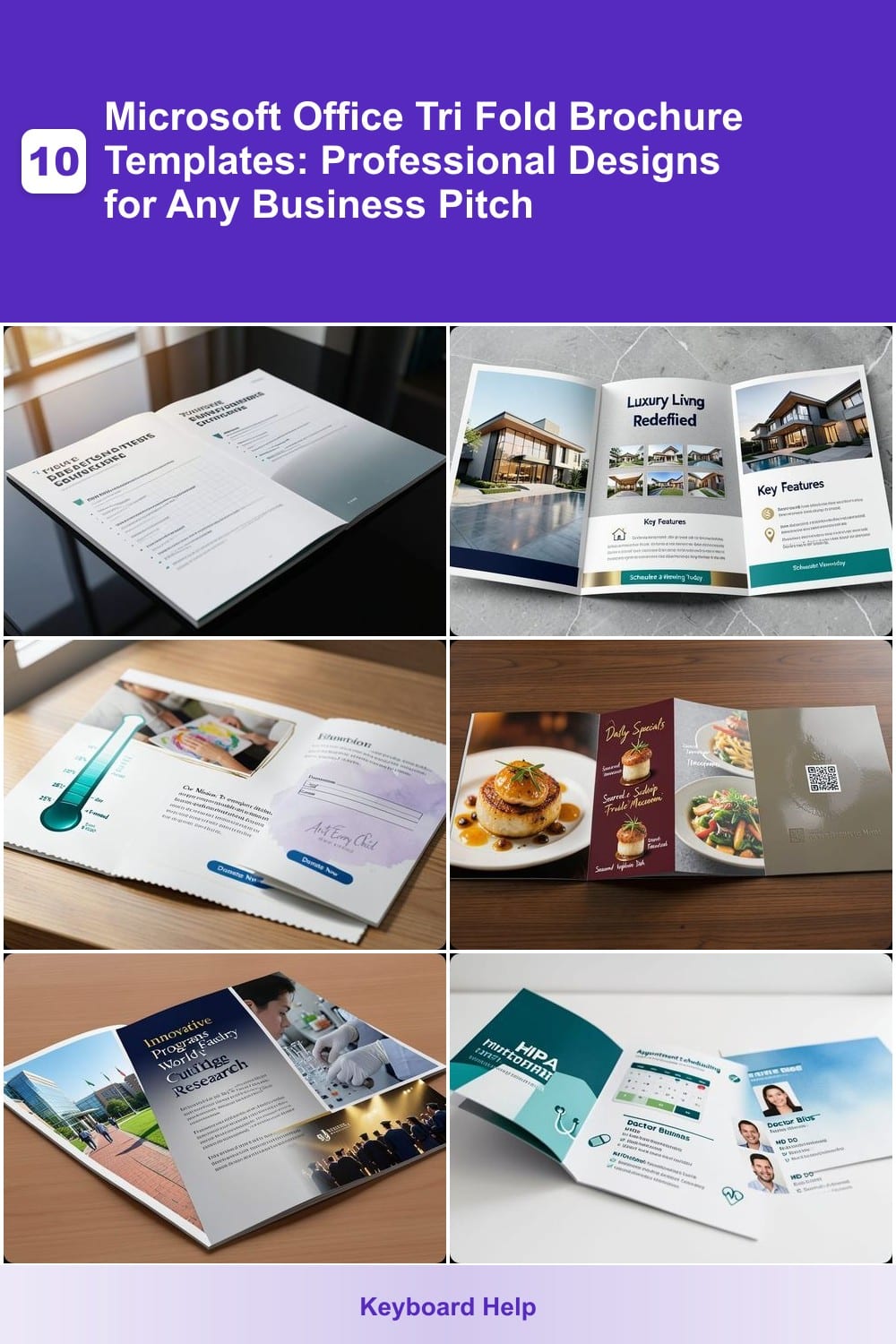
10 Microsoft Office Tri Fold Brochure Templates: Professional Designs for Any Business Pitch

October 16, 2026 by Rhonda Prescott
10 Microsoft Office Tri Fold Brochure Templates: Professional Designs for Any Business Pitch

Need eye-catching tri-fold brochures for your next business pitch? These 10 Microsoft Office-compatible templates deliver professional designs that require zero design skills—just download, customize, and print. 1 Modern…

Read more

Categories PowerPoint

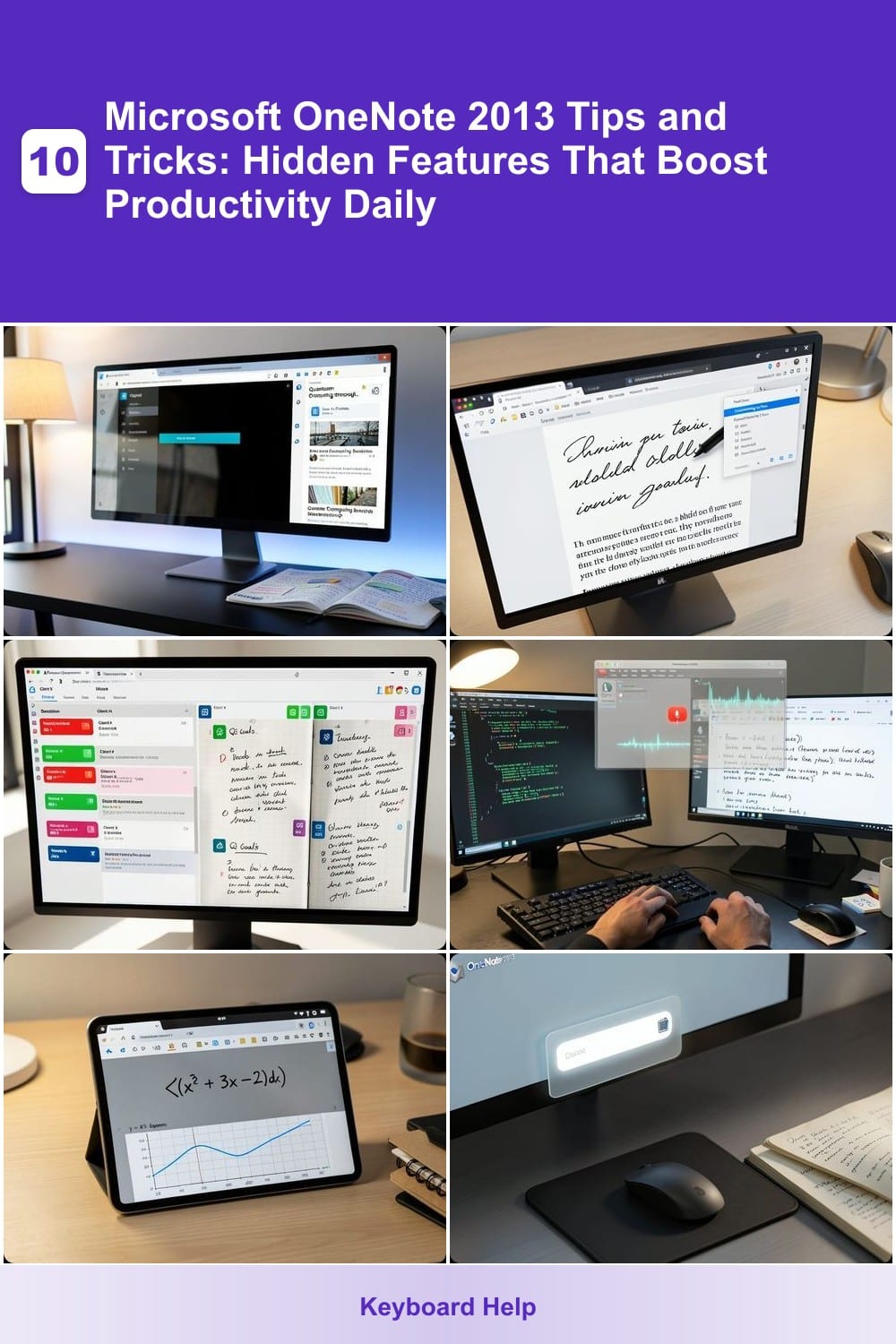
10 Microsoft OneNote 2013 Tips and Tricks: Hidden Features That Boost Productivity Daily

October 16, 2026 by Rhonda Prescott
10 Microsoft OneNote 2013 Tips and Tricks: Hidden Features That Boost Productivity Daily

Microsoft OneNote 2013 remains a powerhouse for note-taking and organization, but many users miss its hidden productivity boosters. These 10 underutilized tips will transform how you capture, organize, and retrieve…

Read more

Categories Tip & Trick

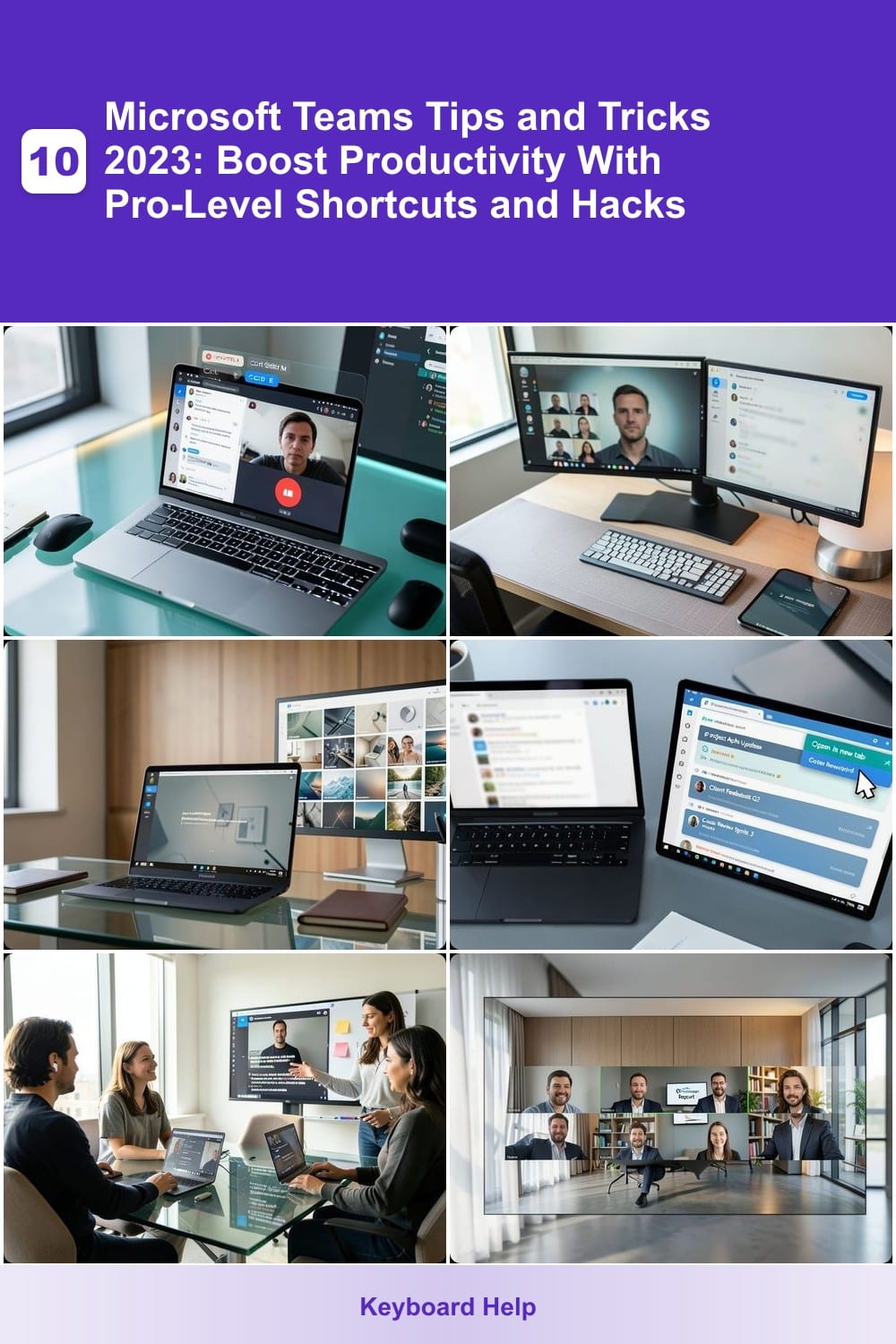
10 Microsoft Teams Tips and Tricks 2023: Boost Productivity With Pro-Level Shortcuts and Hacks

October 16, 2026 by Rhonda Prescott
10 Microsoft Teams Tips and Tricks 2023: Boost Productivity With Pro-Level Shortcuts and Hacks

Microsoft Teams is a powerhouse for collaboration—but most users only scratch the surface. These 10 underutilized tips and tricks for 2023 will transform how you manage meetings, organize files, and streamline workflows…

Read more

Categories Tip & Trick
Page1…Page33Page34Page35Page36Page37…Page54Next →

About Me

Rhonda Prescott

Rhonda Prescott
My first computer was a clunky desktop my dad built from parts he scavenged from old electronics stores. It had no internet, but I spent hours typing out stories and drawing pixel art in MS Paint. That machine taught me two things: tech can be magical, and patience is key when things don’t work right. Now, I run this site to help others navigate the digital world—whether it’s troubleshooting a stubborn PC, mastering a new software tool, or just figuring out why their printer keeps jamming. I believe good tech help should be clear, practical, and free of jargon. After all, computers should work *for* us, not the other way around.

Learn more

Recent Posts

  • Keyboard Shortcut for Strikethrough in Outlook: Exact Steps for Windows and Mac
    Keyboard Shortcut for Strikethrough in Outlook: Exact Steps for Windows and Mac
  • Windows 7 Installation Disk: Step-by-Step Guide for Legacy Systems
    Windows 7 Installation Disk: Step-by-Step Guide for Legacy Systems
  • How to Turn Off Word Suggestions: Instant Fix for Typing Freedom
    How to Turn Off Word Suggestions: Instant Fix for Typing Freedom
  • Install Network Printer for All Users Windows 10 Command Line: Group Policy Trick for Instant Deployment
    Install Network Printer for All Users Windows 10 Command Line: Group Policy Trick for Instant Deployment
  • How to Add Custom Stickers to Samsung Keyboard: Step-by-Step Visual Guide for Instant Fun
    How to Add Custom Stickers to Samsung Keyboard: Step-by-Step Visual Guide for Instant Fun
  • All Guides
  • About
  • Contact
  • Privacy Policy
  • Cookie Policy
  • Terms of Use
© 2026 keyboardhelp.click