Skip to content
Keyboard Help

Keyboard Help

  • All Articles
  • App
  • Coding
  • Hardware
  • More
    • Operating System
    • Outlook
    • PowerPoint
    • Software
    • Tip & Trick
    • Troubleshooting
    • Windows

All Recipes — Page 6

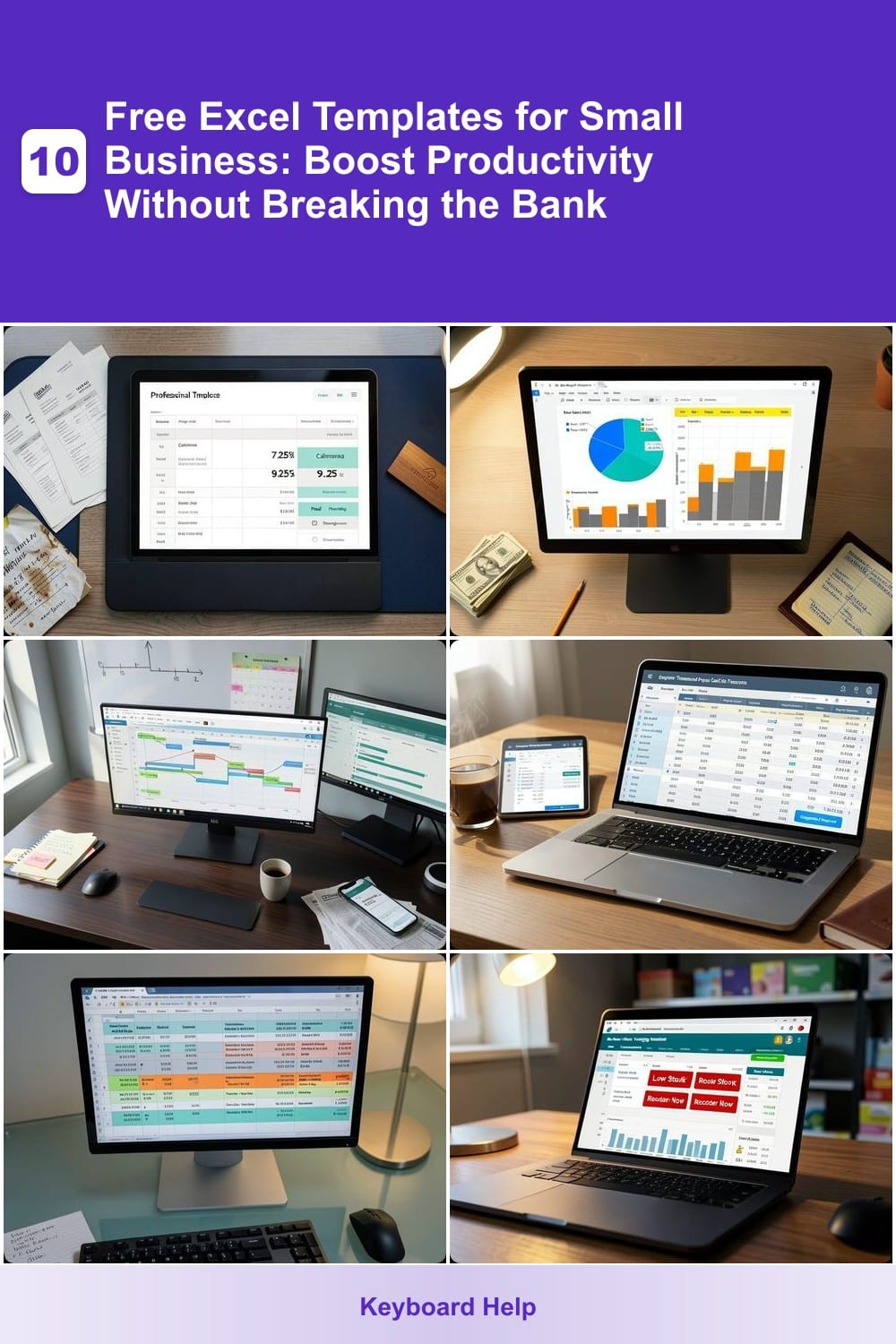
10 Free Excel Templates for Small Business: Boost Productivity Without Breaking the Bank
November 21, 2026 by Rhonda Prescott
10 Free Excel Templates for Small Business: Boost Productivity Without Breaking the Bank

Running a small business on a budget doesn’t mean sacrificing efficiency. These 10 free Excel templates—ranging from invoicing to project tracking—help streamline operations, cut costs, and save hours of manual work…

Read more

Categories Software

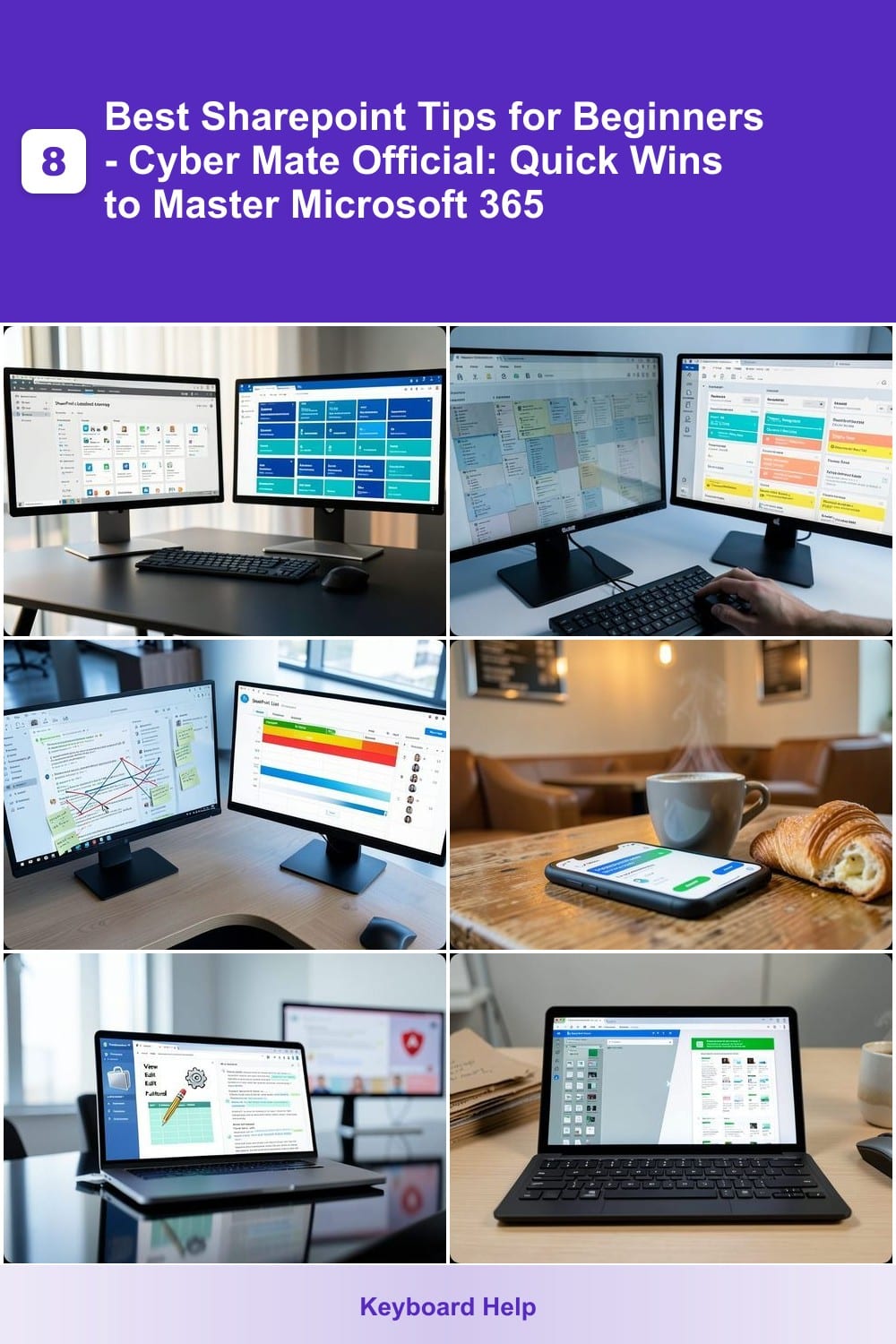
8 Best Sharepoint Tips for Beginners - Cyber Mate Official: Quick Wins to Master Microsoft 365 Collaboration

November 21, 2026 by Rhonda Prescott
8 Best Sharepoint Tips for Beginners - Cyber Mate Official: Quick Wins to Master Microsoft 365 Collaboration

Microsoft SharePoint can feel overwhelming for new users, but these eight beginner-friendly tips will help you master collaboration in Microsoft 365 faster than you think. Learn quick wins that boost productivity and…

Read more

Categories Tip & Trick

How to Automatically Upload Files to OneDrive: Folder Sync Triggers Explained

November 21, 2026 by Rhonda Prescott
How to Automatically Upload Files to OneDrive: Folder Sync Triggers Explained

After my OneDrive folder stopped syncing post-update, I learned how do I automatically upload files to OneDrive —the fix was setting up folder sync triggers to push them instantly. ✨ cloud as soon as they land in your…

Read more

Categories Windows

10 Types of Conditional Formatting in Excel: Boost Productivity With Visual Data Rules

November 21, 2026 by Rhonda Prescott
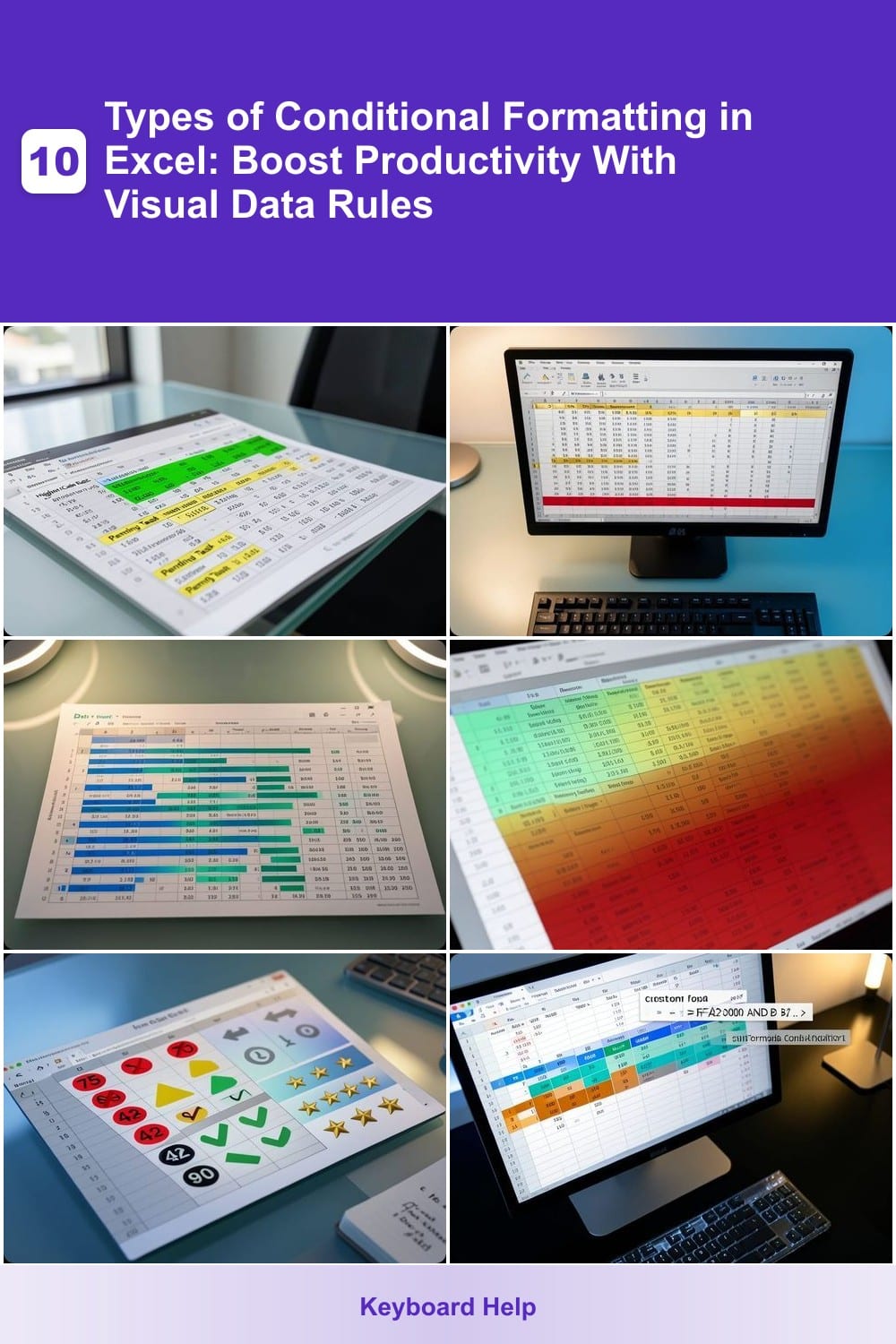
10 Types of Conditional Formatting in Excel: Boost Productivity With Visual Data Rules

Excel’s conditional formatting transforms raw data into actionable insights with visual cues. These 10 types help you highlight trends, spot errors, and automate reporting—saving hours of manual work while keeping your…

Read more

Categories Software

iPhone Keyboard With Numbers and Symbols: Swipe-to-Type Shortcuts for Faster Texting

November 21, 2026 by Rhonda Prescott
iPhone Keyboard With Numbers and Symbols: Swipe-to-Type Shortcuts for Faster Texting

Mastering the iPhone keyboard with numbers and symbols means unlocking a faster way to type—no more hunting for hidden keys. Tired of fumbling through the iPhone keyboard to find numbers and symbols? Swipe-to-type…

Read more

Categories Tip & Trick

Security Updates for Microsoft .NET Framework (August 2023): Vulnerability Breakdown by Severity Levels

November 21, 2026 by Rhonda Prescott
Security Updates for Microsoft .NET Framework (August 2023): Vulnerability Breakdown by Severity Levels

Microsoft’s August 2023 security updates for the .NET Framework fixed 18 critical vulnerabilities that could let attackers hijack systems, steal data, or crash applications entirely. Imagine running a business on a…

Read more

Categories Coding

Microsoft Surface Go 4 Release Date: Confirmed Launch Window and Key Specs

November 21, 2026 by Rhonda Prescott
Microsoft Surface Go 4 Release Date: Confirmed Launch Window and Key Specs

💥 Quick Answer The Microsoft Surface Go 4 release date is confirmed for late 2024, with pre-orders opening in September and official availability in October. This model will feature a 13-inch 2256x1504 PixelSense…

Read more

Categories Hardware

How to Connect Android to Car Bluetooth: Troubleshooting Guide for Stubborn Devices

November 21, 2026 by Rhonda Prescott
How to Connect Android to Car Bluetooth: Troubleshooting Guide for Stubborn Devices

Connecting your Android phone to a car Bluetooth system should be simple, but stubborn devices can turn it into a guessing game. ⚡ I’ve spent hours helping friends with this exact issue—usually because one setting is off…

Read more

Categories Tip & Trick

How to Uninstall Microsoft Phone Link: Step-by-Step Clean Removal Guide

November 21, 2026 by Rhonda Prescott
How to Uninstall Microsoft Phone Link: Step-by-Step Clean Removal Guide

To uninstall Microsoft Phone Link completely, you’ll need more than just the standard "uninstall" button—leftover files and registry entries often linger. ✨ I’ve removed this app from dozens of Windows machines, and the…

Read more

Categories Tip & Trick

How to Turn on Recurring Billing on Xbox: One-Click Activation for Auto-Renewals

November 21, 2026 by Rhonda Prescott
How to Turn on Recurring Billing on Xbox: One-Click Activation for Auto-Renewals

Turning on recurring billing for Xbox subscriptions used to feel like navigating a maze. ⚡ After helping my nephew set up Game Pass last month, I realized most people miss the one-click toggle hidden in Microsoft's…

Read more

Categories Tip & Trick
Page1…Page4Page5Page6Page7Page8…Page54Next →

About Me

Rhonda Prescott

Rhonda Prescott
My first computer was a clunky desktop my dad built from parts he scavenged from old electronics stores. It had no internet, but I spent hours typing out stories and drawing pixel art in MS Paint. That machine taught me two things: tech can be magical, and patience is key when things don’t work right. Now, I run this site to help others navigate the digital world—whether it’s troubleshooting a stubborn PC, mastering a new software tool, or just figuring out why their printer keeps jamming. I believe good tech help should be clear, practical, and free of jargon. After all, computers should work *for* us, not the other way around.

Learn more

Recent Posts

  • Keyboard Shortcut for Strikethrough in Outlook: Exact Steps for Windows and Mac
    Keyboard Shortcut for Strikethrough in Outlook: Exact Steps for Windows and Mac
  • Windows 7 Installation Disk: Step-by-Step Guide for Legacy Systems
    Windows 7 Installation Disk: Step-by-Step Guide for Legacy Systems
  • How to Turn Off Word Suggestions: Instant Fix for Typing Freedom
    How to Turn Off Word Suggestions: Instant Fix for Typing Freedom
  • Install Network Printer for All Users Windows 10 Command Line: Group Policy Trick for Instant Deployment
    Install Network Printer for All Users Windows 10 Command Line: Group Policy Trick for Instant Deployment
  • How to Add Custom Stickers to Samsung Keyboard: Step-by-Step Visual Guide for Instant Fun
    How to Add Custom Stickers to Samsung Keyboard: Step-by-Step Visual Guide for Instant Fun
  • All Guides
  • About
  • Contact
  • Privacy Policy
  • Cookie Policy
  • Terms of Use
© 2026 keyboardhelp.click