Skip to content
Keyboard Help

Keyboard Help

  • All Articles
  • App
  • Coding
  • Hardware
  • More
    • Operating System
    • Outlook
    • PowerPoint
    • Software
    • Tip & Trick
    • Troubleshooting
    • Windows

All Recipes — Page 5

What Is Windows 10 Home N: Key Features and Limitations Explained

November 21, 2026 by Rhonda Prescott
What Is Windows 10 Home N: Key Features and Limitations Explained

💥 Quick Answer Windows 10 Home N is a specialized version of Windows 10 designed for regions where digital TV broadcasting requires proprietary media codecs. It lacks built-in media playback support (like Windows Media…

Read more

Categories Windows

Why Is My Word Document One Continuous Page: Fix Section Breaks for Proper Formatting

November 21, 2026 by Rhonda Prescott
Why Is My Word Document One Continuous Page: Fix Section Breaks for Proper Formatting

Why is my Word document one continuous page—like that time it happened three times last month while prepping client reports? 💻 The frustration isn’t just about the formatting; it’s about losing hours chasing phantom…

Read more

Categories Troubleshooting

10 Windows Vista Games That Came With Computer: Nostalgic Preinstalled Titles You Can Still Play Today

November 21, 2026 by Rhonda Prescott
10 Windows Vista Games That Came With Computer: Nostalgic Preinstalled Titles You Can Still Play Today

Remember the days when Windows Vista came preloaded with a collection of games? These nostalgic titles—from classic card games to arcade-style adventures—were built into the OS itself. Though often overlooked, many still…

Read more

Categories Windows

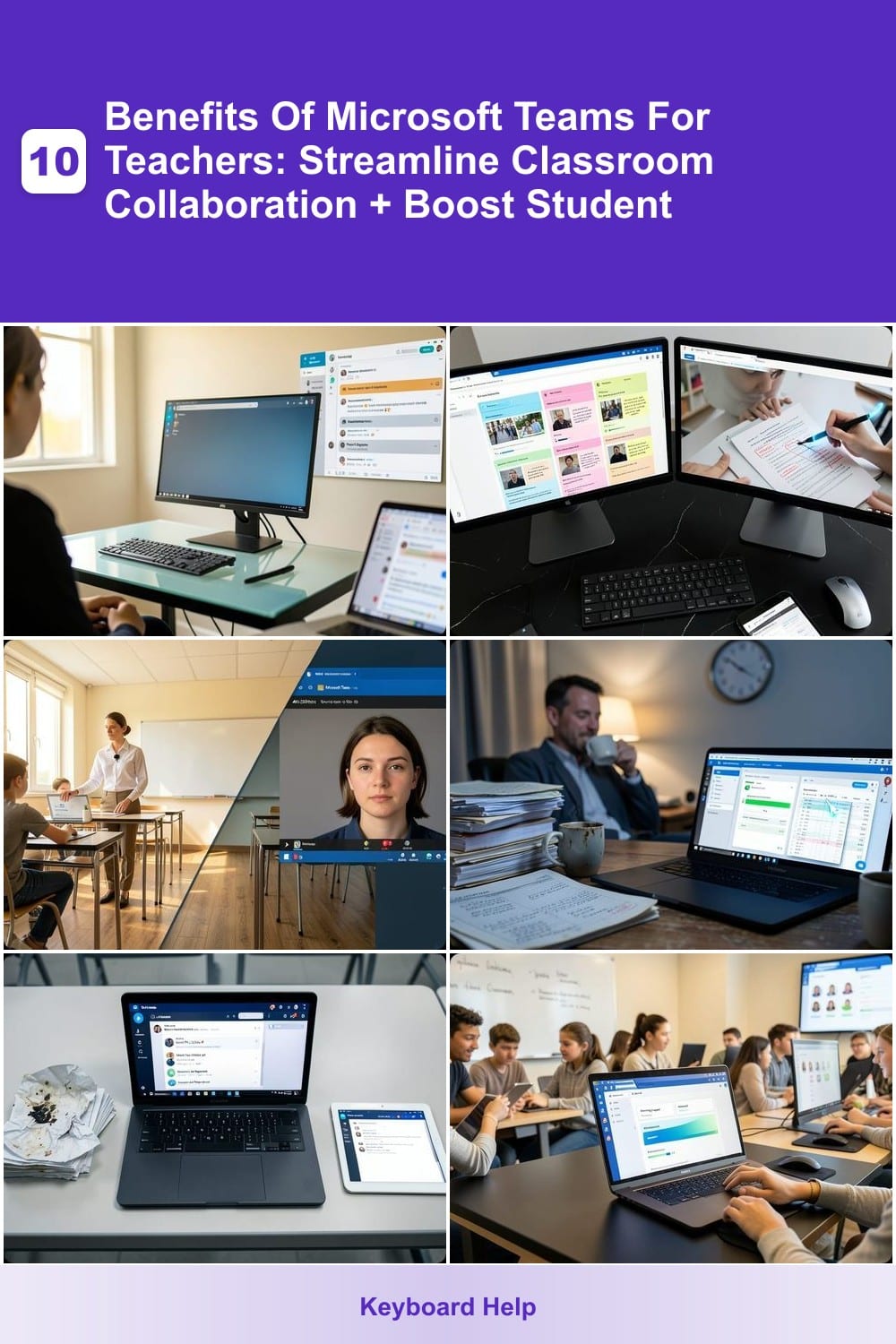
10 Benefits Of Microsoft Teams For Teachers: Streamline Classroom Collaboration & Boost Student Engagement

November 21, 2026 by Rhonda Prescott
10 Benefits Of Microsoft Teams For Teachers: Streamline Classroom Collaboration & Boost Student Engagement

Microsoft Teams has become an essential tool for modern classrooms, offering teachers powerful ways to enhance collaboration, simplify communication, and improve student engagement. These ten benefits reveal how…

Read more

Categories Software

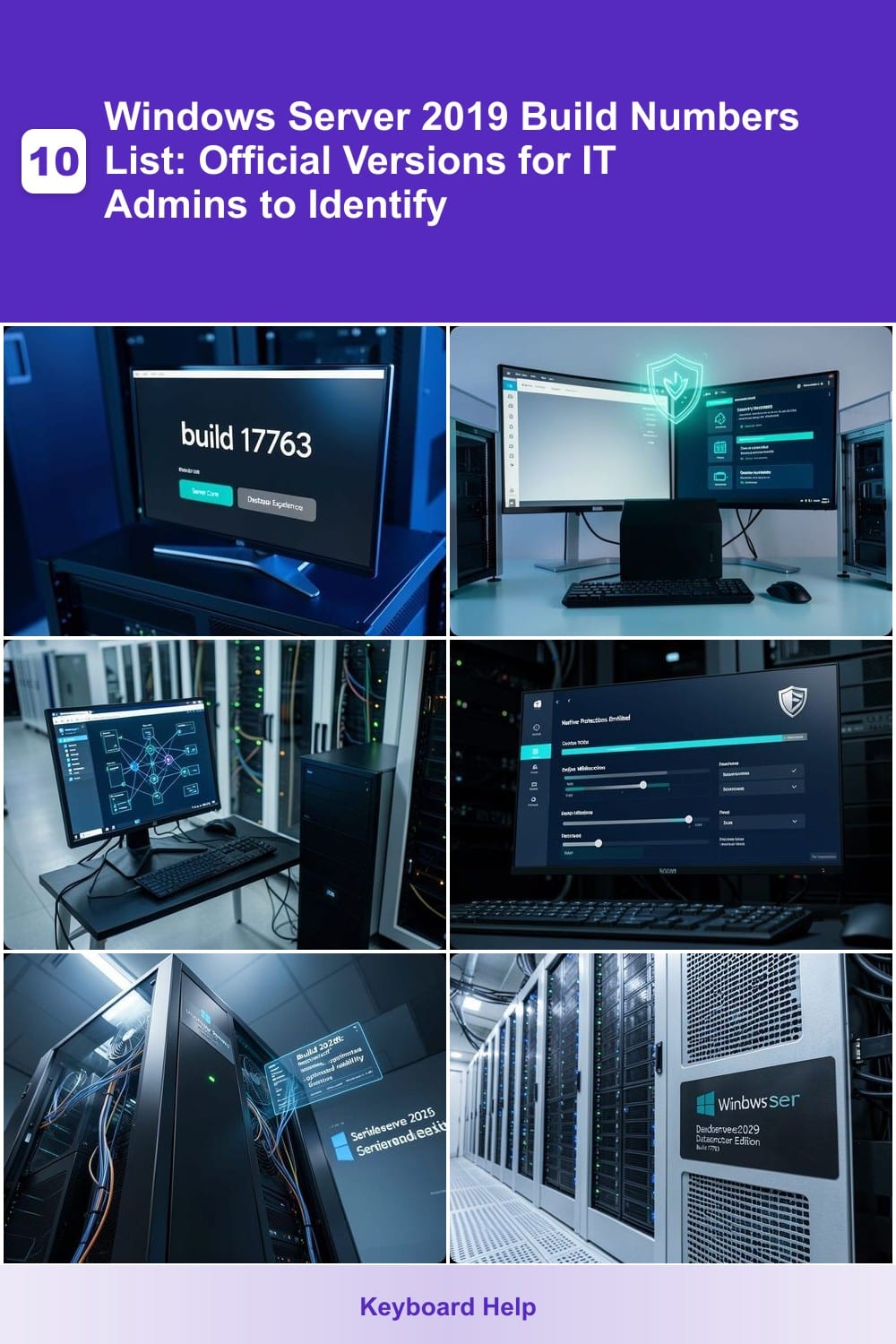
Windows Server 2019 Build Numbers List: Official Versions for IT Admins to Identify

November 21, 2026 by Rhonda Prescott
Windows Server 2019 Build Numbers List: Official Versions for IT Admins to Identify

Managing Windows Server 2019 deployments requires precise build number knowledge. This list covers all official versions—from initial release to latest updates—helping IT admins verify installations, troubleshoot issues…

Read more

Categories Windows

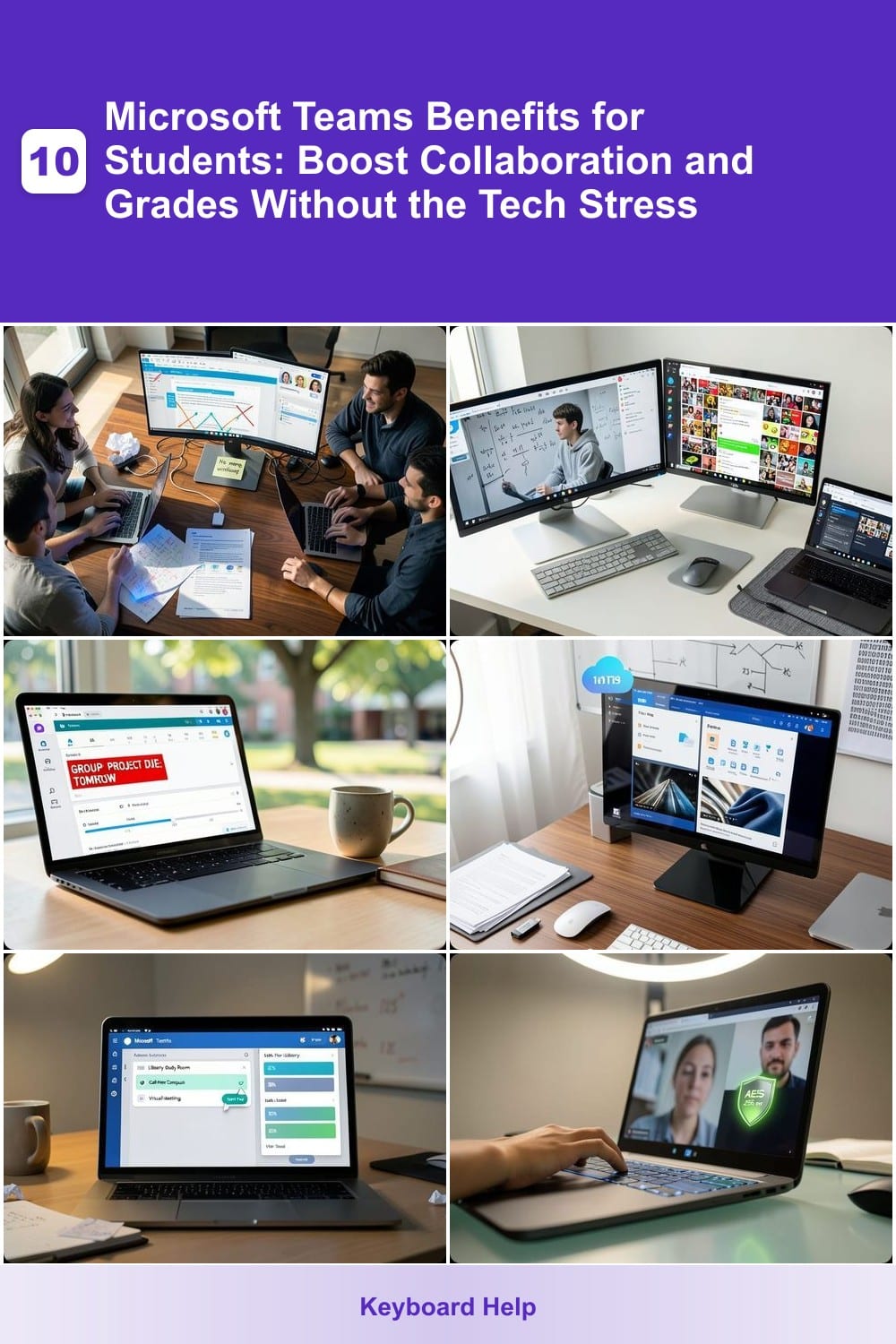
10 Microsoft Teams Benefits for Students: Boost Collaboration and Grades Without the Tech Stress

November 21, 2026 by Rhonda Prescott
10 Microsoft Teams Benefits for Students: Boost Collaboration and Grades Without the Tech Stress

Struggling to balance group projects, deadlines, and virtual study sessions? Microsoft Teams transforms how students collaborate—without the complexity of other tools. These 10 benefits show how this free app can…

Read more

Categories Software

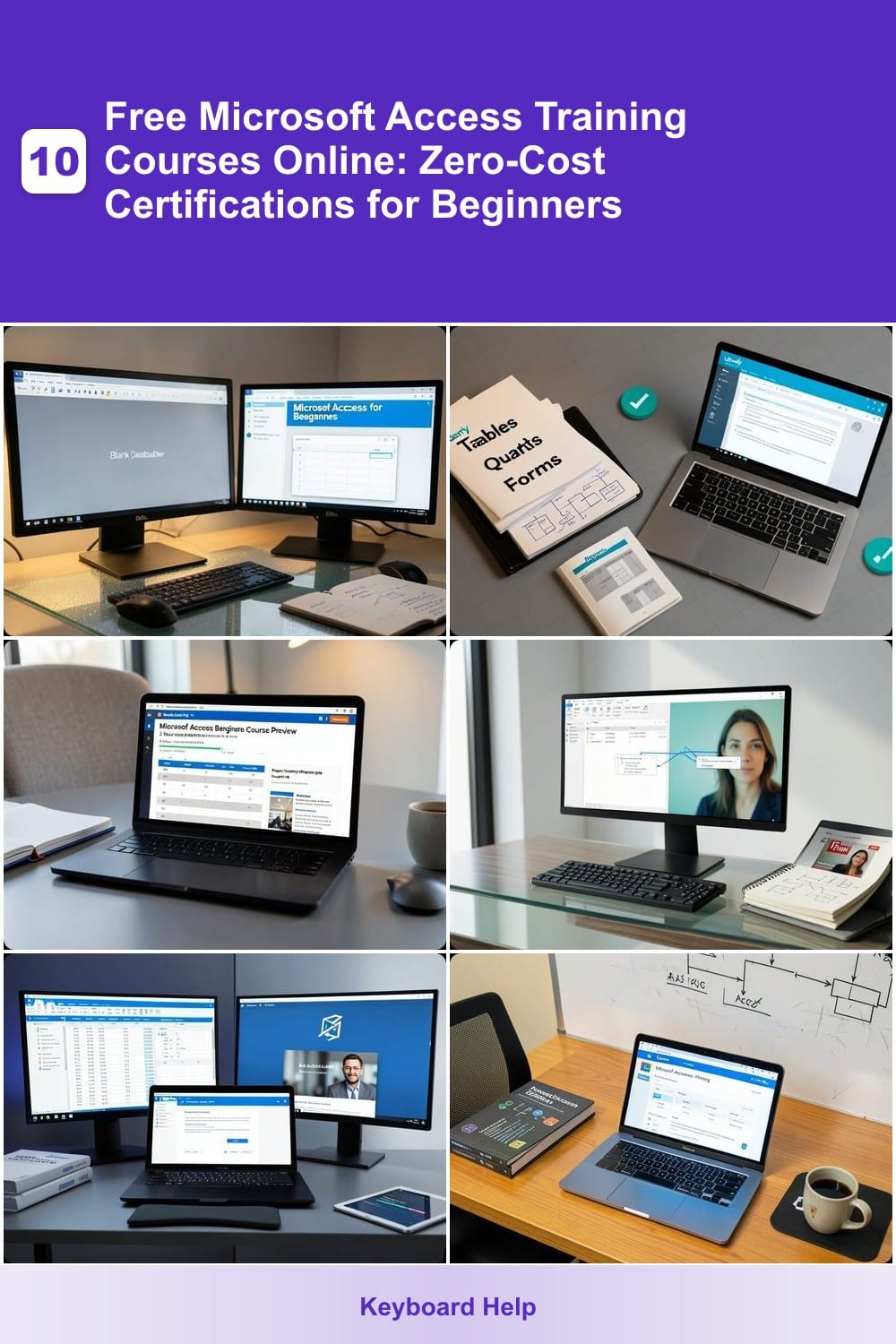
10 Free Microsoft Access Training Courses Online: Zero-Cost Certifications for Beginners

November 21, 2026 by Rhonda Prescott
10 Free Microsoft Access Training Courses Online: Zero-Cost Certifications for Beginners

Mastering Microsoft Access can unlock powerful database management skills—without spending a dime. These ten free online courses provide structured learning paths, hands-on exercises, and beginner-friendly certifications…

Read more

Categories Software

10 Free Newsletter Templates for Microsoft Word: Pro-Design Layouts Ready to Customize

November 21, 2026 by Rhonda Prescott
10 Free Newsletter Templates for Microsoft Word: Pro-Design Layouts Ready to Customize

Struggling to design professional newsletters in Microsoft Word? These 10 free, high-quality templates eliminate the guesswork—each offers polished layouts, customizable sections, and seamless integration with Word's…

Read more

Categories Software

10 New Features of SQL Server 2012: Game-Changing Tools Every Developer Should Master

November 21, 2026 by Rhonda Prescott
10 New Features of SQL Server 2012: Game-Changing Tools Every Developer Should Master

SQL Server 2012 introduced groundbreaking features that transformed database management for developers and enterprises. These 10 innovations boost performance, simplify administration, and unlock new capabilities for…

Read more

Categories Coding

10 Ways to Improve Cyber Security: Proven Tactics for Windows & Mac Users

November 21, 2026 by Rhonda Prescott
10 Ways to Improve Cyber Security: Proven Tactics for Windows & Mac Users

Cyber threats evolve daily, but these 10 actionable tactics will fortify your Windows or Mac against hackers, malware, and data breaches—without requiring advanced technical skills. Implement even half of these, and…

Read more

Categories Operating System
Page1…Page3Page4Page5Page6Page7…Page54Next →

About Me

Rhonda Prescott

Rhonda Prescott
My first computer was a clunky desktop my dad built from parts he scavenged from old electronics stores. It had no internet, but I spent hours typing out stories and drawing pixel art in MS Paint. That machine taught me two things: tech can be magical, and patience is key when things don’t work right. Now, I run this site to help others navigate the digital world—whether it’s troubleshooting a stubborn PC, mastering a new software tool, or just figuring out why their printer keeps jamming. I believe good tech help should be clear, practical, and free of jargon. After all, computers should work *for* us, not the other way around.

Learn more

Recent Posts

  • Keyboard Shortcut for Strikethrough in Outlook: Exact Steps for Windows and Mac
    Keyboard Shortcut for Strikethrough in Outlook: Exact Steps for Windows and Mac
  • Windows 7 Installation Disk: Step-by-Step Guide for Legacy Systems
    Windows 7 Installation Disk: Step-by-Step Guide for Legacy Systems
  • How to Turn Off Word Suggestions: Instant Fix for Typing Freedom
    How to Turn Off Word Suggestions: Instant Fix for Typing Freedom
  • Install Network Printer for All Users Windows 10 Command Line: Group Policy Trick for Instant Deployment
    Install Network Printer for All Users Windows 10 Command Line: Group Policy Trick for Instant Deployment
  • How to Add Custom Stickers to Samsung Keyboard: Step-by-Step Visual Guide for Instant Fun
    How to Add Custom Stickers to Samsung Keyboard: Step-by-Step Visual Guide for Instant Fun
  • All Guides
  • About
  • Contact
  • Privacy Policy
  • Cookie Policy
  • Terms of Use
© 2026 keyboardhelp.click