
Software
Microsoft Teams has become an essential tool for modern classrooms, offering teachers powerful ways to enhance collaboration, simplify communication, and improve student engagement. These ten benefits reveal how educators can leverage Teams to transform teaching workflows and create more interactive learning experiences.
Seamless Classroom Communication Platform

Tired of chasing down parents with email replies and lost reminders? Microsoft Teams consolidates all classroom communication—announcements, deadlines, and updates—into one searchable, organized hub. No more digging through inboxes or missed Slack messages; everything stays visible and accessible to students, parents, and staff.
The platform’s dedicated channels let you segment topics (e.g., #homework, #upcoming-events) while @mentions ensure urgent messages get seen instantly. With real-time chat and posted updates, you can share last-minute changes or celebrate student achievements without clogging personal emails. Plus, mobile apps keep everyone connected on the go.
Perfect for teachers juggling multiple classes, Teams turns chaotic communication into a structured, transparent workflow. Parents stay informed without overwhelming your inbox, and students get updates in one place. ✨
Interactive Class Notebook Integration
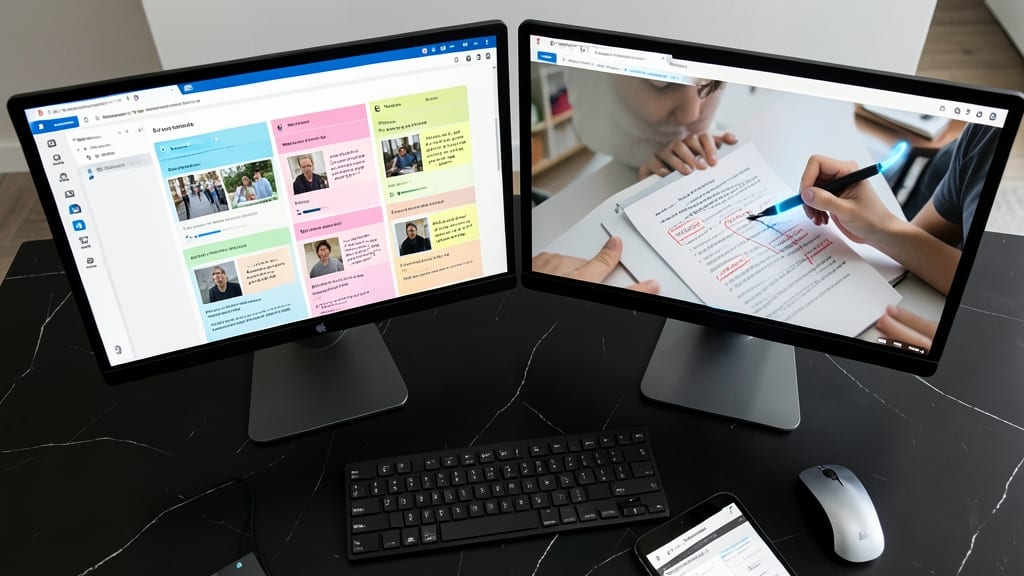
Tired of chasing down missing assignments or deciphering handwritten notes? Microsoft Teams’ Interactive Class Notebook merges lesson plans, student work, and feedback into one searchable, digital workspace—no paper piles required.
With real-time collaboration, teachers can annotate notes directly on student submissions, embed multimedia resources, and track progress via built-in analytics. The OneNote integration lets you organize content by class or topic, while version history ensures no work is lost. Plus, students can access materials anytime, anywhere—reducing excuses like “I forgot my notebook at home.”
This feature is a game-changer for middle/high school teachers juggling diverse learners or special education instructors needing detailed progress tracking. Say goodbye to grading stacks of paper! ✨
Virtual Classroom Hosting Capabilities
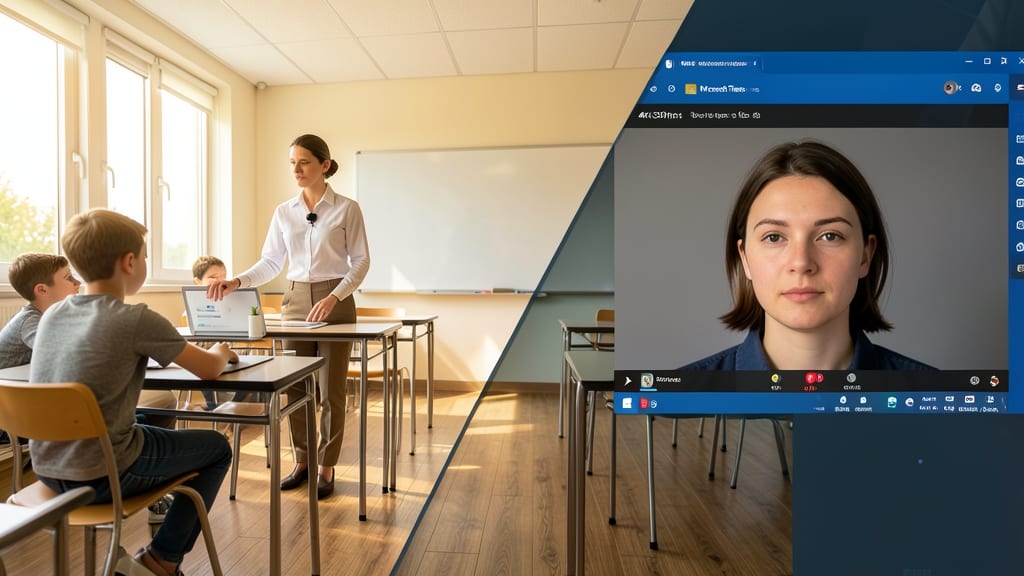
Hybrid classrooms aren’t just possible—they’re seamless with Microsoft Teams’ built-in video conferencing. Whether you’re teaching in-person students while broadcasting to remote learners or hosting fully virtual classes, the platform bridges the gap with 4K@30fps video and low-latency audio, ensuring everyone stays engaged.
Beyond basic lectures, breakout rooms let you split students into smaller groups for discussions or collaborative projects—all while you monitor progress. Screen sharing and whiteboard tools turn lessons interactive, while live captions (available in 40+ languages) support accessibility. The attendance tracking feature also simplifies roll calls for hybrid setups.
This is the go-to tool for educators balancing in-person and online students, especially those teaching STEM subjects where visuals and real-time collaboration matter most. 💻
Automated Gradebook Synchronization

Say goodbye to endless spreadsheets and late-night grading sessions. Microsoft Teams’ automated gradebook sync with Microsoft Forms and OneNote eliminates manual data entry, so grades update in real time—no copying, pasting, or double-checking required.
When students submit assignments via Forms, their scores auto-populate into Teams’ gradebook, while OneNote integrates rubrics and feedback directly. The system even syncs with Excel for deeper analytics, giving you a single source of truth for tracking progress. Customizable alerts notify you of missing submissions, so nothing slips through the cracks.
This feature is a game-changer for teachers drowning in paperwork—especially those juggling multiple classes or grading heavy workloads. Perfect for high school educators or college instructors who need to balance teaching with administrative efficiency. ✨
Collaborative Assignment Submission System
Tired of chasing down missing assignments or deciphering illegible handwritten submissions? Microsoft Teams’ Collaborative Assignment Submission System turns the chaos into clarity with built-in tools designed to keep every student—and their work—accountable.
Students upload files directly to Teams channels, where version control tracks revisions, deadline reminders auto-notify them, and peer review tools let classmates provide feedback before final submission. Teachers gain instant visibility into progress, reducing lost work by up to 90% while cutting down on follow-up emails. The system even integrates with Microsoft Planner for project-based deadlines, ensuring no task slips through the cracks.
This feature is a game-changer for high-school teachers managing group projects or college professors grading research papers—anyone who’s ever spent Friday nights chasing down late submissions will appreciate the peace of mind. ✨
Built-In Polling And Quizzes Feature
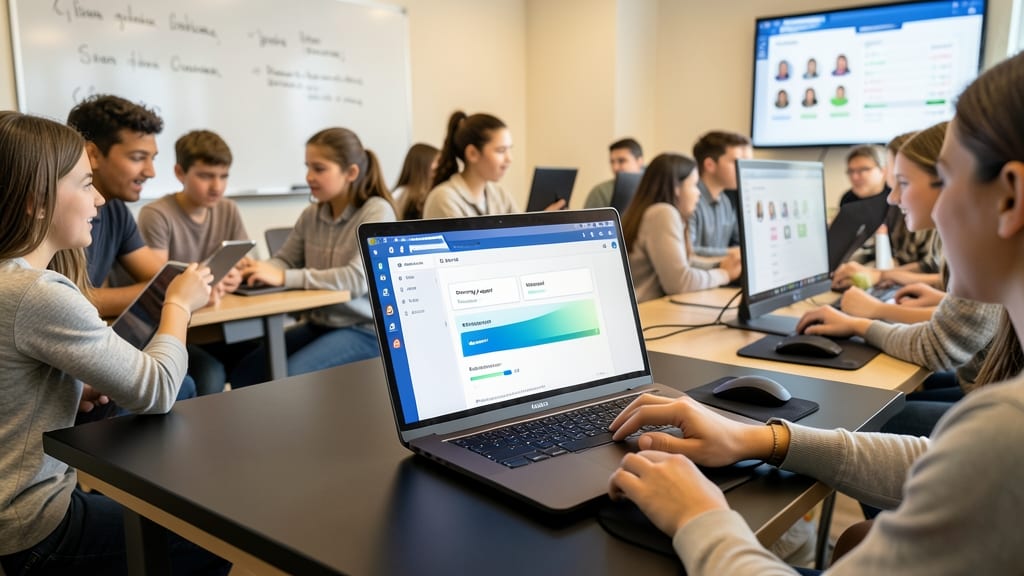
Turn passive learning into an interactive experience with Microsoft Teams' built-in polling and quizzes, designed to keep students engaged while you teach. This feature lets you create real-time polls, quizzes, and exit tickets in seconds—no extra apps needed.
With customizable question types (multiple-choice, true/false, or short-answer), you can instantly gauge class understanding and adjust lessons on the fly. Results appear live on your screen or projector, so you can see who’s grasping concepts and who needs extra help. The exit ticket feature is especially useful for quick check-ins before students leave class.
Perfect for middle and high school teachers, this tool works seamlessly in both in-person and virtual classrooms, making it ideal for hybrid learning environments. 💡
Secure File Sharing And Storage
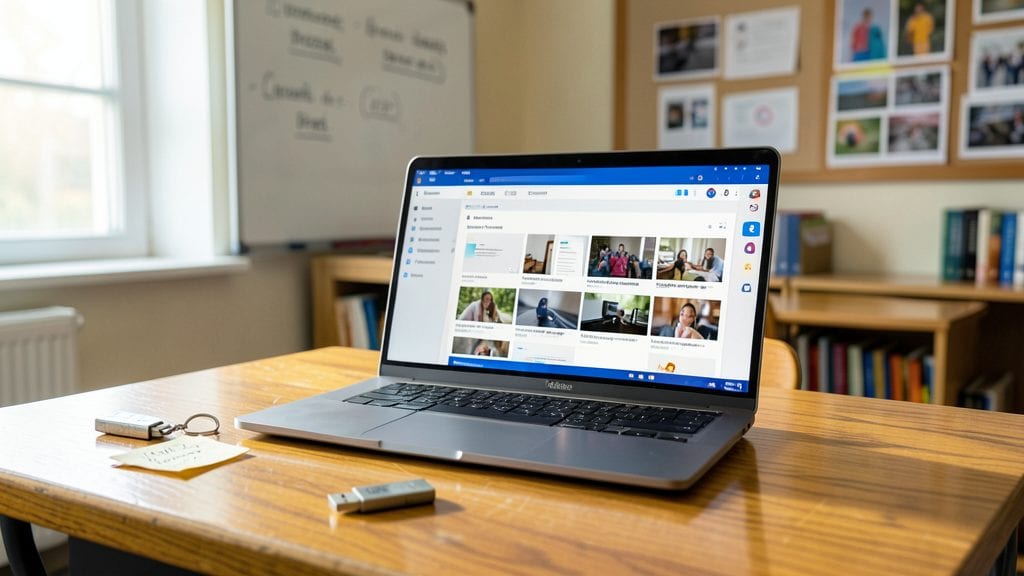
Say goodbye to lost USB drives and frantic searches for the "final version" of lesson plans. Microsoft Teams’ cloud-based file storage keeps every worksheet, video, and presentation in one secure, searchable hub, accessible from any device with an internet connection.
With granular permission controls, you can restrict access to sensitive materials (like grading rubrics) while sharing read-only resources with parents. The integration with OneDrive and SharePoint ensures files sync automatically, and version history lets you revert to earlier drafts if needed. No more emailing files back and forth—just drag-and-drop into designated channels.
Perfect for teachers juggling multiple classes or grade levels, this feature saves time and reduces stress. Whether you're prepping for a lesson or sharing resources with substitutes, your materials stay organized, protected, and always at your fingertips. ✨
Parent-Teacher Collaboration Tools
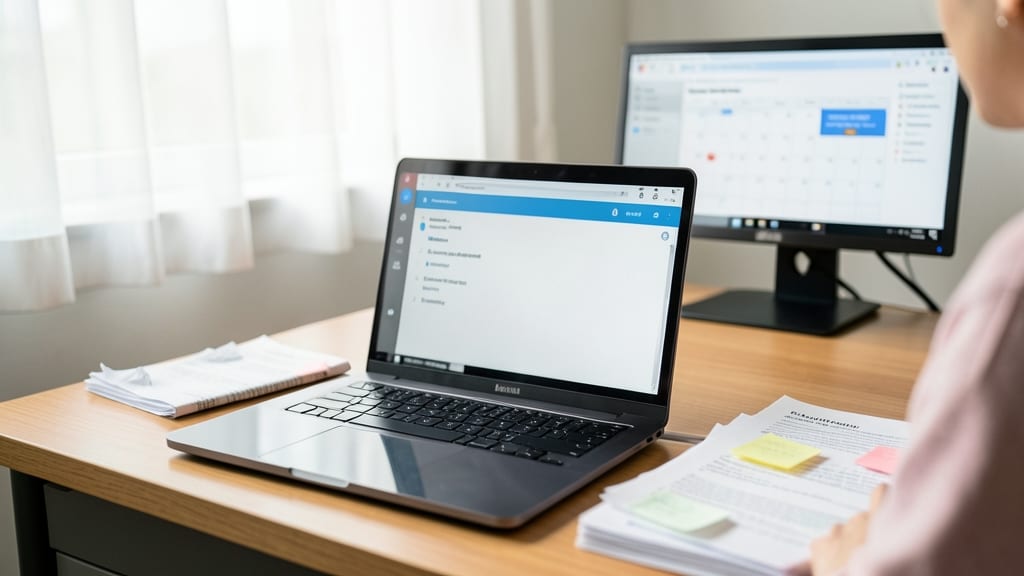
Parent-teacher communication often feels like a tangled web of emails and missed calls—but Microsoft Teams simplifies it with dedicated parent channels. Create private spaces where you can share updates, schedule meetings, and discuss student progress without juggling multiple platforms.
With customizable permissions, parents only see what you approve, while the integrated calendar lets you book meetings directly in Teams. The @mentions feature ensures no message gets lost, and file-sharing keeps progress reports and resources organized. This streamlines home-school partnerships with zero extra effort on your part.
Perfect for teachers who want to keep parents informed without adding to their workload. 💡
Integration With Microsoft Education Apps
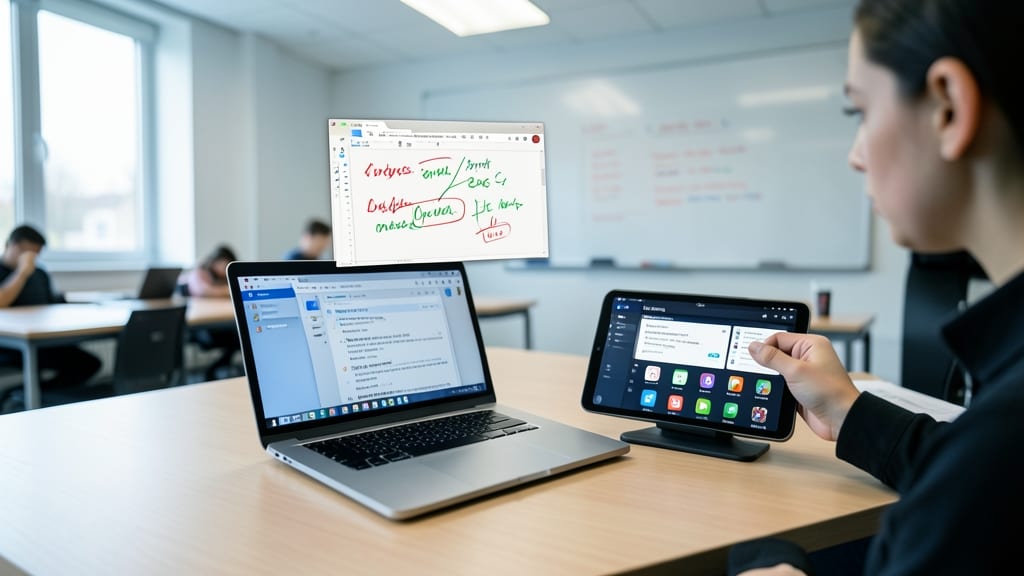
Tired of juggling multiple apps just to keep your classroom organized? Microsoft Teams eliminates that chaos by natively integrating with OneNote, Forms, and Office 365, turning disjointed workflows into a single, powerful ecosystem.
Create interactive lesson plans in OneNote that link directly to assignments in Teams, then auto-grade quizzes from Forms without leaving the platform. Need to share a Word document? Simply attach it—no extra uploads or file transfers. The integration also syncs calendar events across apps, ensuring deadlines appear in both Teams and Outlook automatically. For teachers managing hybrid classes, this means less context-switching and more time focusing on what matters.
This seamless workflow is perfect for educators who want to reduce app fatigue while maintaining a structured, digital-first classroom. Whether you're a tech-savvy instructor or just getting started, Teams' built-in app connections make adoption effortless. ✨
Customizable Classroom Announcements
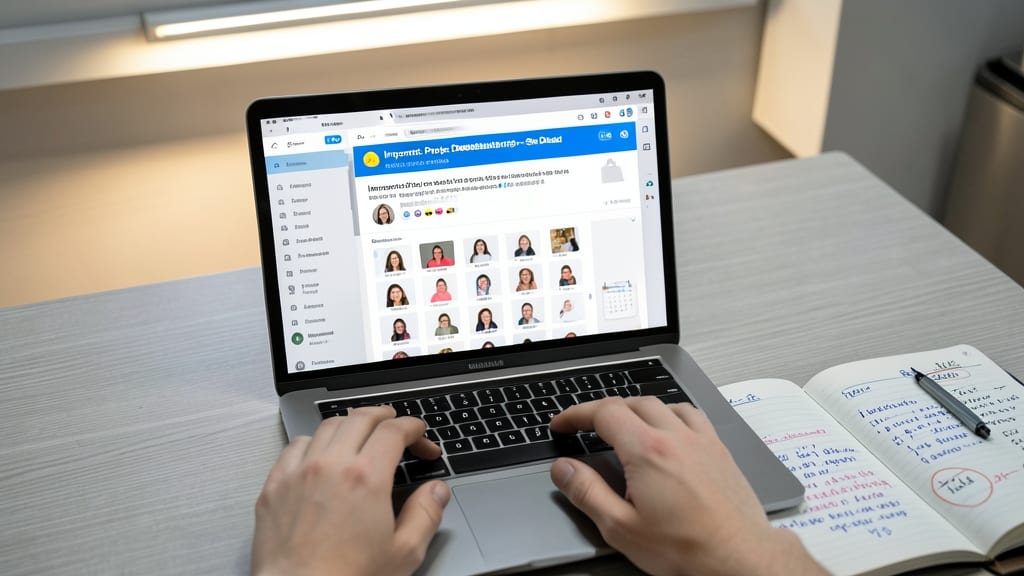
Forget the "Did anyone see my email?" chaos—Microsoft Teams lets you pin critical announcements right at the top of channels, where they stay visible until you remove them. This simple feature ensures no student or parent misses deadlines, test reminders, or last-minute resource updates, even in busy channels.
With one-click pinning, you can highlight everything from field trip sign-ups to upcoming project deadlines, keeping essential info front and center. The system also supports rich formatting—bold text, due dates, and even embedded files—so announcements stand out. Best of all, it syncs across devices, so everyone sees updates whether they're checking Teams on a phone, tablet, or desktop.
This is a game-changer for time-strapped teachers juggling multiple classes and parents who need quick access to key info. No more buried emails or forgotten reminders—just clear, persistent communication that works for everyone. ✨